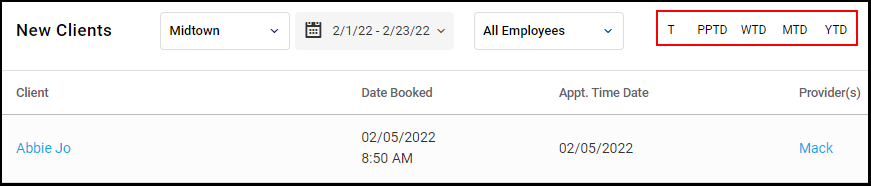
Owners and Managers can access the New Clients report.
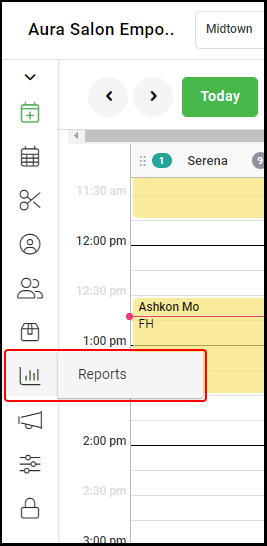
1. Select "Reports".
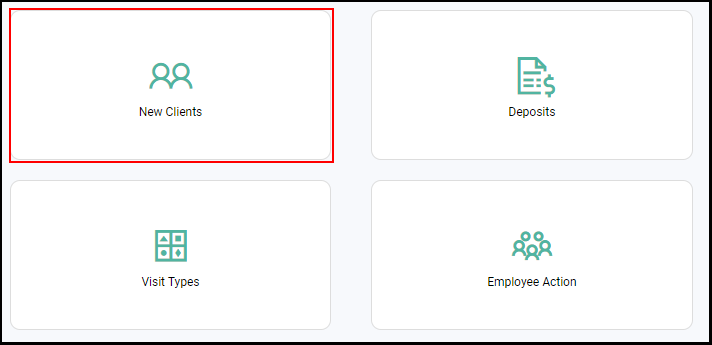
2. Select "New Clients".
3. Select the calendar drop down to select a date range or select
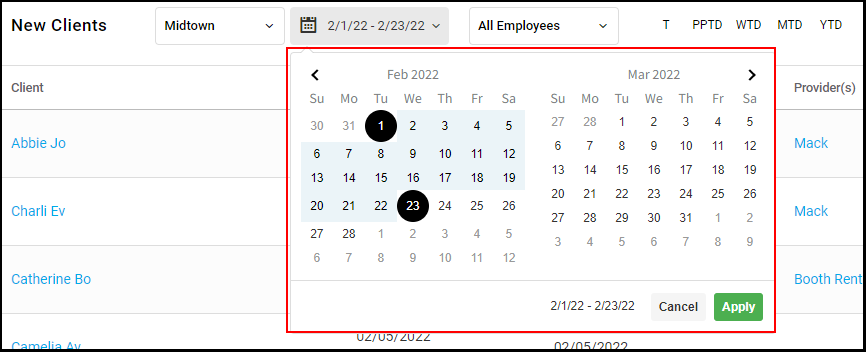
5. Select "Apply".
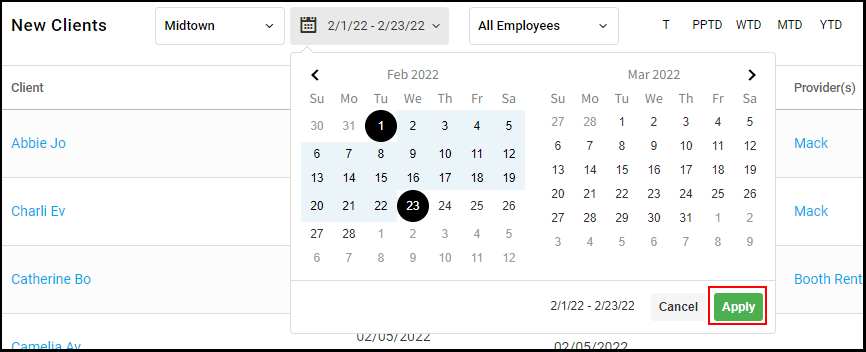
5. Date Ranges can also be selected by selecting the various date range icons: T, PPTD, WTD, MTD and YTD.