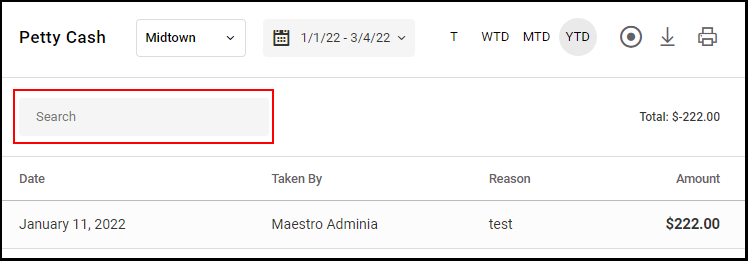
Owners, Managers, and Receptionists can access the petty cash report
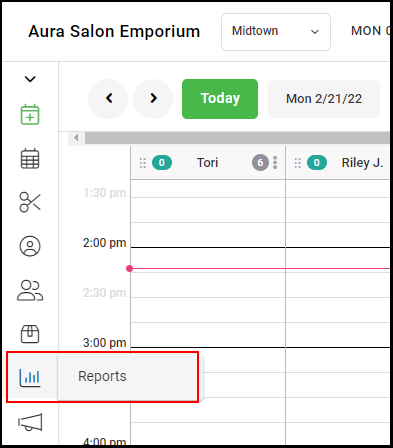
1. Select Reports
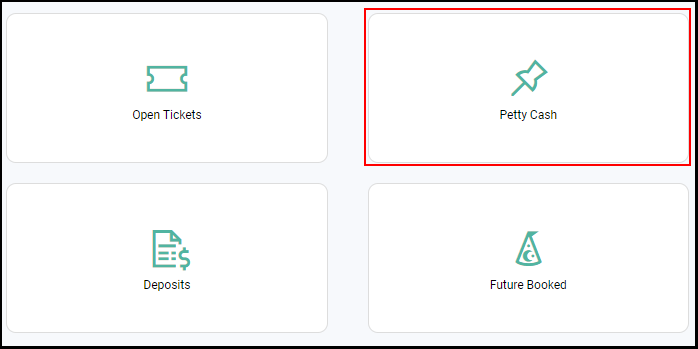
2. Select "Petty Cash".
3. If the salon has multiple locations, then select the appropriate salon location.
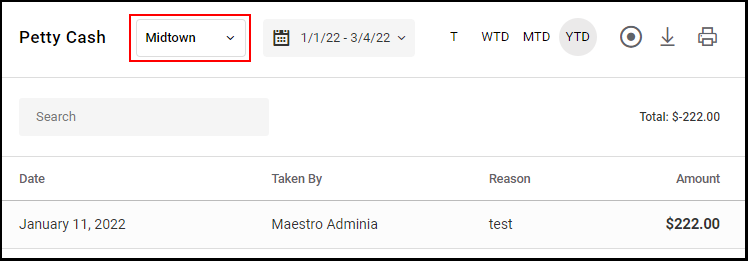
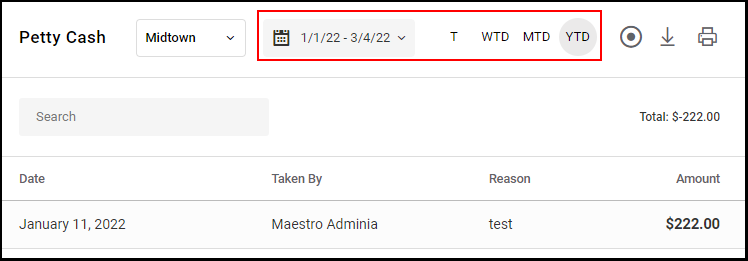
4. The Petty Cash Report auto-populates to the payroll date range, but any date range can be picked by selecting the dates on the date range calendar. The date range icons may also be used, T for Today, WTD for Week to Date, MTD for Month to Date and YTD for Year to Date.
5. The total amount of Petty Cash that has been tallied for the chosen date range is shown. 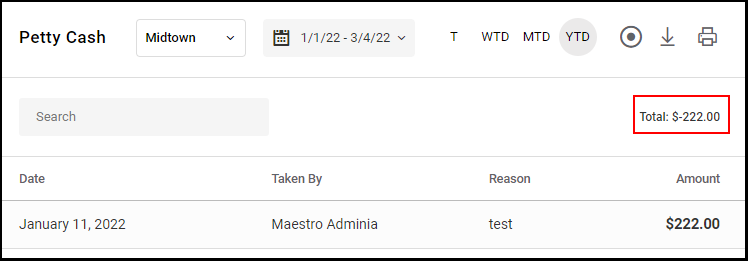
6. Any Petty Cash entry can be searched by using the "Search" bar.