Click here to watch the video.
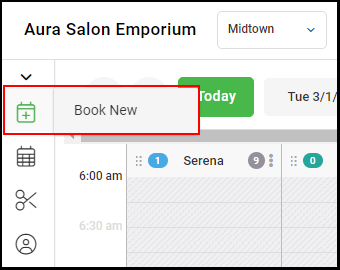
1. Select "Book New" from the left side navigation menu.
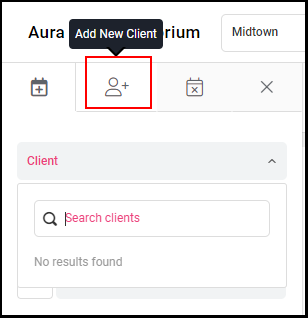
2. If the client is new to the salon, select the "+ Client" button on the top of the booking form.
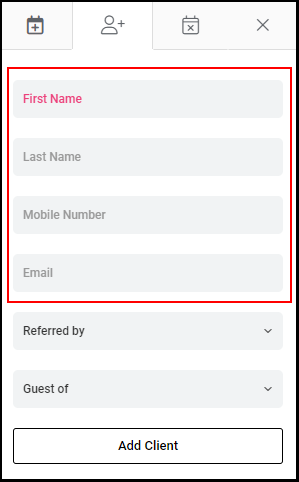
3. Enter the client's First Name, Last Name, Mobile Number and Email Address in the corresponding fields.
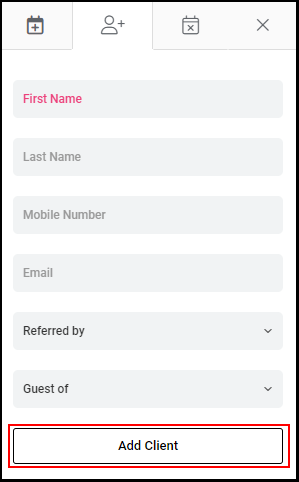
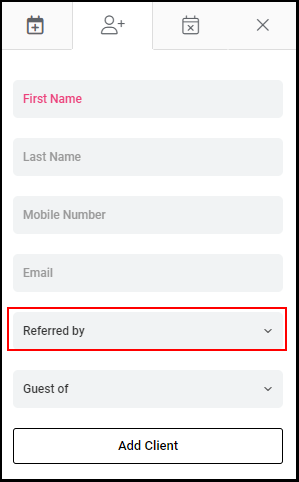
4. If the new client was referred by another existing client, select their name from the "Referred by" drop down menu.
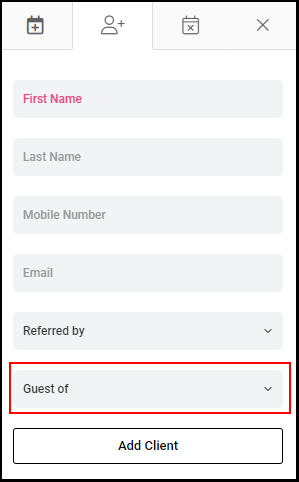
5. If the client is a guest of an existing client, select their name from the "Guest of" drop down menu.
5. Click "Add Client".