Owners or Managers may add a new series to the system. This process must be completed at each location in multi-location salons.
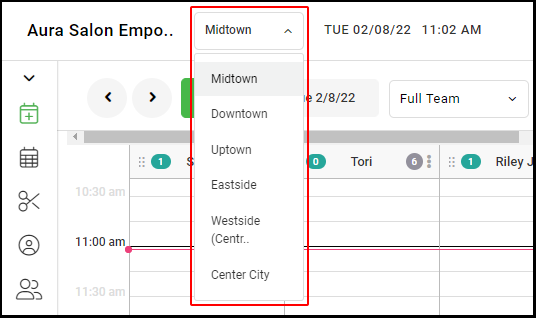
1. If your Salon has multiple locations, select the location on the top of the screen
NOTE: If your salon only has one location, skip this step and proceed to Step #2.
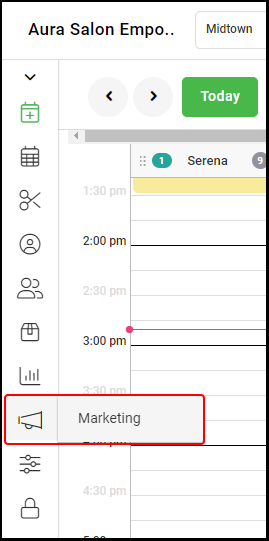
2. Select "Marketing".
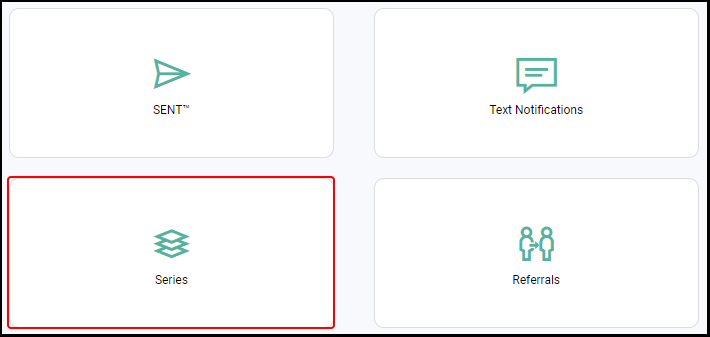
3. Select "Series".
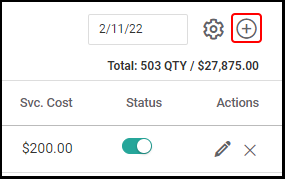
4. Select the "+" on the right-hand side.
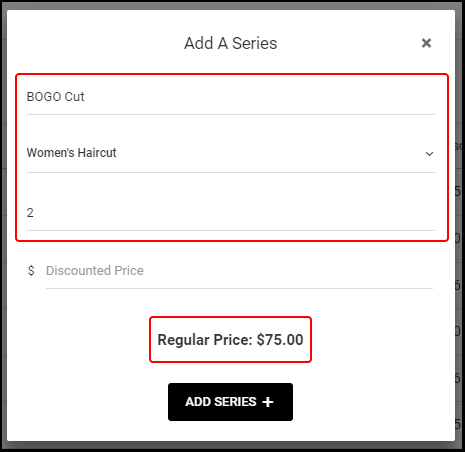
5. Enter the series "Name", "Service", and "Quantity". The Regular Price of your chosen service multiplied by your chosen quantity will be shown.
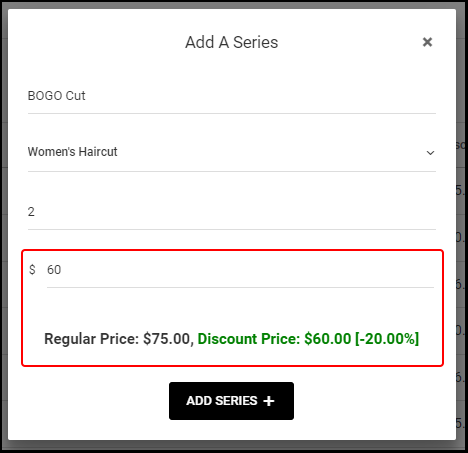
6. Enter your pre-determined "Discount Price" the series will be sold for.
NOTE: Aura will determine the discount percentage of the series.
7. Select "Add Series".
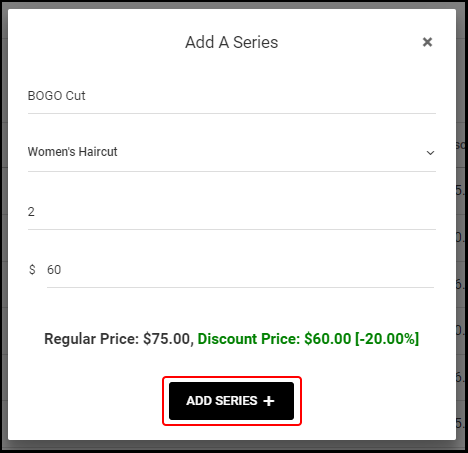
8. The series is created. Its status is defaulted to on.