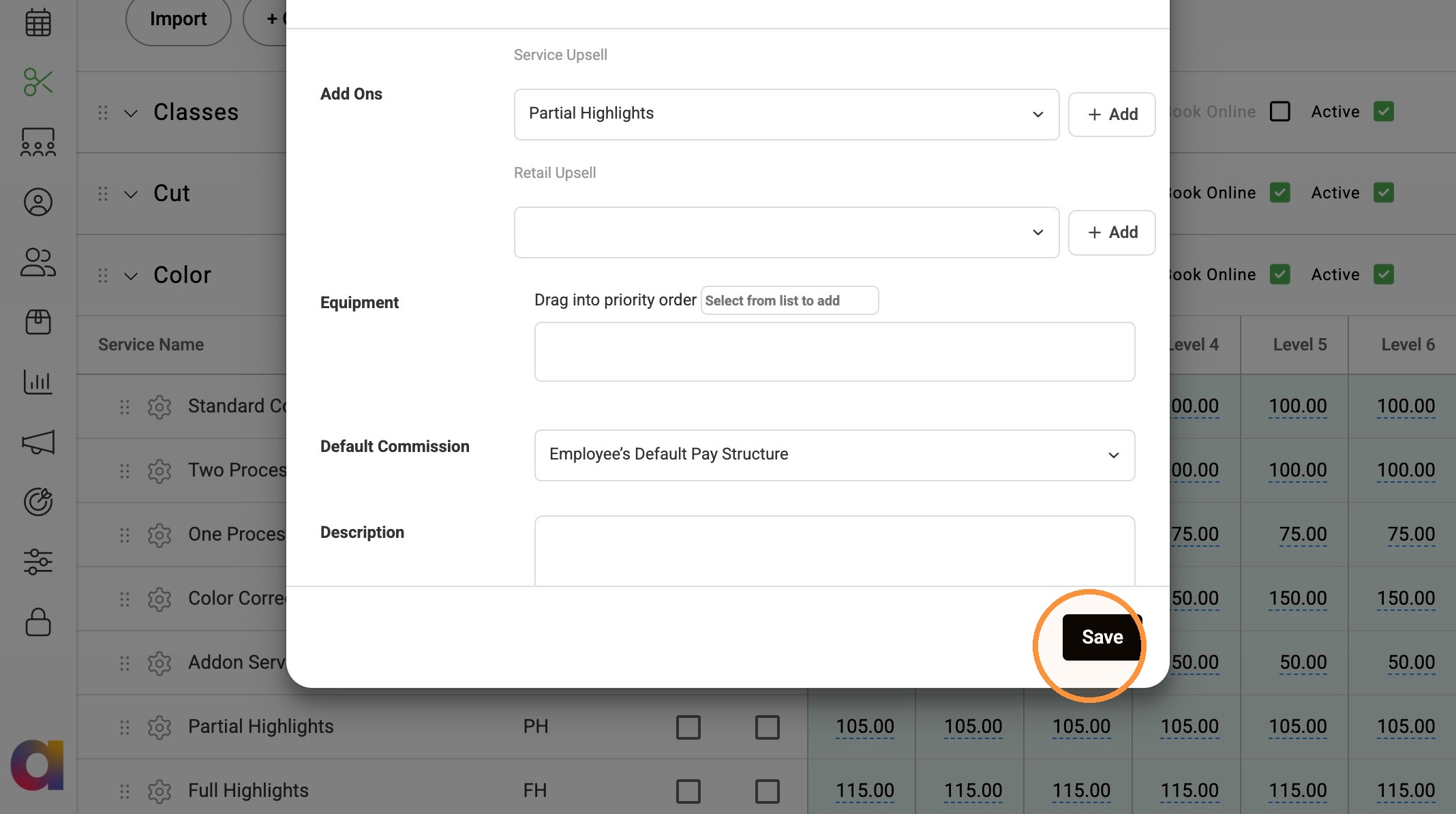
Set up add-on services to suggest additional services to clients during the online booking process. Add up to four suggested add-ons to each service and optionally mark an add-on as Popular to help it stand out.
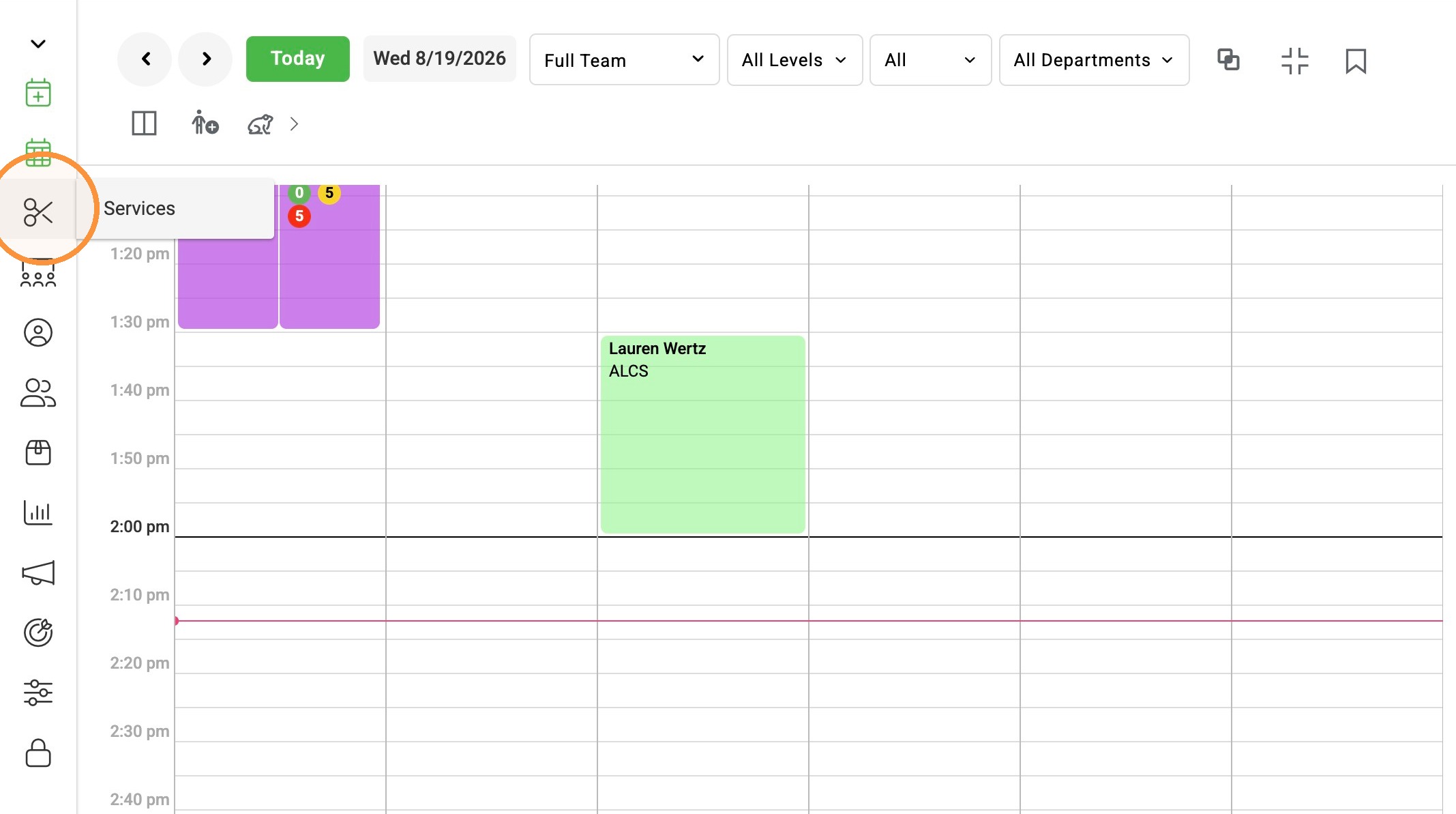
1. Click "Services".
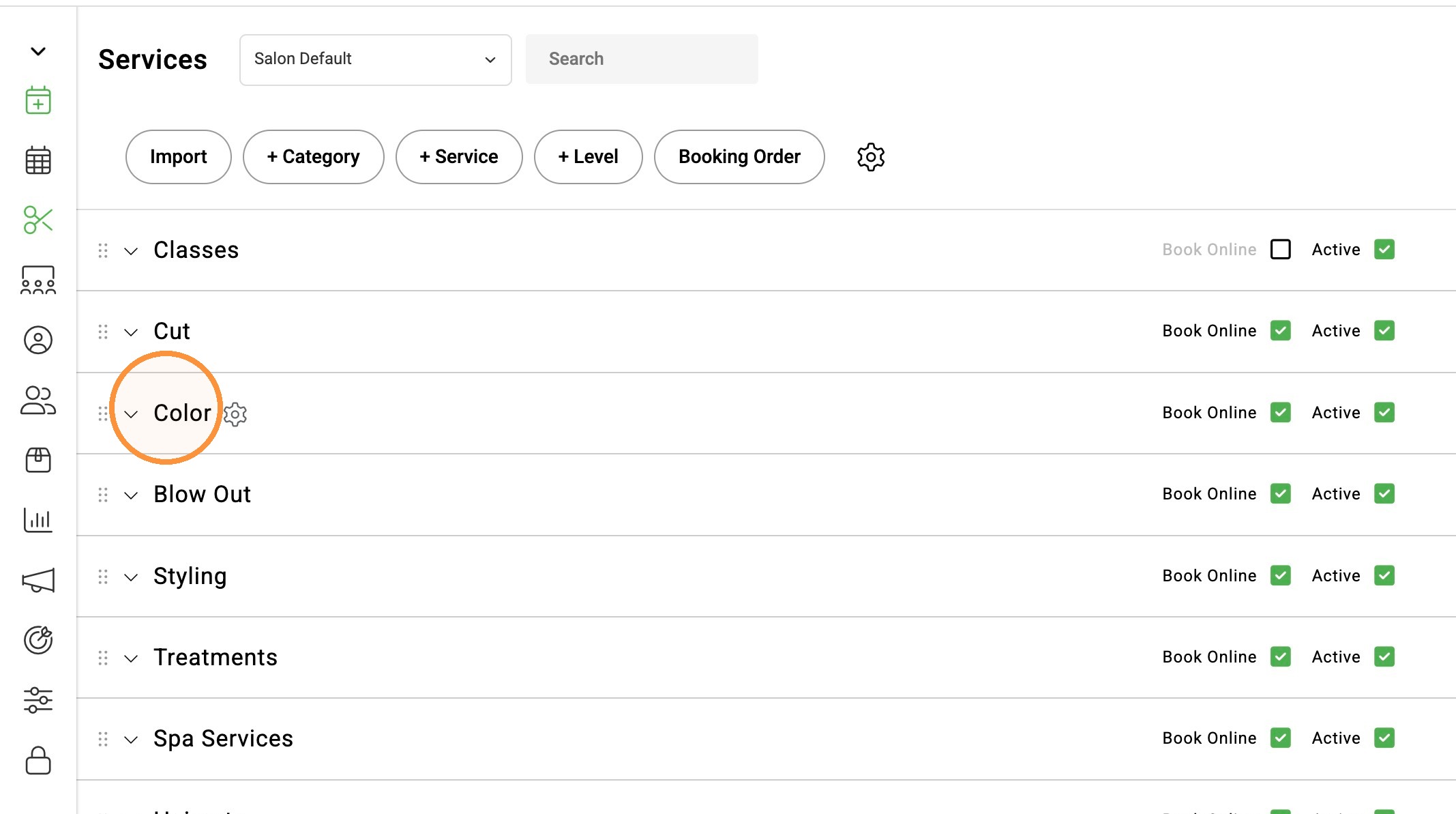
2. Select a category.
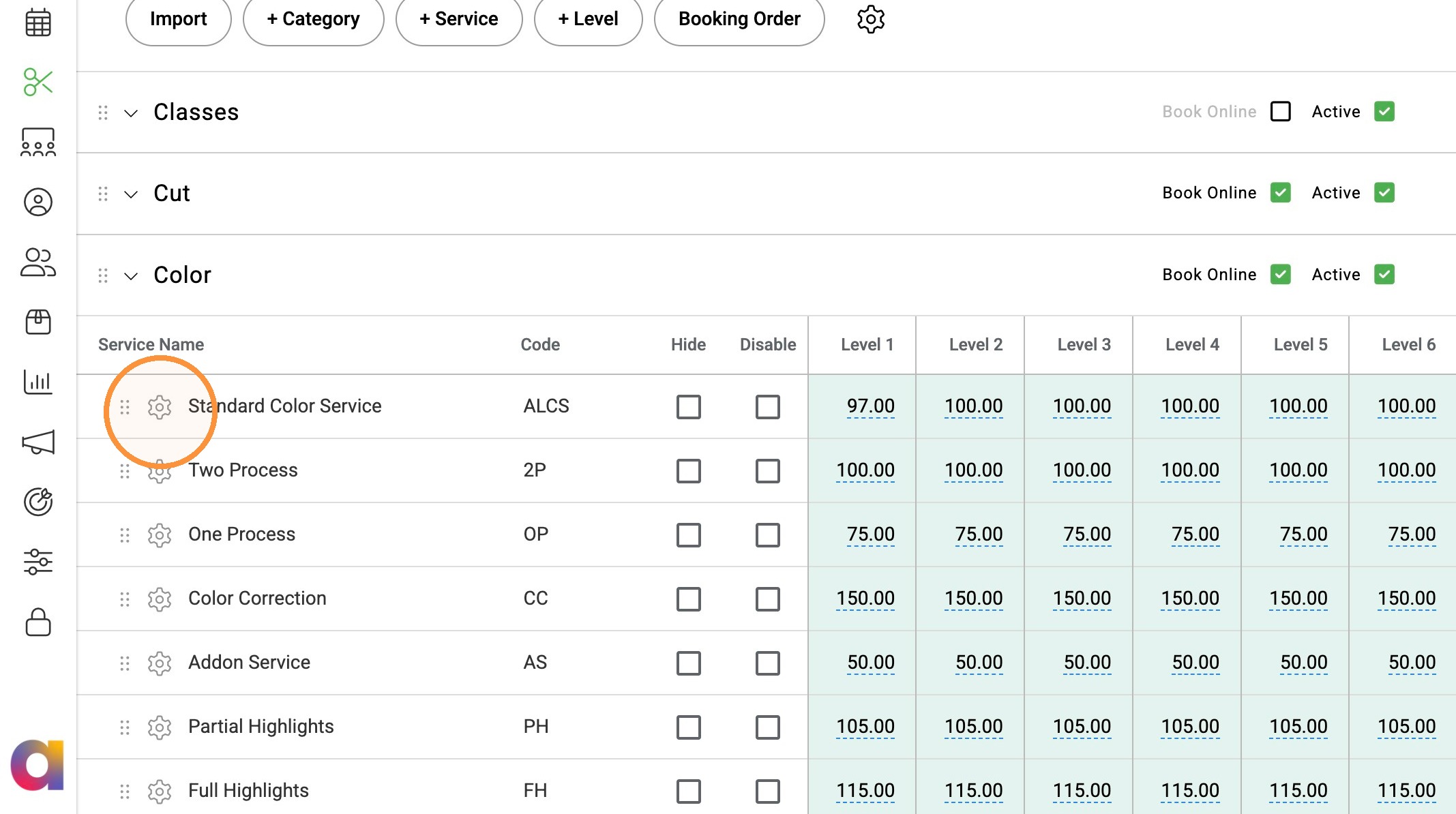
3. Select the gear icon next to the service you would like to add the add-on to.
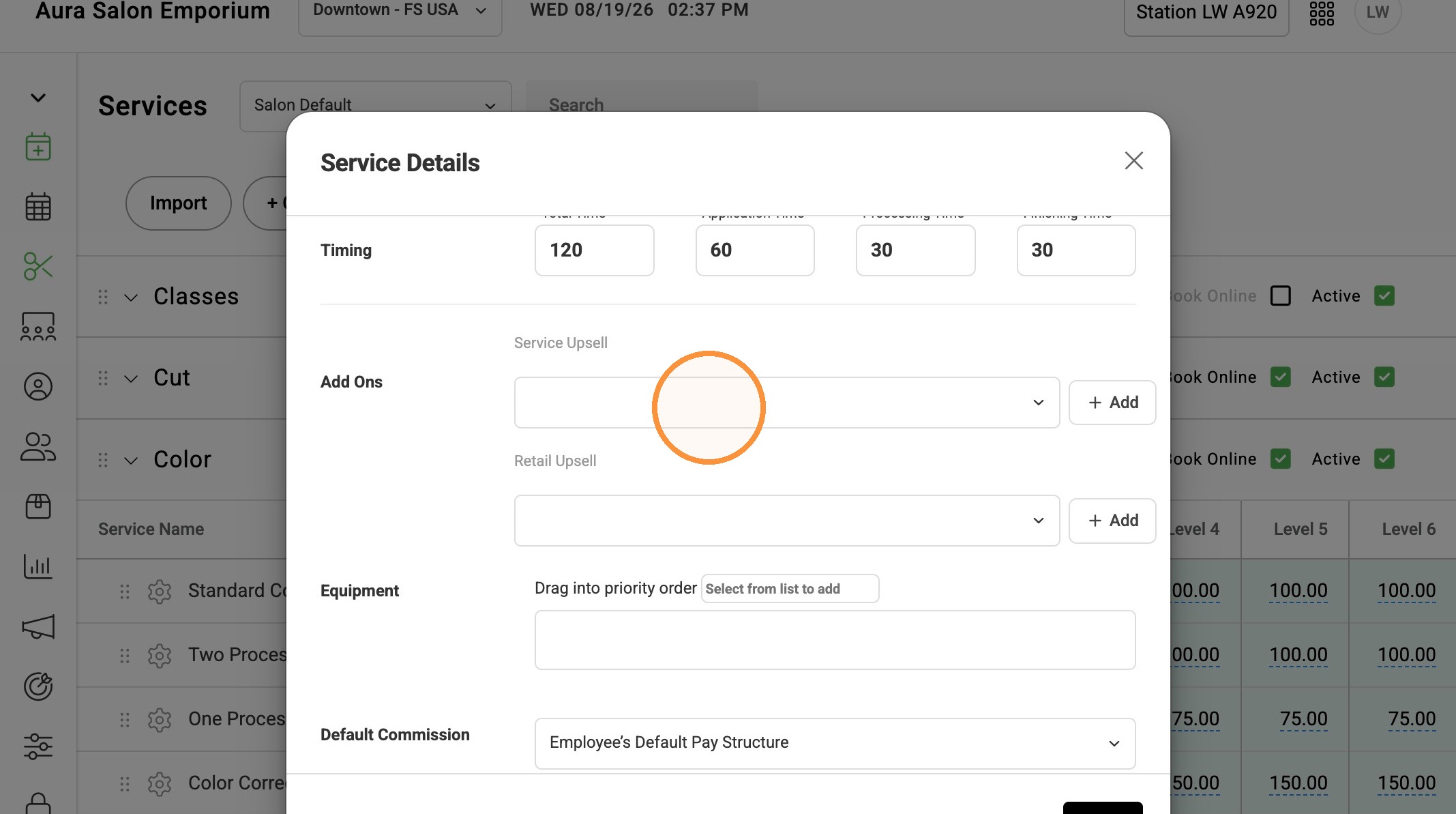
4. Scroll to Add Ons and select Service Upsell dropdown.
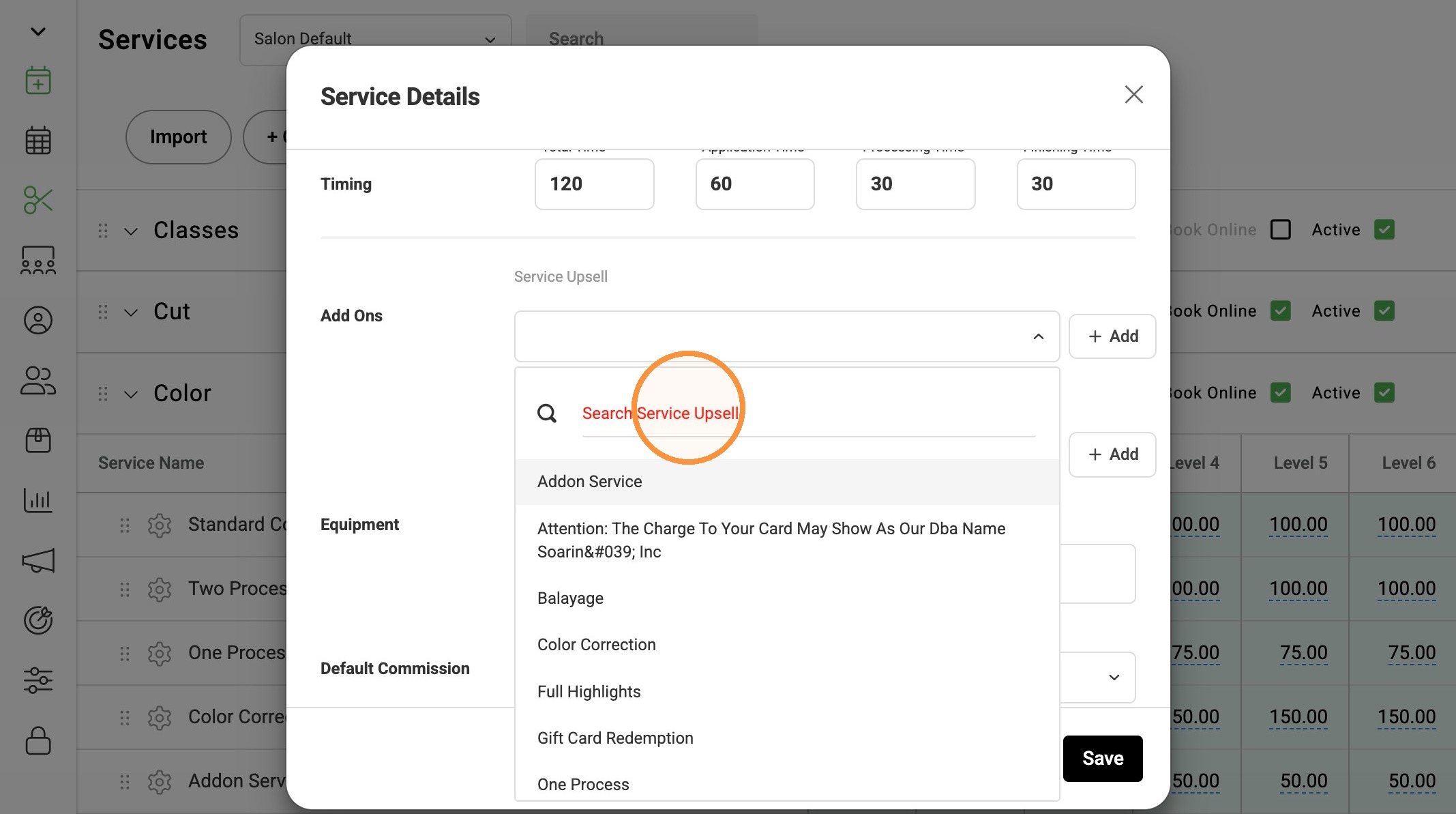
5. Select Service to add as an add on.
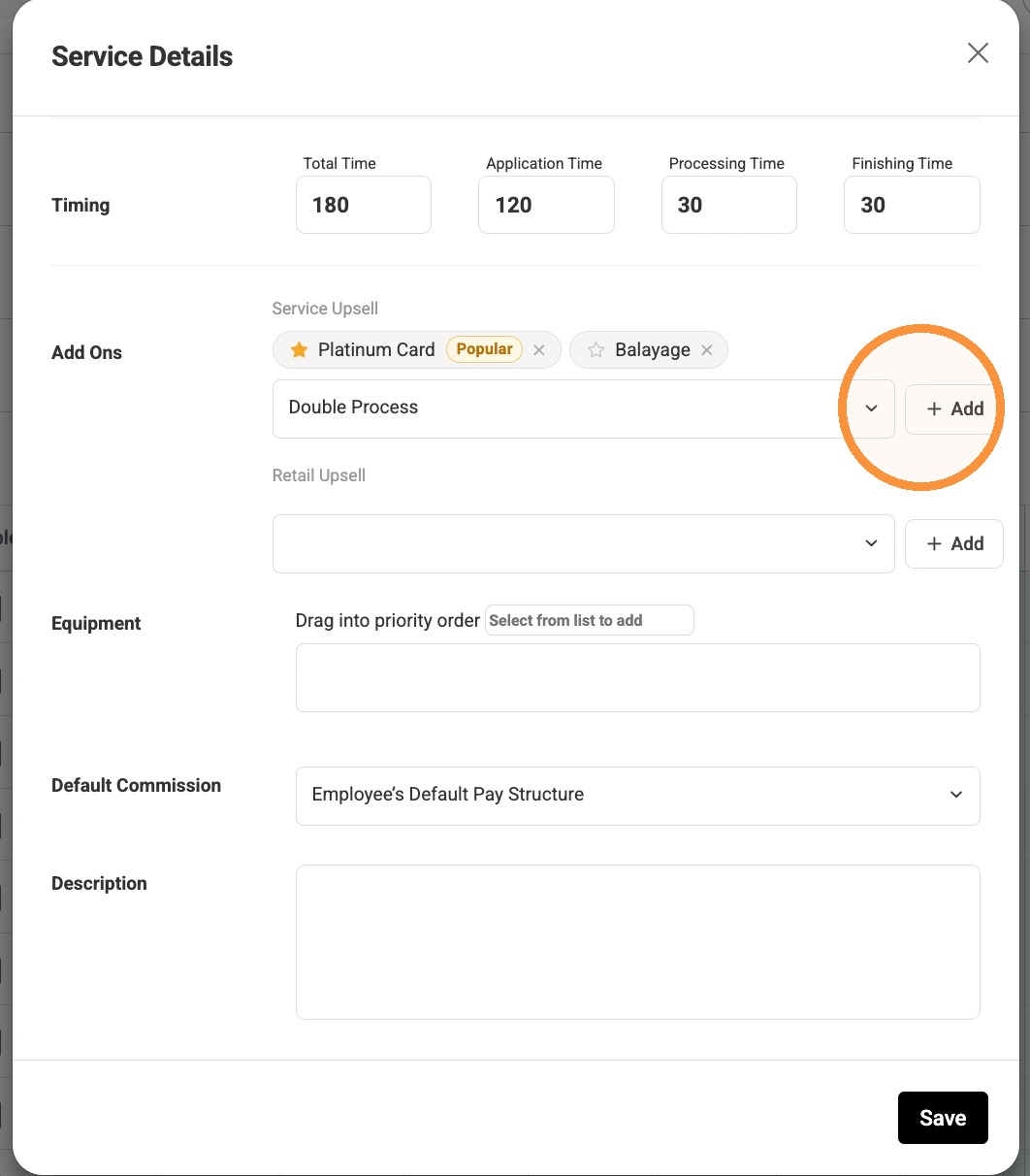
6. Click "Add" after making your selection.
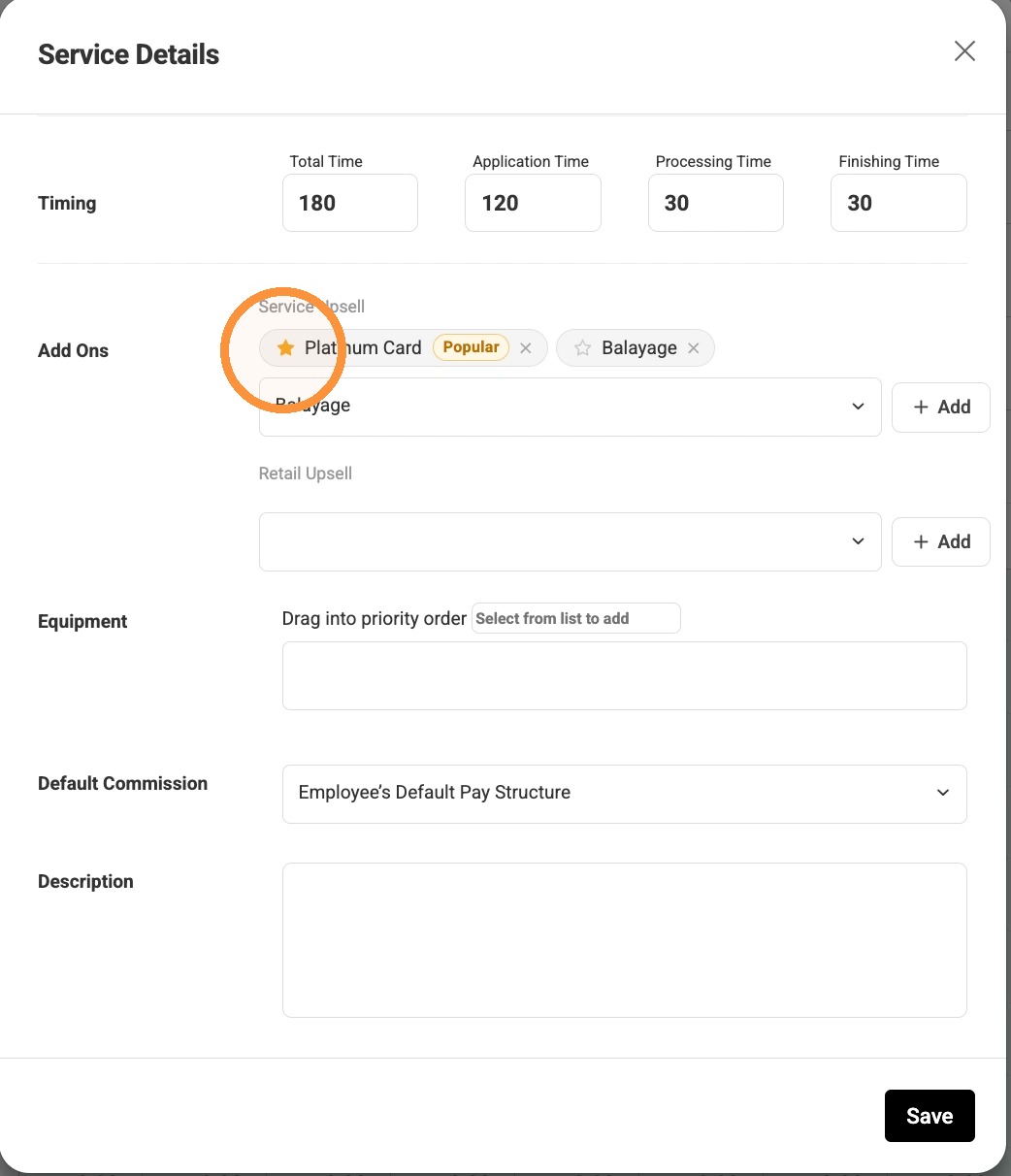
7. The salon can add up to four add-on suggestions. Click the star next to the service name to highlight it as a “Popular” add-on service.
8. Click "Save"