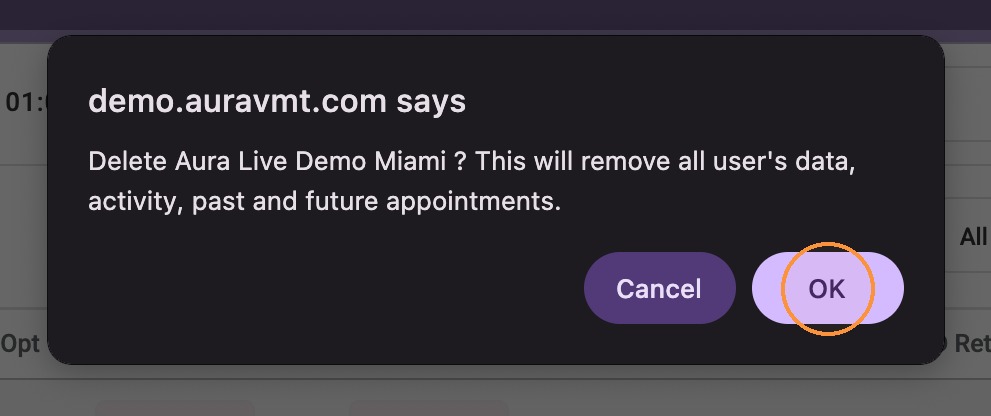
Delete a client profile and all associated client data, including past activity and past and future appointments. Historical transactions will remain available for record keeping.
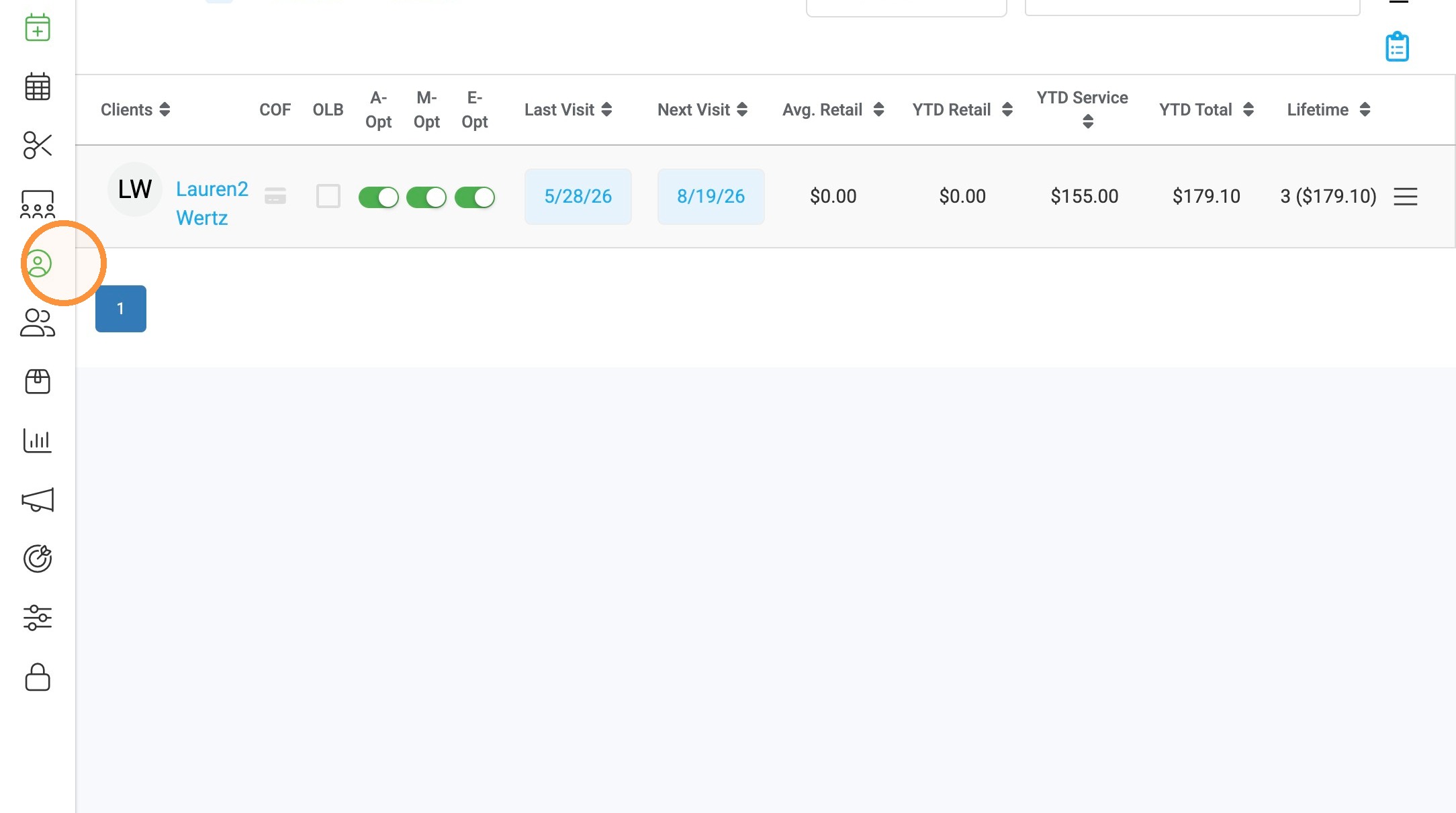
1. Navigate to Clients in the menu on left.
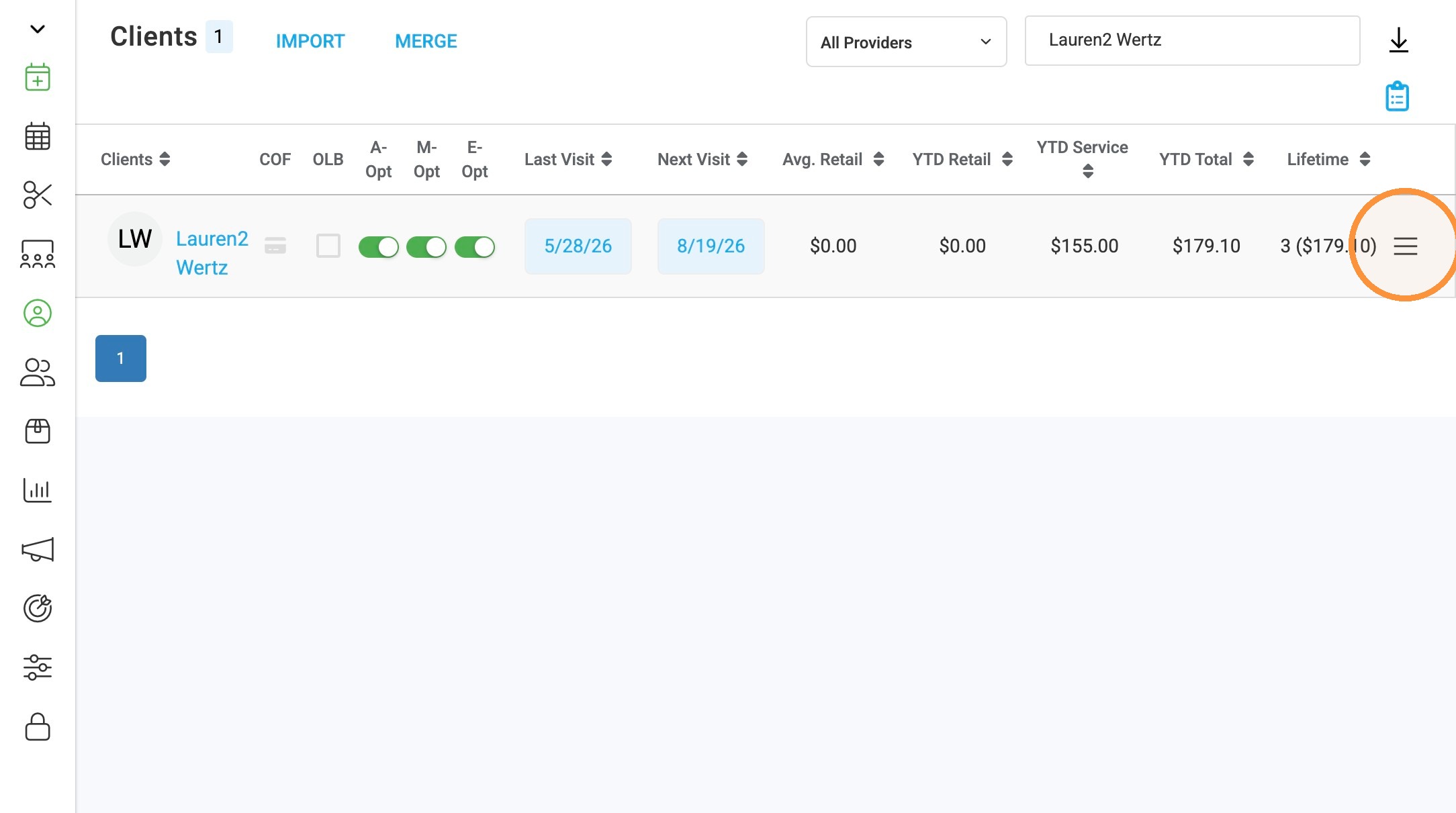
2. Search for the client's name, then select the three lines on the right side of the client's profile.
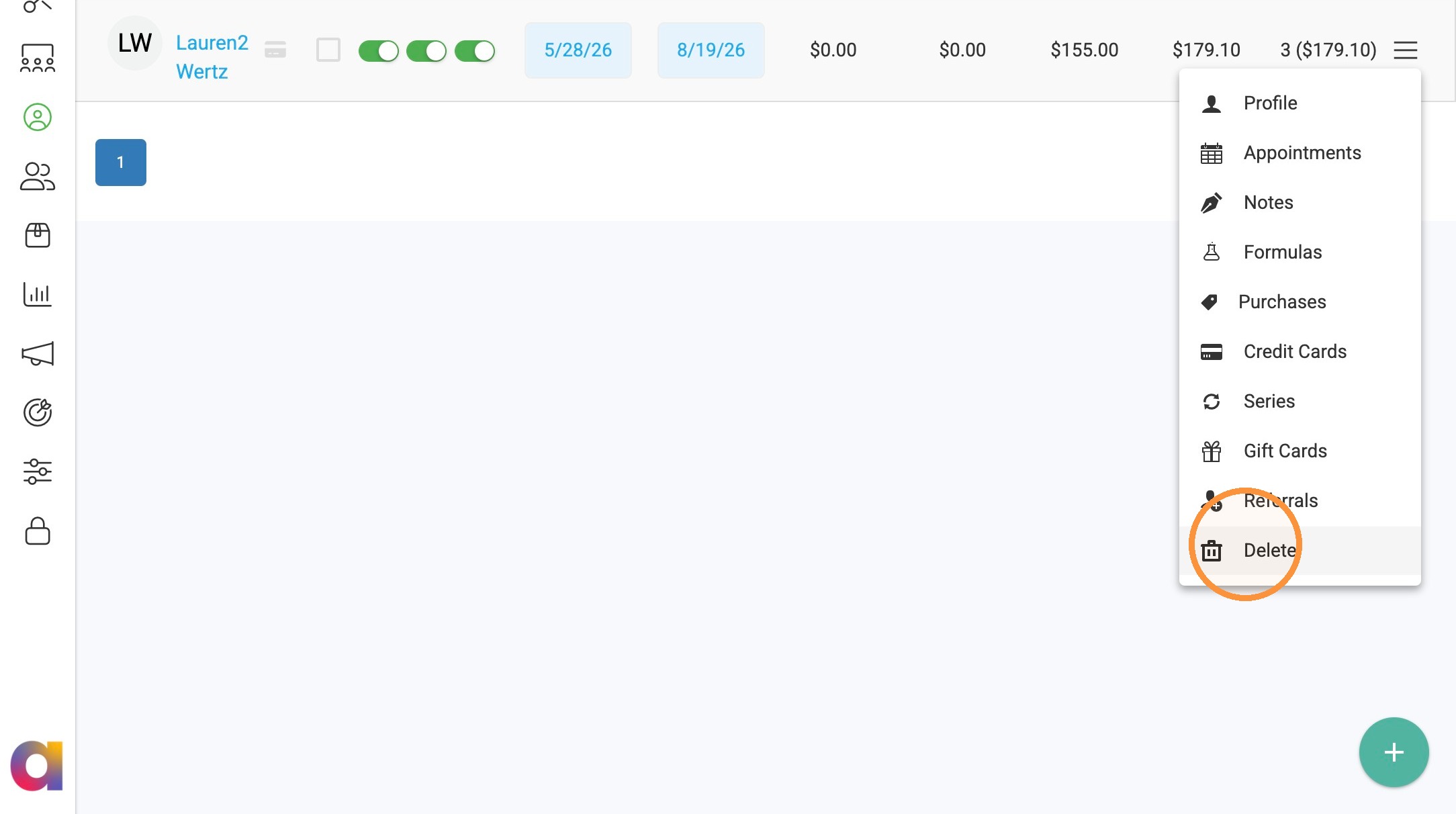
3. Click "Delete".
4. Select “OK” to confirm deleting the client.