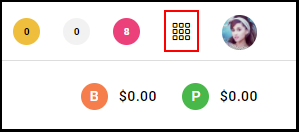
1. Select the "Menu".
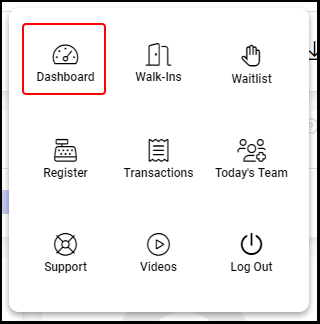
2. Navigate to "Dashboard".
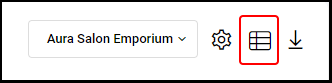
3. Select the Dashboard Icon.
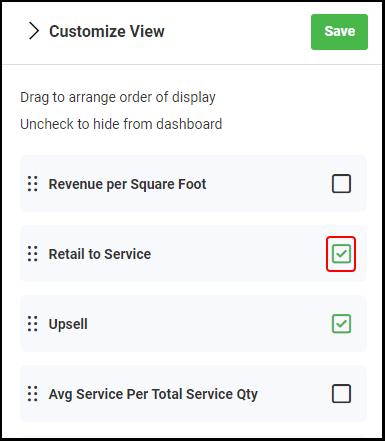
4. Drag each KPI to arrange the order it displays within the dashboard.
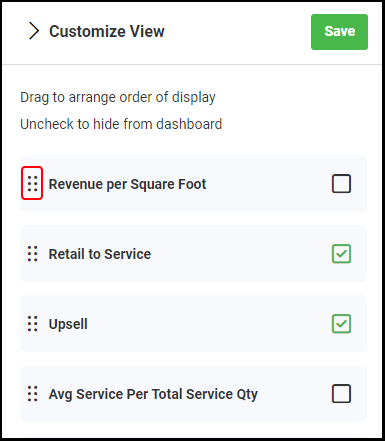
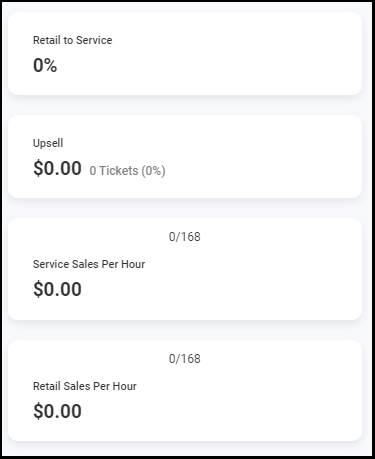
5. Unchecking a KPI will hide it from the dashboard.
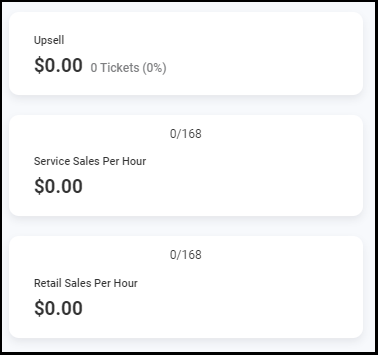
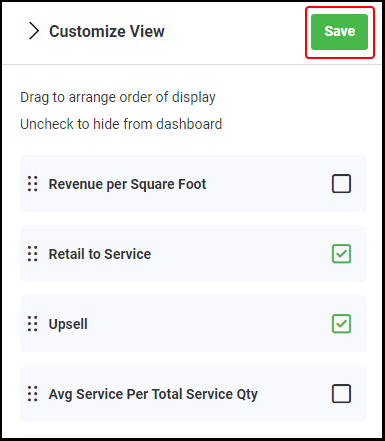
6. Select "Save" to save any changes.
1. Select the "Menu".
2. Navigate to "Dashboard".
3. Select the Dashboard Icon.
4. Drag each KPI to arrange the order it displays within the dashboard.
5. Unchecking a KPI will hide it from the dashboard.
6. Select "Save" to save any changes.