Owners and Managers only can access the loyalty Program Master List
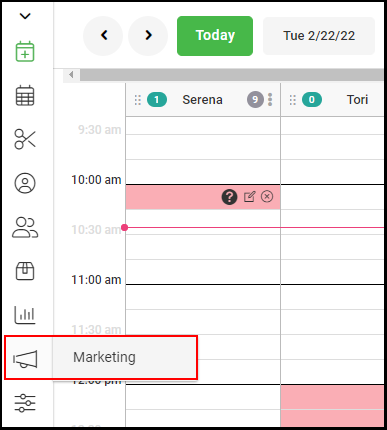
1. Go to "Marketing".
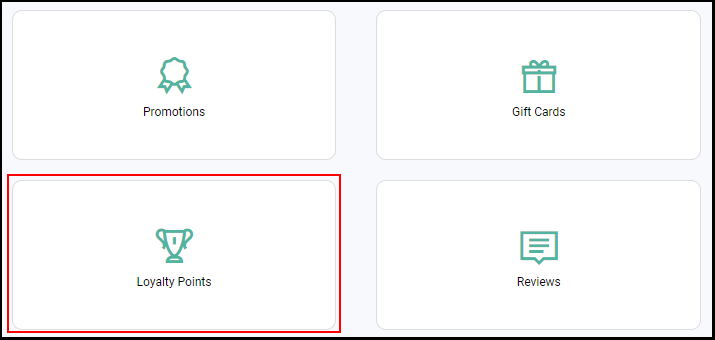
2. Select "Loyalty Points".
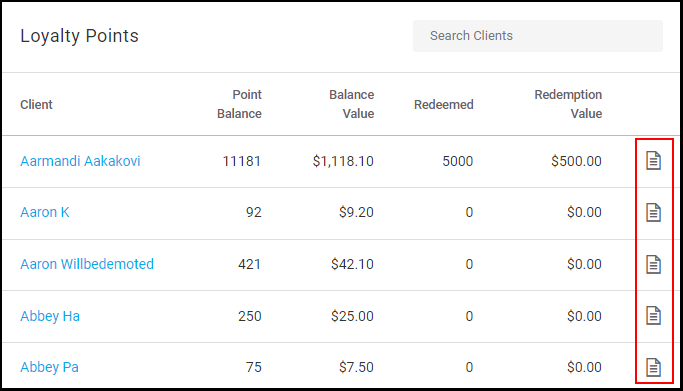
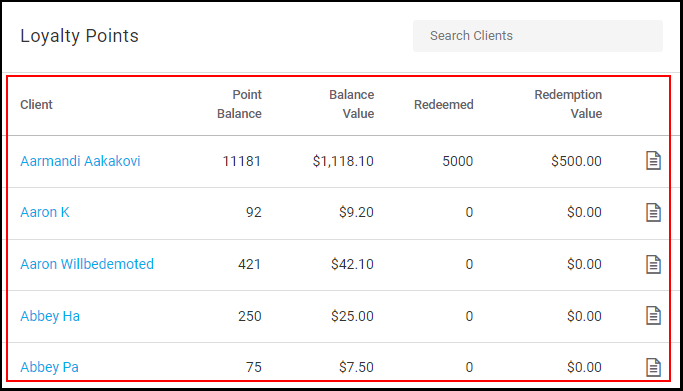
3. The loyalty point master list is shown on the right.
NOTE: Refunds do not affect the loyalty balance accruals or redemption balance in the master list, but balances can be manually adjusted from the client file should they need to be adjusted. Balances can be edited from the client file but it will be reflected in the master list
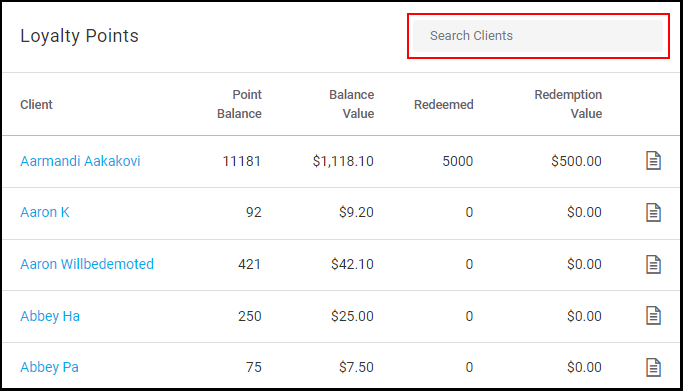
4. Clients can be searched in the Search Bar here.
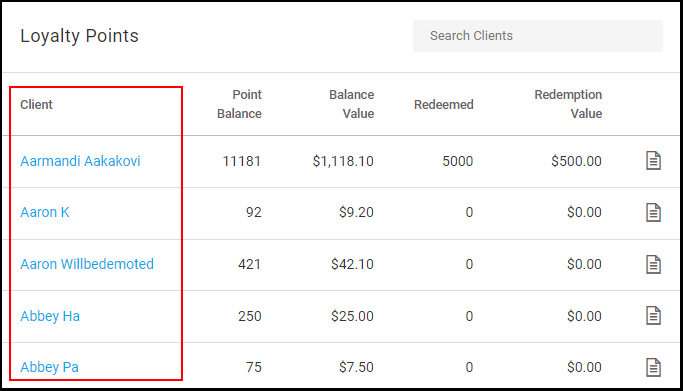
5. Clients are displayed within the first column. Clicking on any client name will open up any client's profile in a new window.
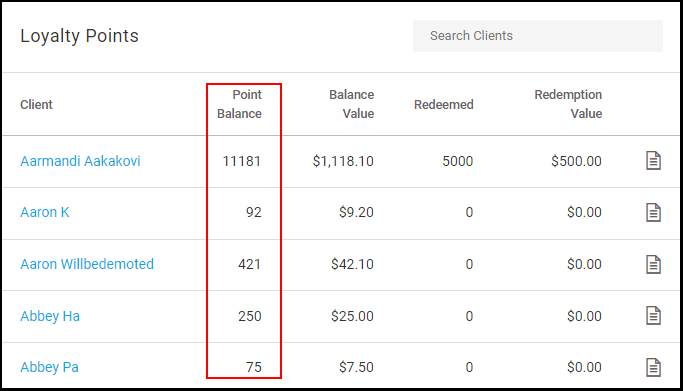
6. The Client's "Point Balance" is displayed within the second column.
7. The Client's "Balance Value" of loyalty points is displayed within the third column.
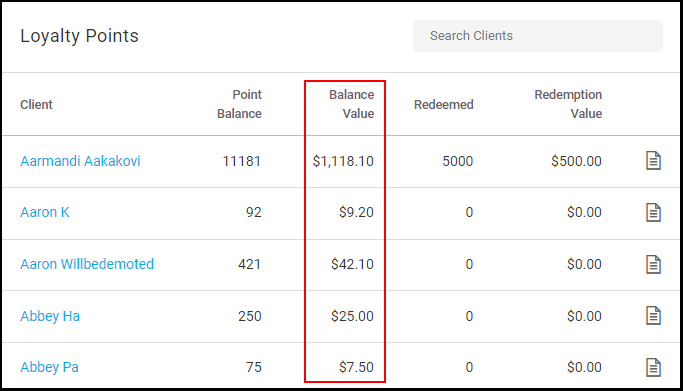
8. The amount of loyalty points that the client has "Redeemed" is displayed within the fourth column.
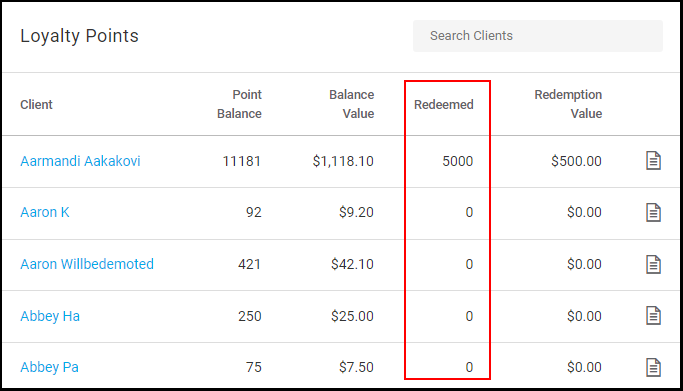
9. The total value for the loyalty points that a client has redeemed is displayed under "Redemption Value".
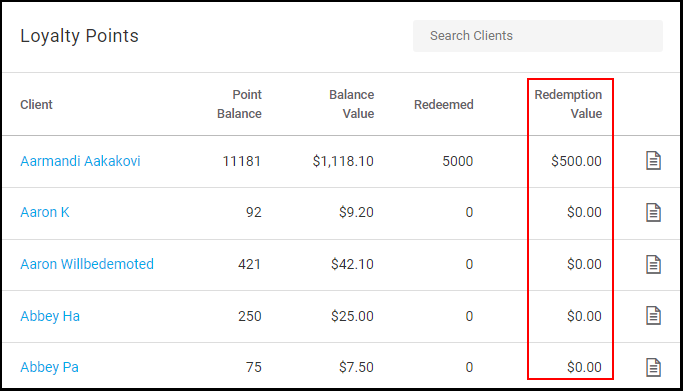
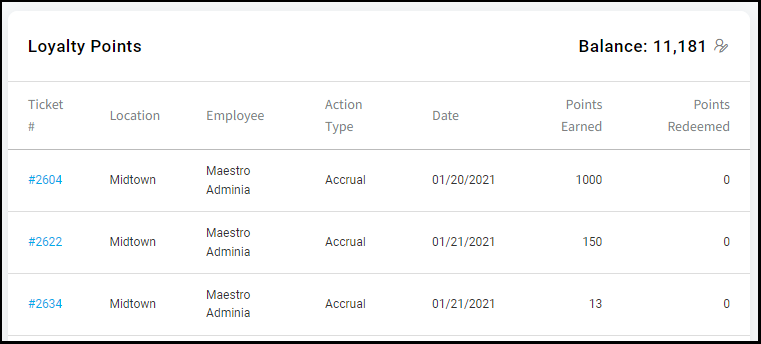
10. Click the "Notes" icon for detailed notes for a client's loyalty points. All of a client's tickets where accruals/redemptions have been made.