Owners, Managers and Front desk can apply loyalty points to a client's ticket.
Click here to watch the video.
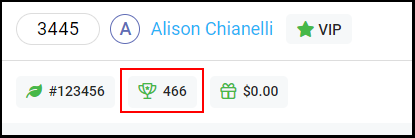
1. When checking out a client, a client's loyalty point balance will show on the top next to the gift card balance.
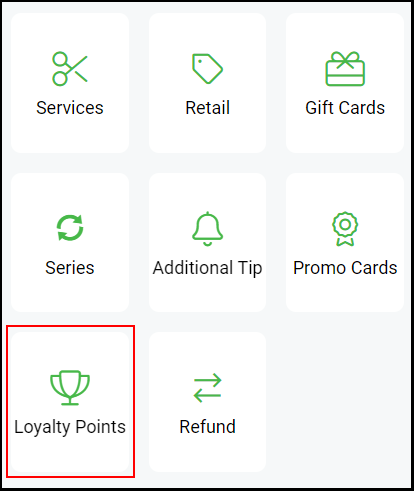
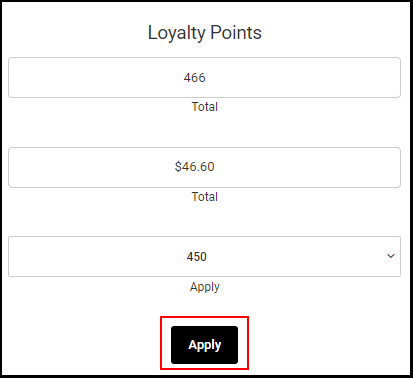
2. To apply Loyalty points to a ticket select "Loyalty Points" on the right.
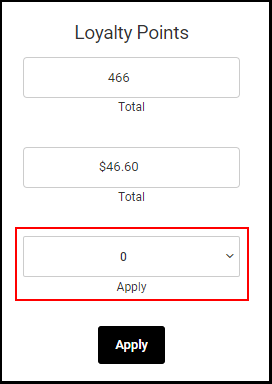
3. Select the increment of points that will apply to the ticket.
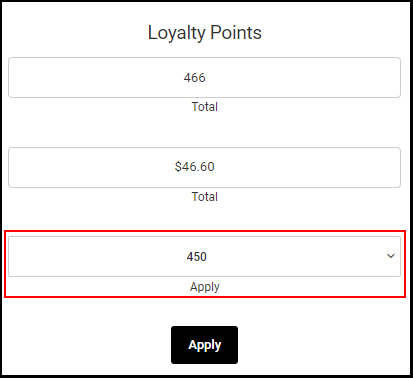
3. Click "Apply".
4. The client's loyalty points should be applied to the ticket, and the point value will be taken off of the ticket.
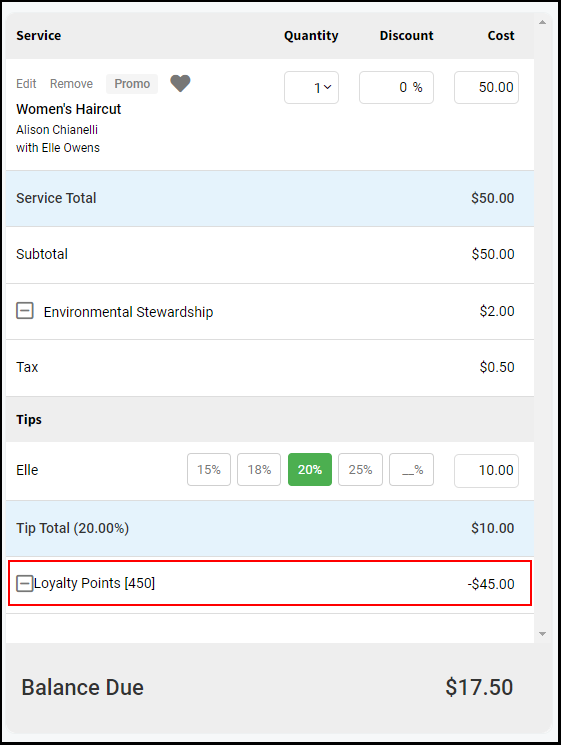
5. Continue with the check out process per usual.