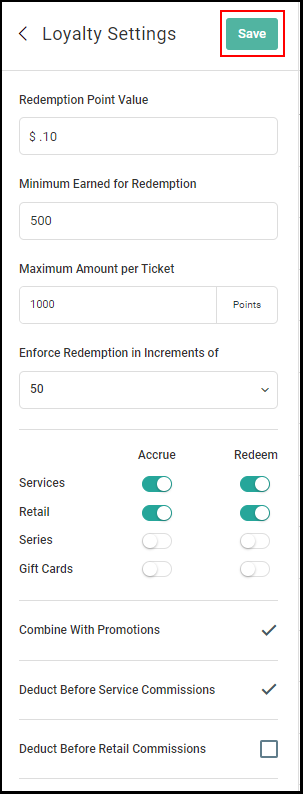
Loyalty program can only be created by an Owner/Manager
Learn how to create and use your built in Loyalty Point program
Click here for the video.
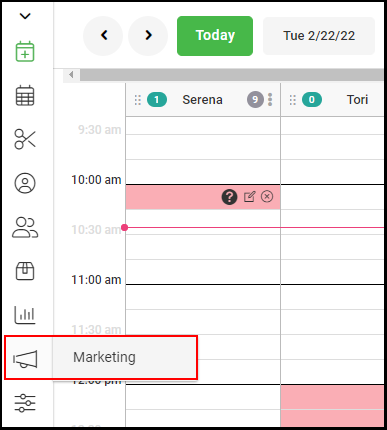
1. Go to "Marketing".
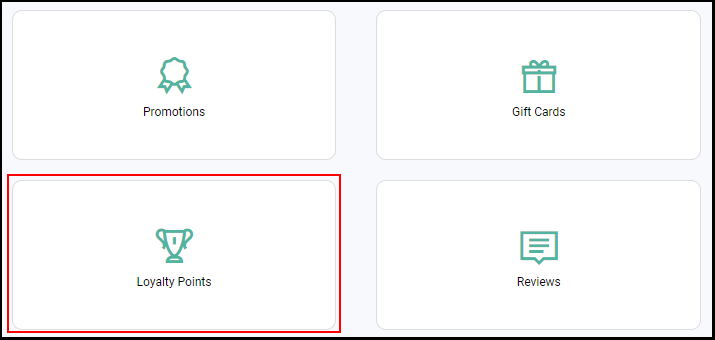
2. Select "Loyalty Points".
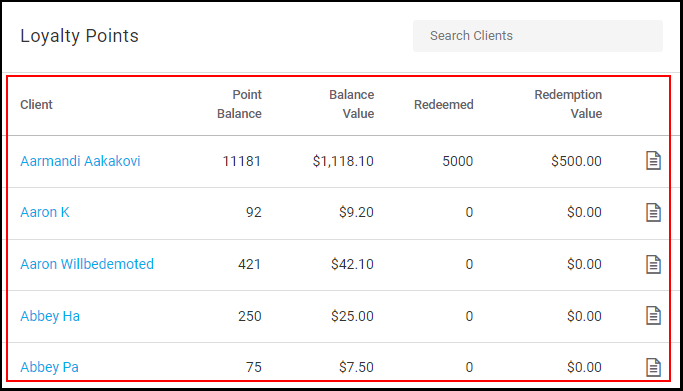
3. The loyalty program builder will be shown on the left, and the loyalty program master list is shown on the right.
NOTE: A detailed explanation of the loyalty program master list can be seen here.
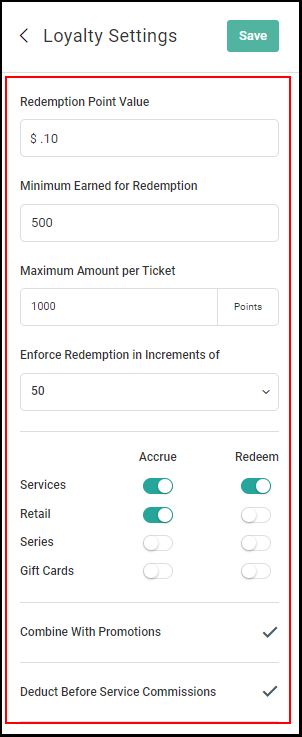
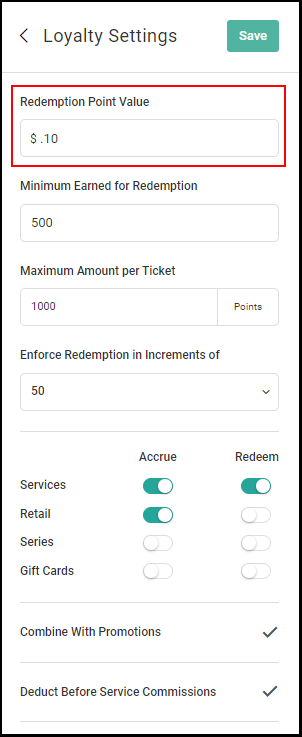
4. An Owner/Manager will define the redemption value of 1 loyalty point. The Redemption Point Value will equal the dollar value of the point when redeeming points.
For example, $.01 could be a redemption value of 1 loyalty point.
NOTE: Loyalty point accruals are pre-defined (1 Loyalty Point will be accrued for every $1 spent on actions defined below).
NOTE: Loyalty points cannot be redeemed and accrued on the same ticket.
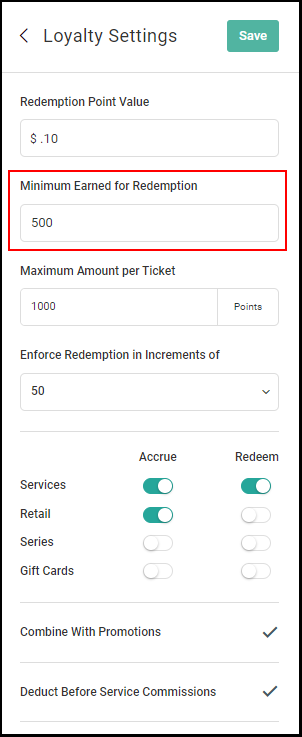
5. An Owner/Manager will enter the minimum number of points a client must accrue to be eligible for redemption.
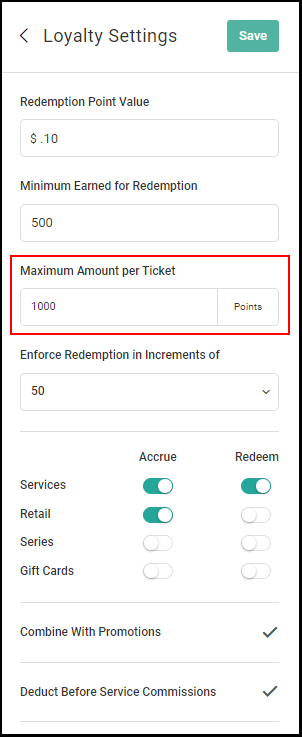
6. An Owner/Manager will enter the max number of points that can be applied to a ticket for redemption.
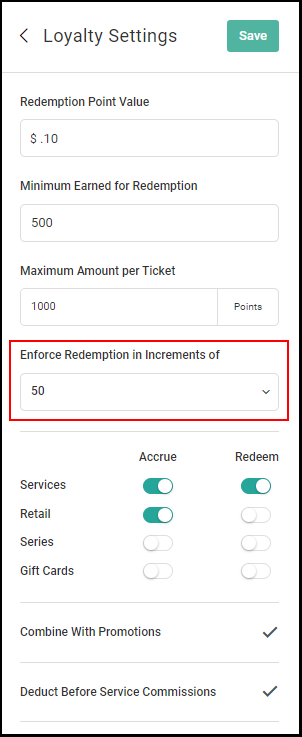
7. An Owner/Manager will determine what increments of points can be used for redemption
using the drop down menu
Increment options include: 1, 10, 25, 50, 75, 100, 200, 300, 400, 500, 600, 700, 800, 900, and 1000.
NOTE: Clients cannot redeem points outside of the defined increments. For example, if 500 is set as the increment a client will only be able to redeem loyalty points in increments of 500.
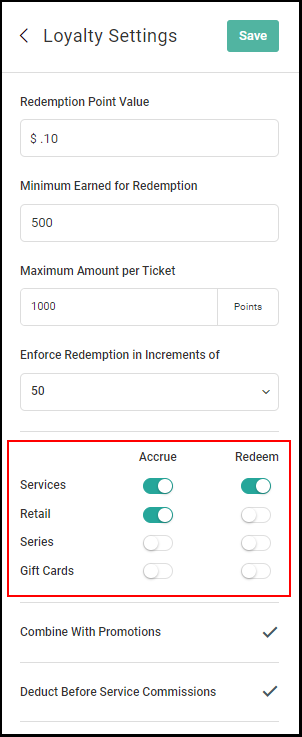
8. An Owner/Manager will set which purchases clients can use to earn loyalty points (Accrue) and which purchases loyalty points can be redeemed on (Redeem) by moving the toggle to green (Yes) or leaving it on white (No).
NOTE: Redemption/Loyalty points are universal across all salon locations.
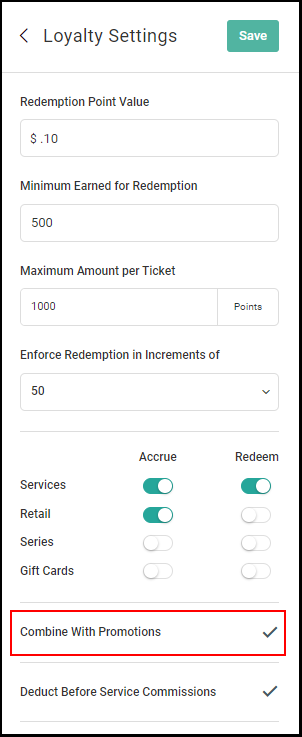
9. An Owner/Manager can define whether or not promotions and loyalty points can be applied ticket items by checking "Combine With Promotions".
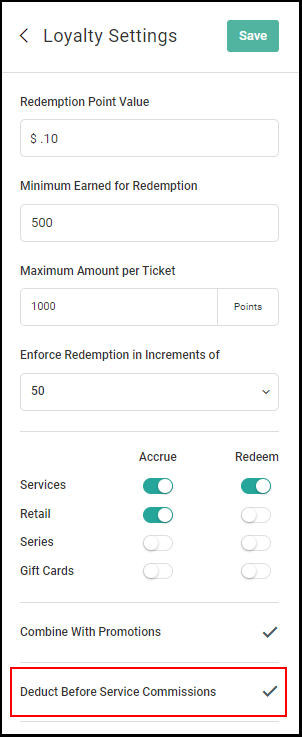
10. An Owner/Manager can choose to have loyalty points deducted before service commission by checking "Deduct Before Service Commissions".
NOTE: This section will only appear if points are set to be redeemed on service products within Step #8.
11. An Owner/Manager can choose to have loyalty points deducted before retail commission by checking "Deduct Before Retail Commissions".
NOTE: This section will only appear if points are set to be redeemed on retail products within Step #8.
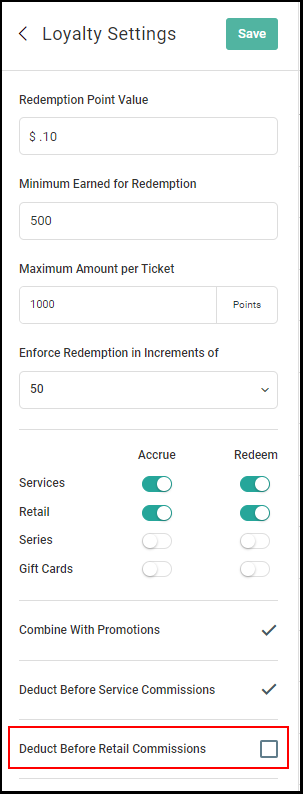
12. After creating your criteria for the loyalty program, click "Save".