See also: Require Visit Type at Booking here, and how to set Visit Types here
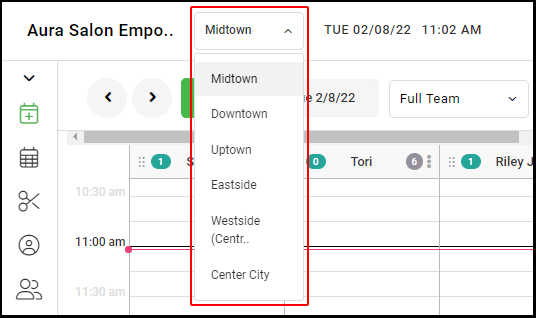
1. If your Salon has multiple locations, select the location at the top left of the screen.
NOTE: If your salon only has one location, skip this step and proceed to Step #2.
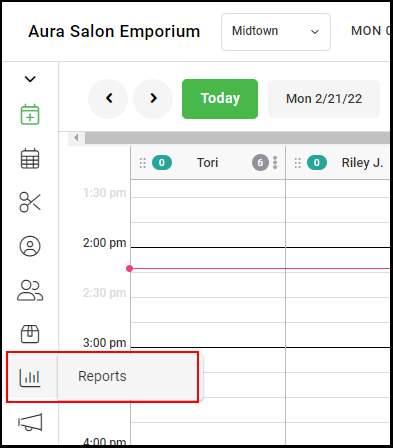
2. Select "Reports".
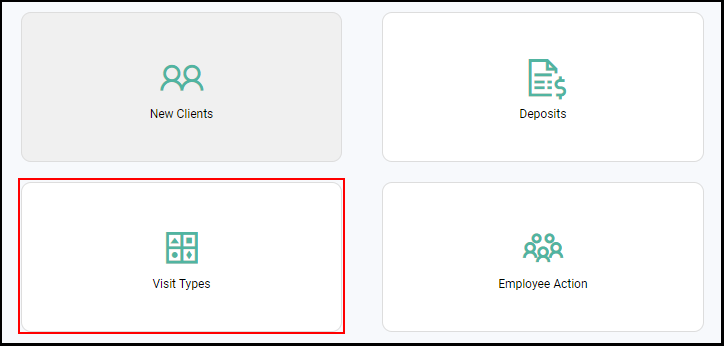
4. Select "Visit Types".
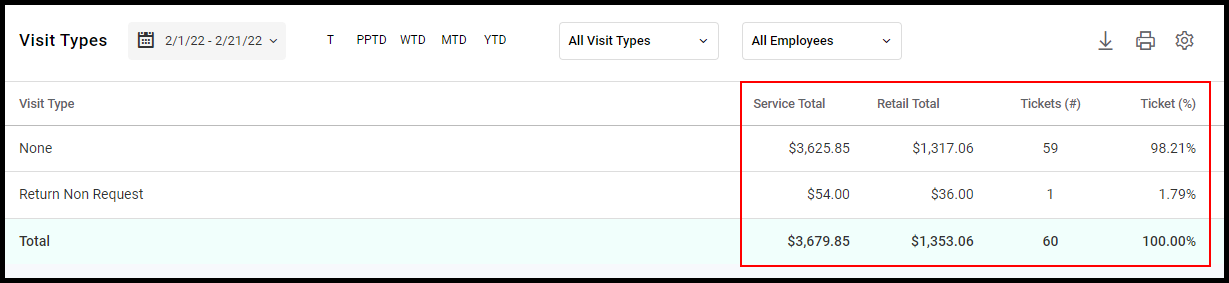
5. Select the Date Picker (1) to choose a single date or a date range to view. Select Today, Week to Date, Month to Date, or Year to Date (2), to quickly view these date ranges. View the report by specific Visit Types or specific Employees (3)
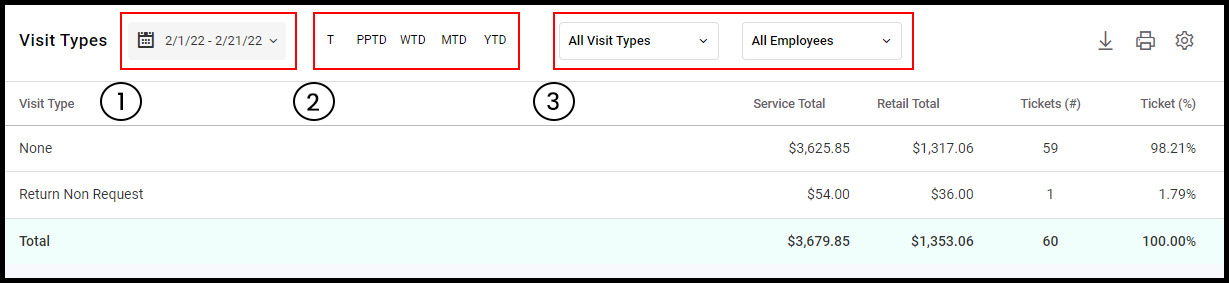
6. Service Total, Retail Total, Ticket #, and Ticket % totals can be seen per visit type or for all visit types