See also: Visit Type Report and Require Visit Type at Booking Access Setting
To set custom Visit Types follow these directions. Visit types must be set in each location for a multi-location business. They will be tracked in each location's Visit Type Report.
Setting Visit Types
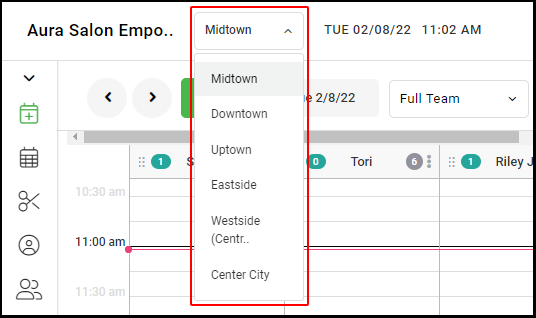
1. If your Salon has multiple locations, select the location on the top of the screen.
NOTE: If your salon only has one location, skip this step and proceed to Step #2.
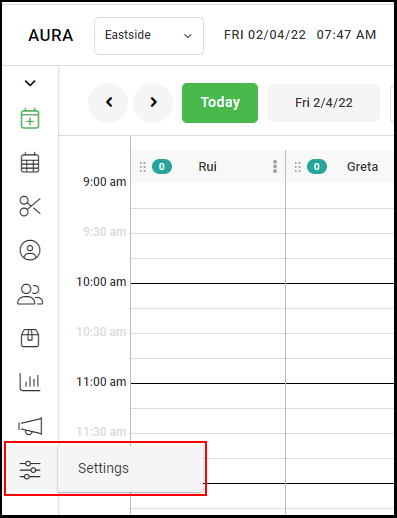
2. Select "Settings".
3. Select Visit Types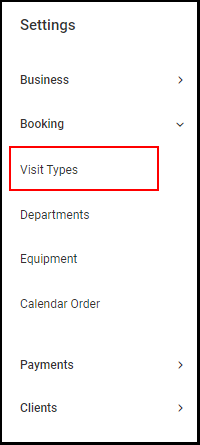
4. Select the "+" button to add a new visit type.
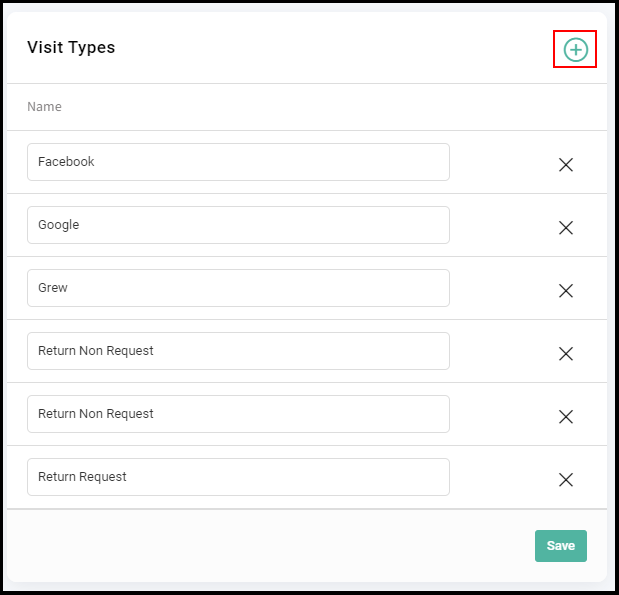
5. Enter the visit type name and select "Save".
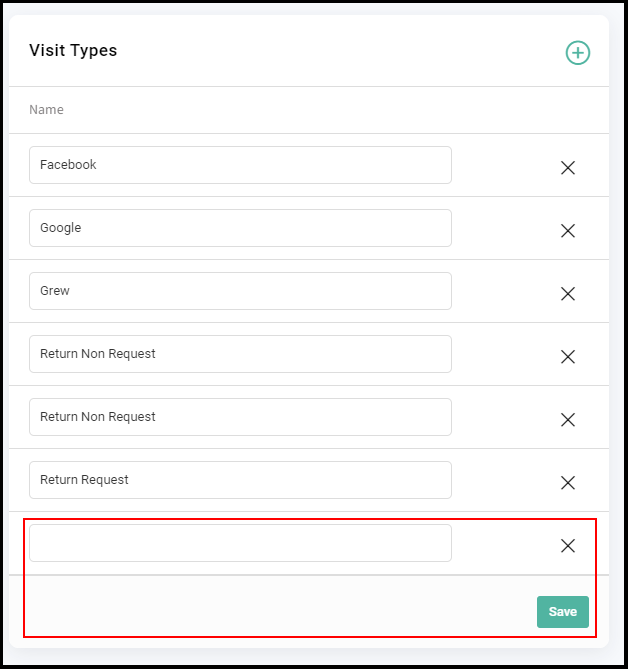
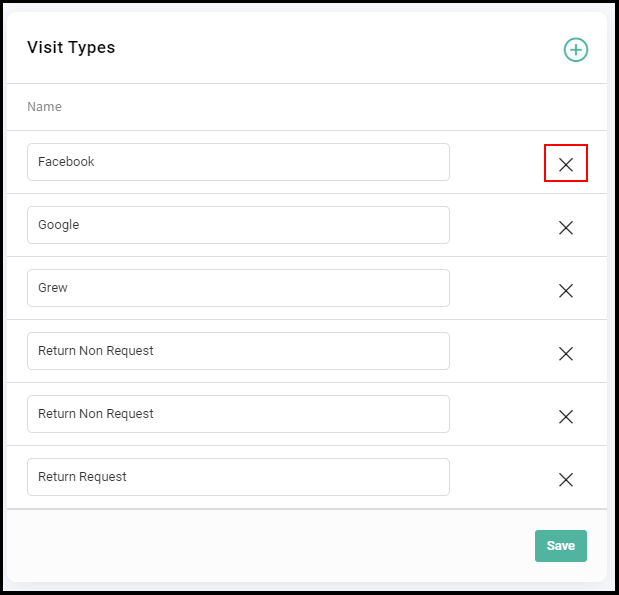
6. The type is saved. Please note that selecting X to delete a Visit Type will delete all data associated with that type from the Visit Type Report
8. Visit types are chosen at the bottom of the booking form when booking a new appointment or editing an existing appointment.
NOTE: Appointments booked online do not start out associated with a visit type, but can be assigned one by selecting edit to open the booking form.