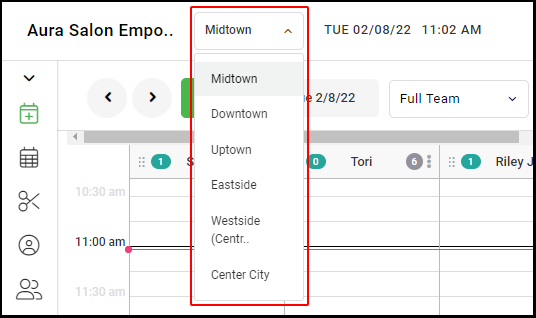
1. If your Salon has multiple locations, select the location on the top of the screen.
NOTE: If your salon only has one location, skip this step and proceed to Step #2.
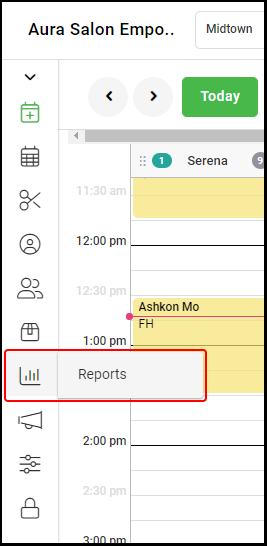
2. Go to "Reports" on the left side menu.
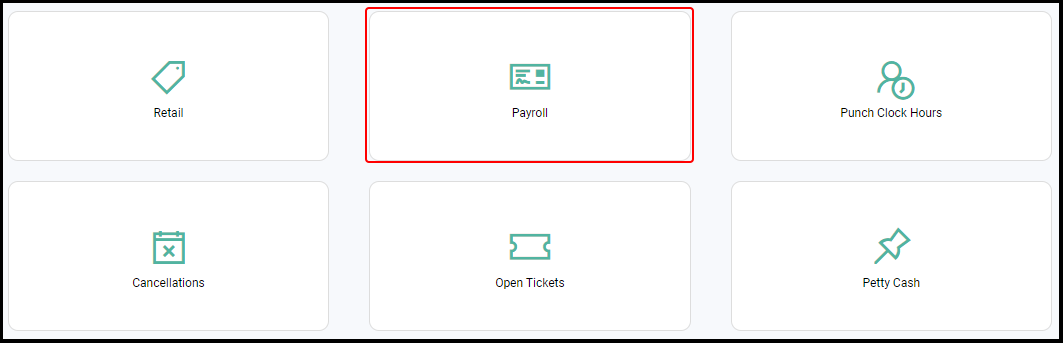
3. Select "Payroll".
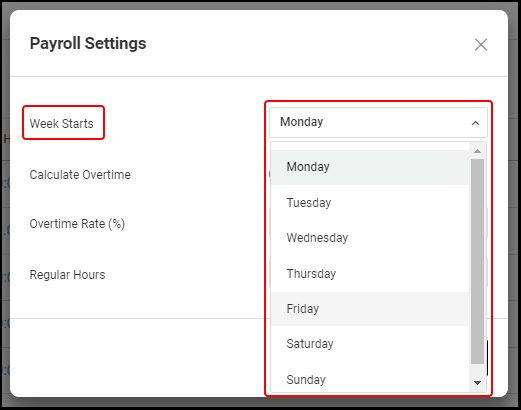
4. Enter the day of the week your payroll starts using the "Week Starts" drop-down menu. This field is used to populate the correct dates for the payroll report.
4. Click "Save".
5. If you have multiple salon locations, repeat steps 1-4 for each location.
.