Owners and Managers can set commission by service type for each provider by navigating to Employees > Choose Employee.
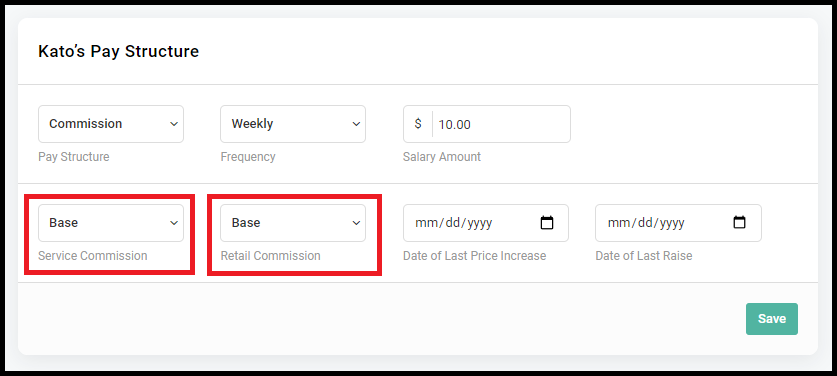
There are three sections where the commission can be adjusted within the employee profile. Commission can be adjusted on the 'Service Type' level, 'Service' level, and 'Pay Structure' level.
Note: If no commission is set at the 'Service Type' level (view step #3), it will use the commission that is set at the 'Service' level (view step #5). If no commission is set at the 'Service' level, it will use the commission that is set at the 'Pay Structure' level (view step #7).
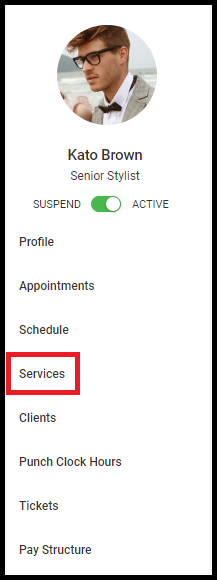
1. Select "Services" in the side menu of the employee profile.
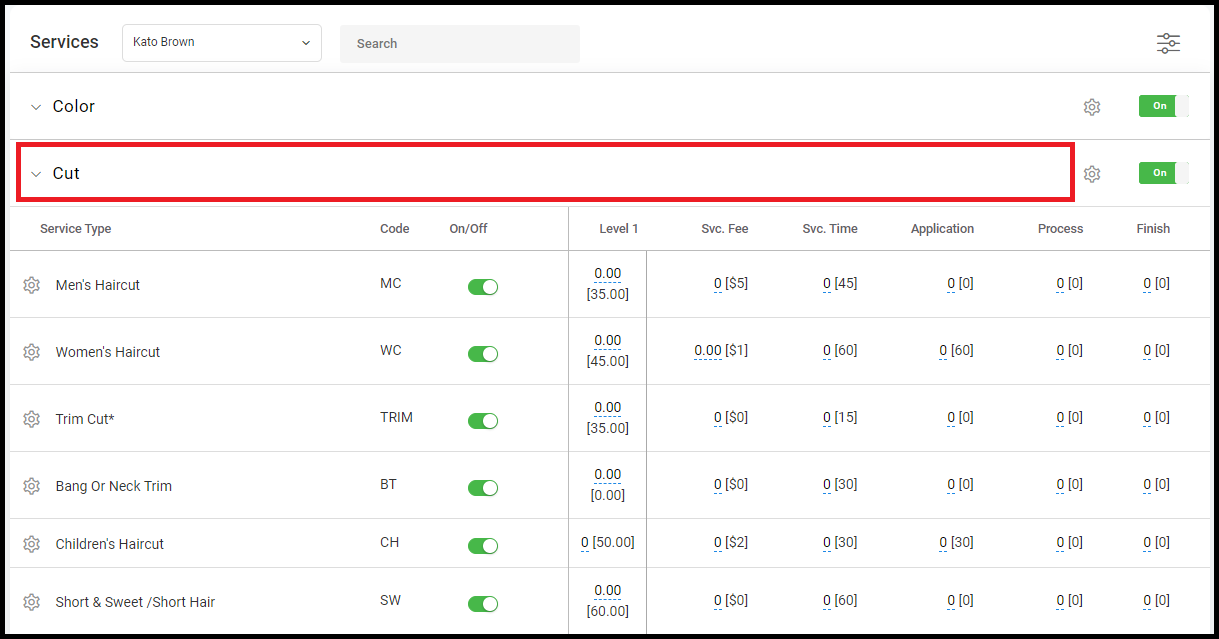
2. Expand the view of the service you'd like to edit to view the "Service Type".
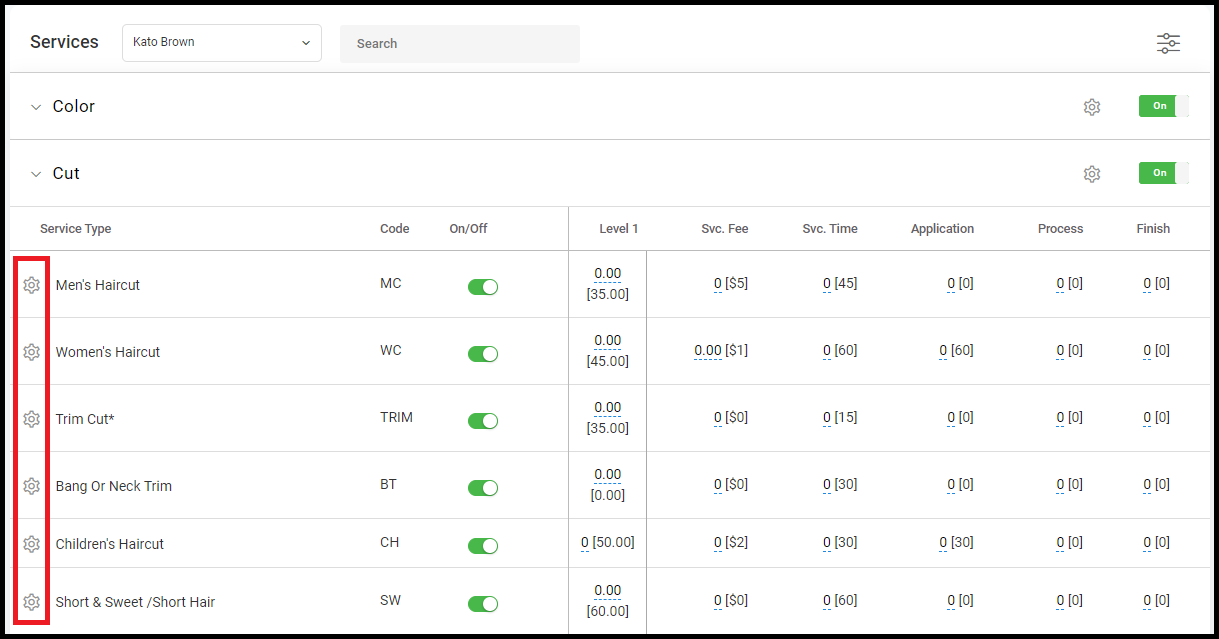
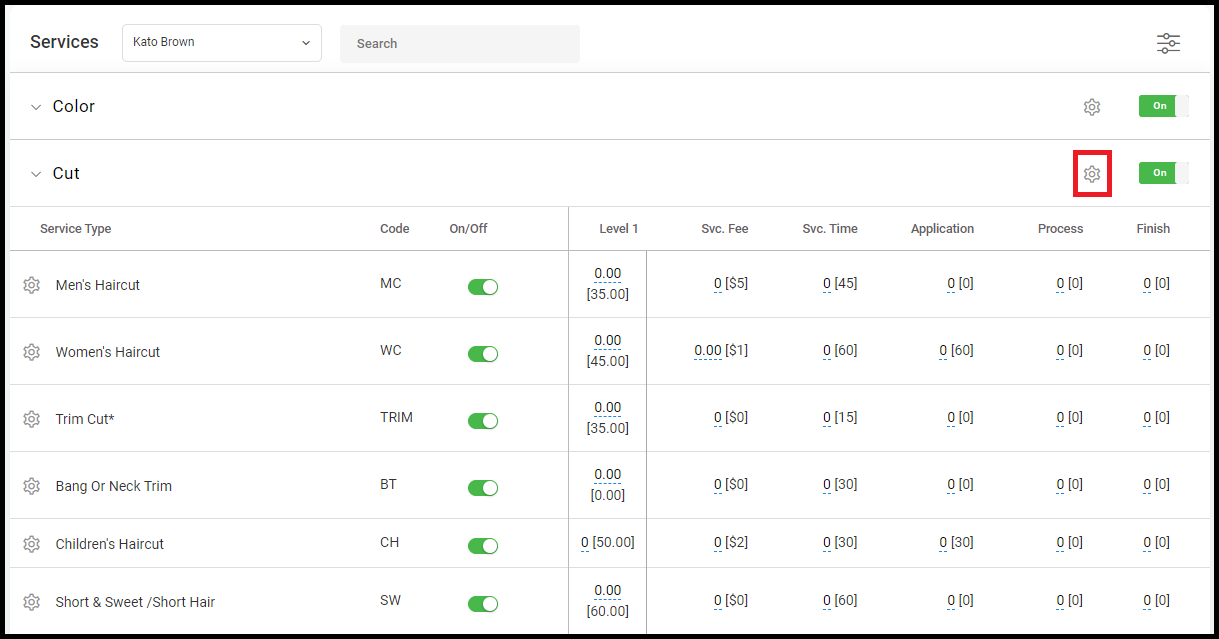
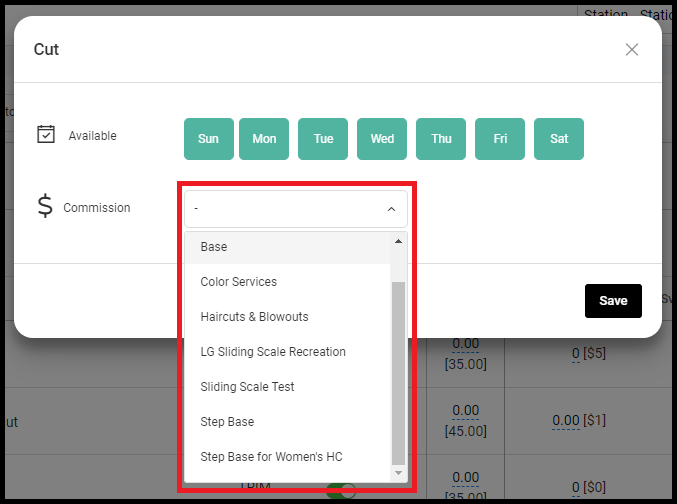
3. Select the Settings Dial of the service type you'd like to set the commission for.
4. Select the commission type for your chosen service type. Save when complete.
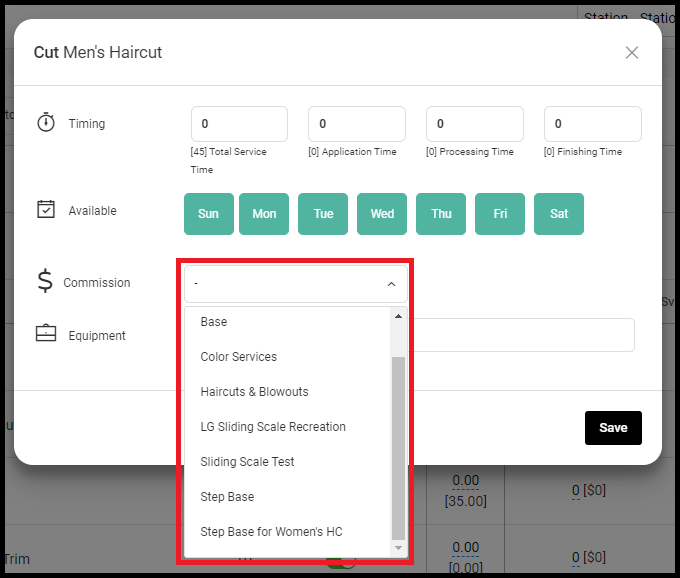
5. Select the Service Dial of the Service you'd like to set the commission for.
6. Select the commission type for your chosen service. Save when complete.
7. Select "Pay Structure" in the side menu of the employee profile.
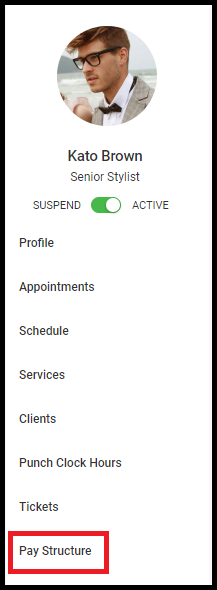
8. Select the commission type for Service Commission and Retail Commission. Save when complete.