Learn how to set up your Supplier Profiles and how to add or adjust inventory on your Product List.
Click here for the video.
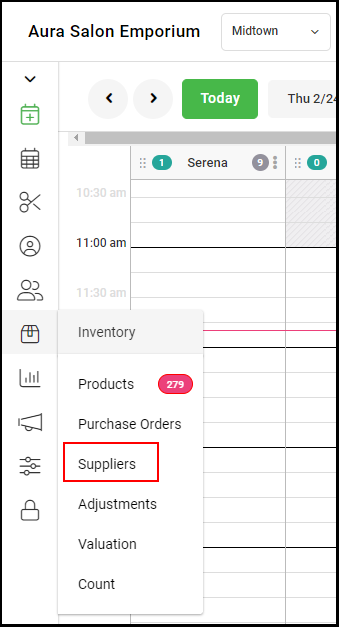
1. Select "Inventory" > "Supplier" from the left side navigation menu.
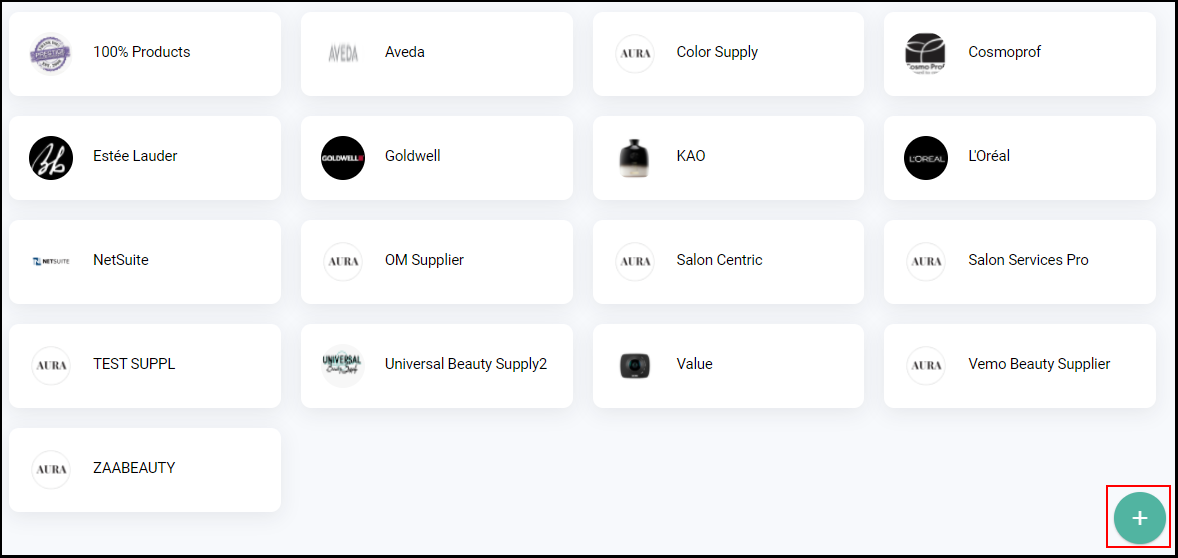
2. Click the green "+" button.
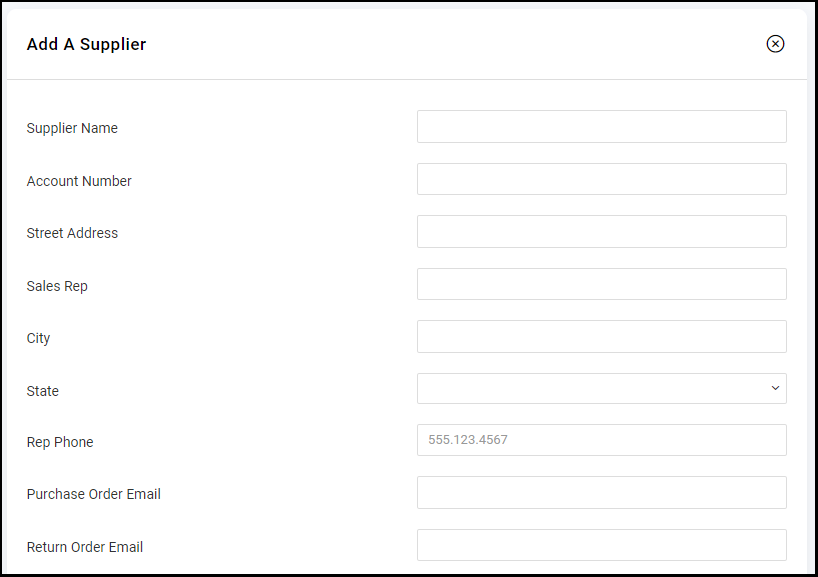
3. Enter the supplier's information in the applicable fields
NOTE: The account number and email address are required for submitting a Purchase Order.
4. Click "Save".