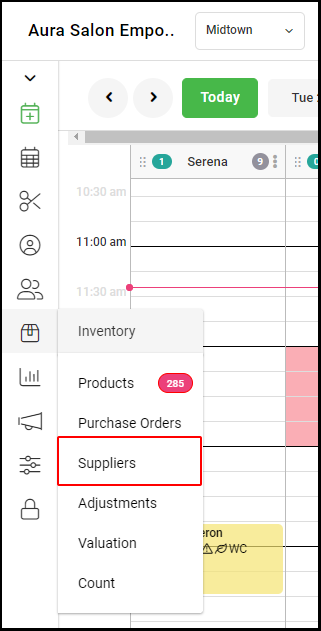
1. Select "Inventory" > "Supplier" from the left side navigation menu.
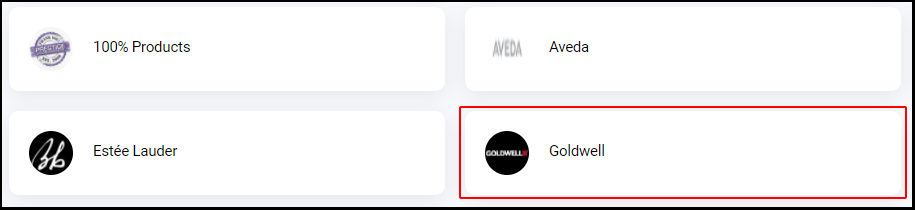
2. Select the Supplier's name
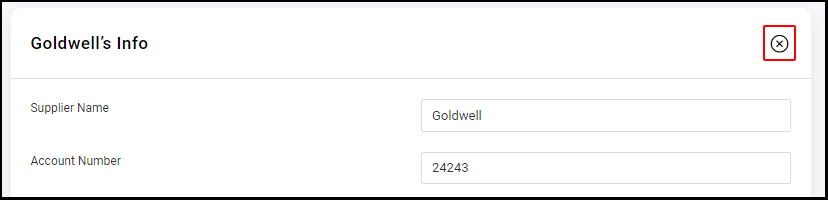
3. Click the "X" in the upper right hand corner of the Supplier Info page.
4. Select "Okay" on the confirmation pop-up window.
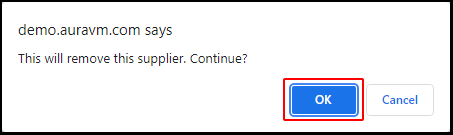
5. The chosen supplier is now deleted.