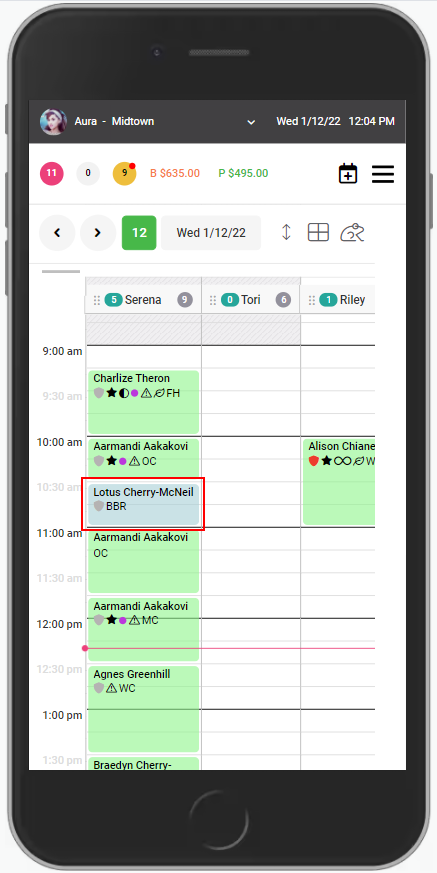
1. Select the appointment.
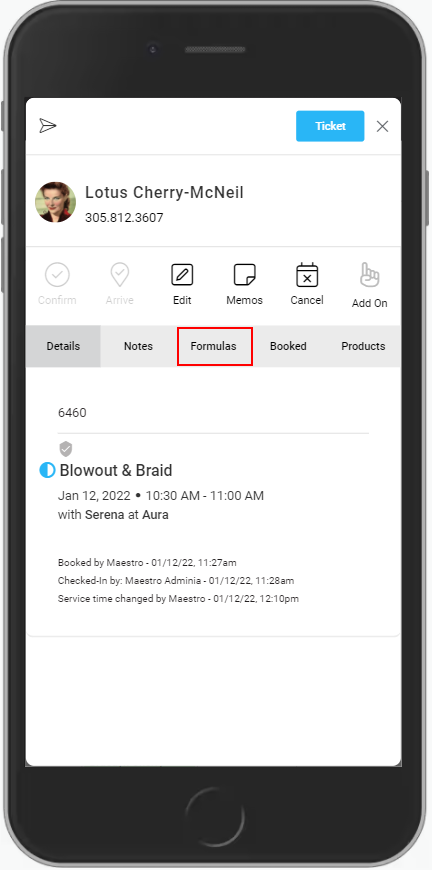
2. Select "Formulas".
3. Any existing formulas are denoted by the date and time of the entry.
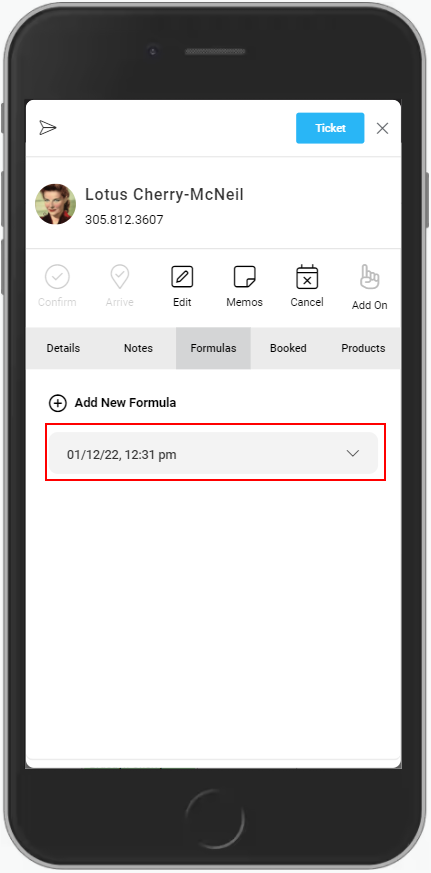
4. Click the drop down to view the details of the formula note.
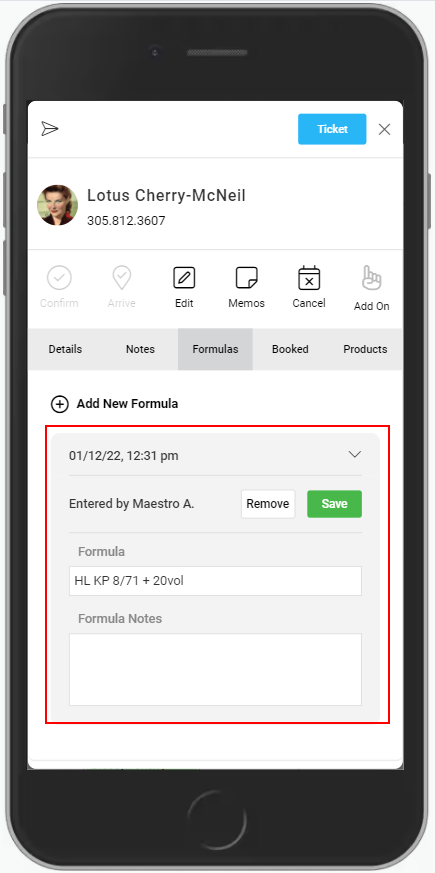
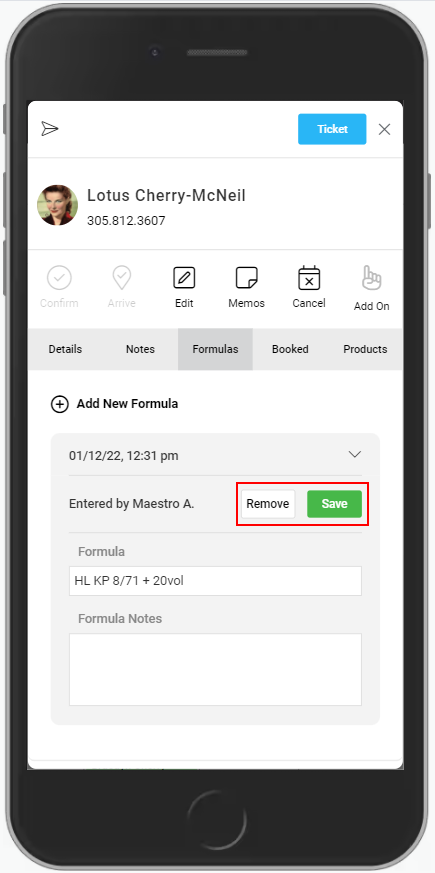
5. To edit, select the text box and make desired changes, then click "Save". To remove the formula, click "Remove".