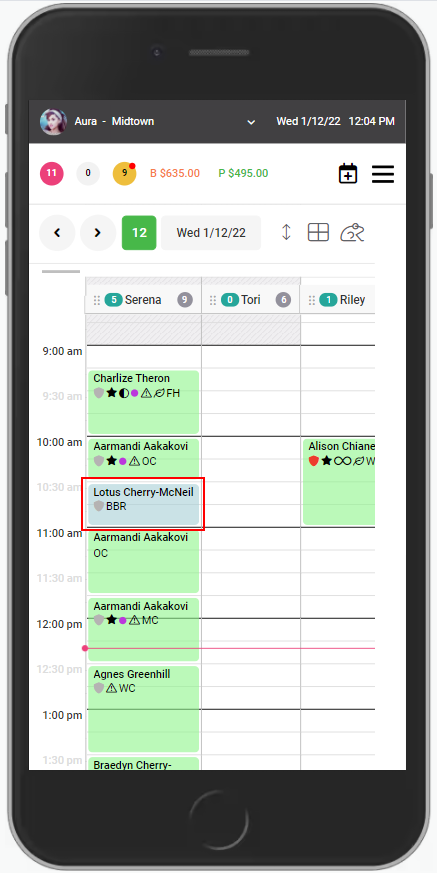
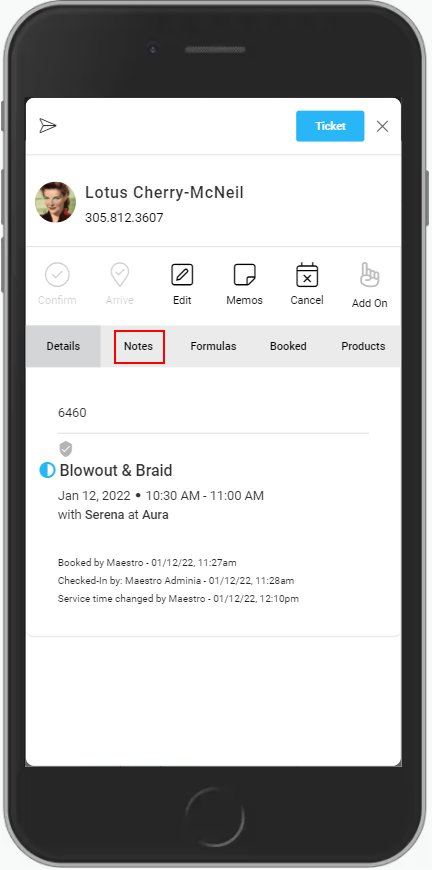
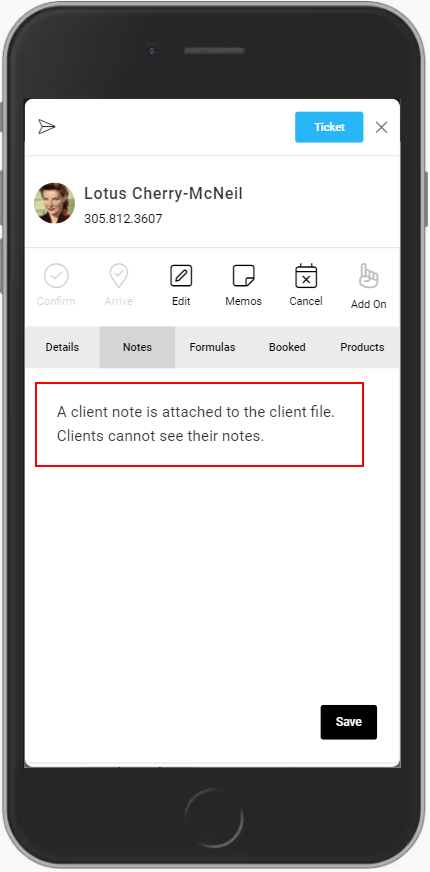
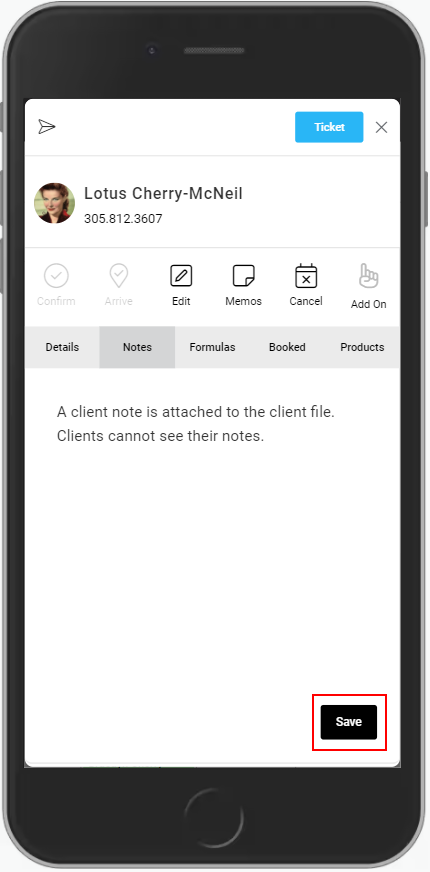
Mobile: View or Edit Client Notes via Calendar 1. Select the appointment. 2. Select "Notes". 3. Select the text box to make changes. 4. Select "Save" to save the changes. Related articles Mobile: View Product History and Quick Add Reception Review: Clients and Transactions Video: Appointment Memos Waitlist Client App: Guest Accounts