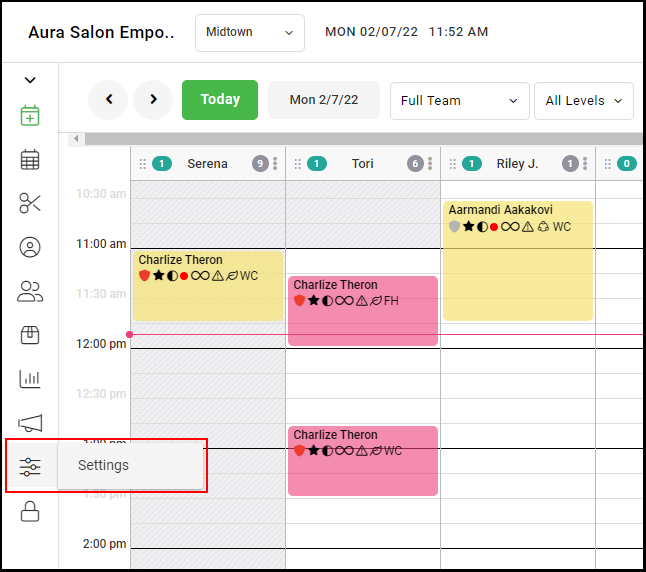
1. Navigate to "Settings".
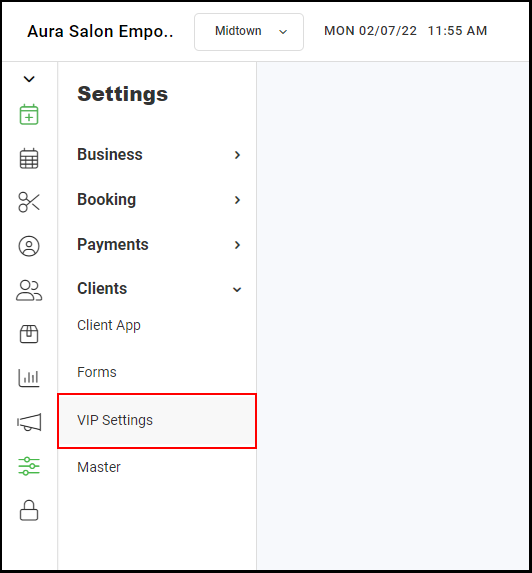
2. Select "VIP Settings".
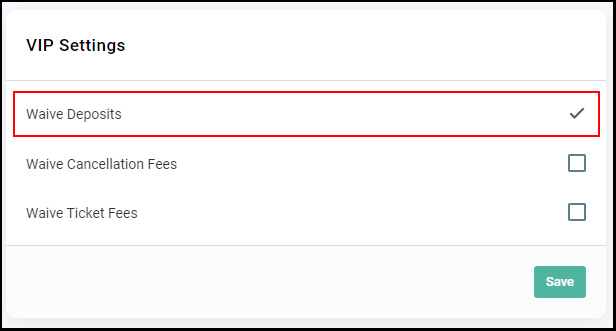
3. When "Waive Deposits" is checked, VIP Clients will not be required to pay any appointment deposits.
4. When "Waive Cancellation Fees" is checked, VIP Clients will not be required to pay any cancellation fees.
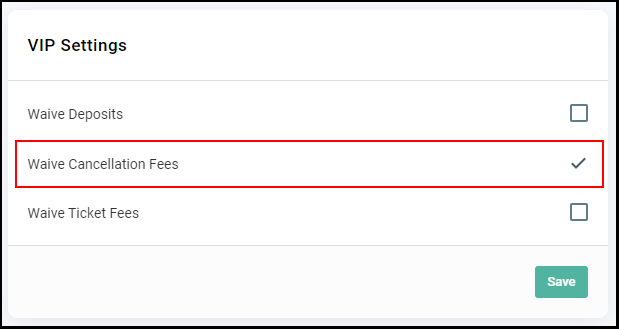
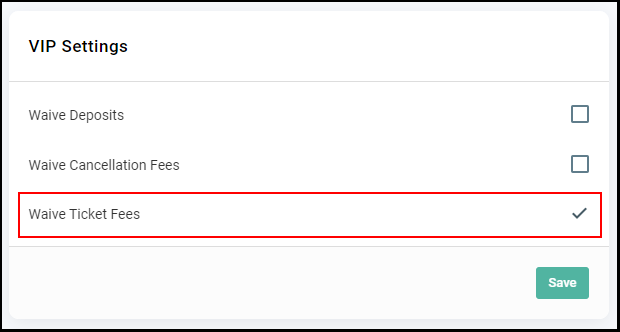
5. When "Waive Ticket Fees" is checked, VIP Clients will not be required to pay any ticket fees.