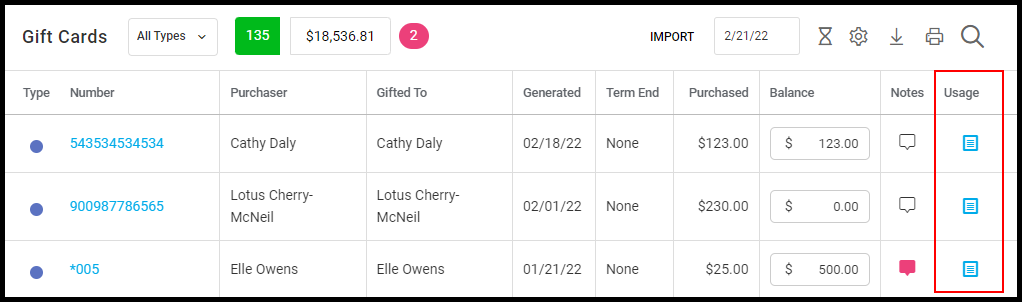
Manager and Owner accounts can edit the comments and balances of existing gift cards on Desktop.
Here is how:
1. Select "Marketing".
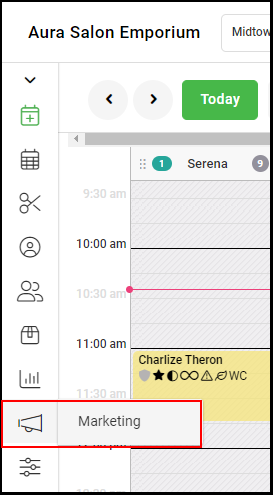
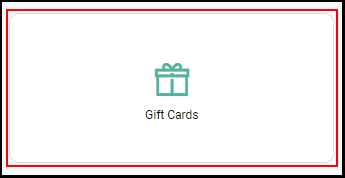
2. Select "Gift Cards".
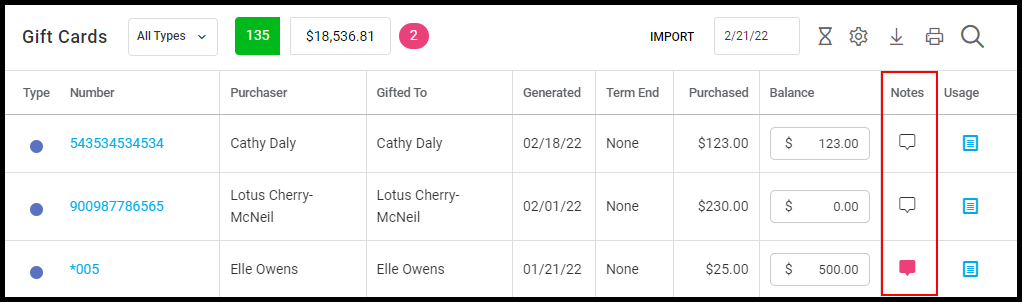
3. Click the "Notes" field to edit the note.
NOTE: Gift cards with existing notes will be represented by a pink chat box.
4. Click the "Balance" field to edit the balance.
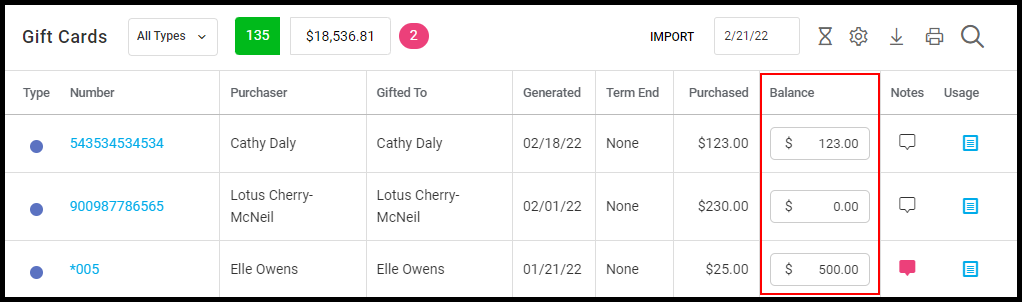
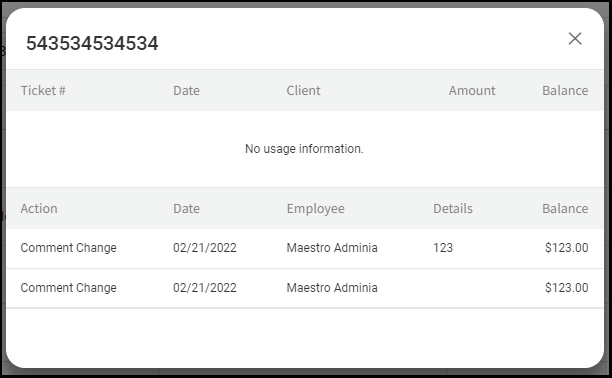
5. All changes are saved automatically and can be viewed in the Gift Card Usage pop-up.