Providers can sync all of their scheduled appointments to their Google Calendar
Note: Google Calendar syncing can be done by any employee of any level access as long as they have appointments on the appointment calendar.
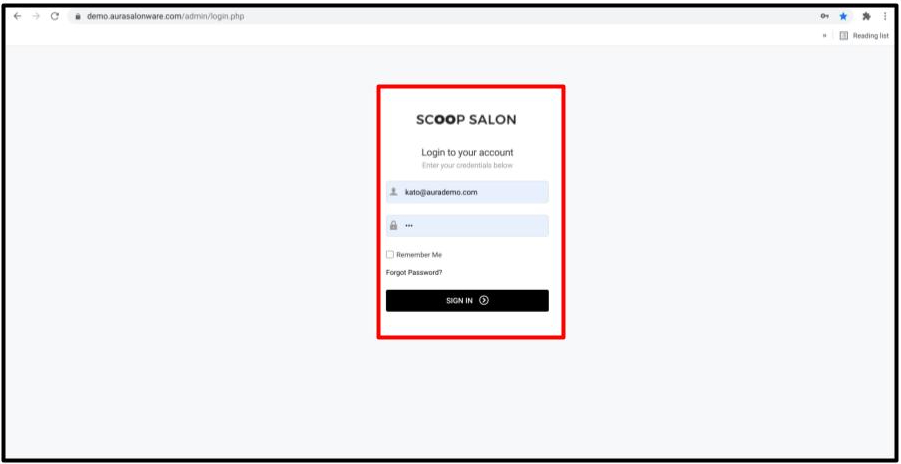
1. Log into the Provider App [Salon Code].aurasalonware.com/admin on either a desktop or an iPad/Tablet
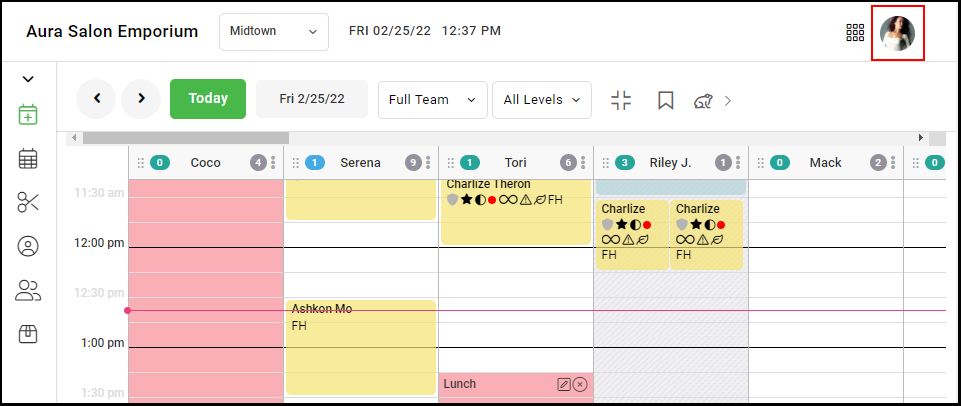
2. Click on the Employee's picture on the top right.
3. Select "My Settings". 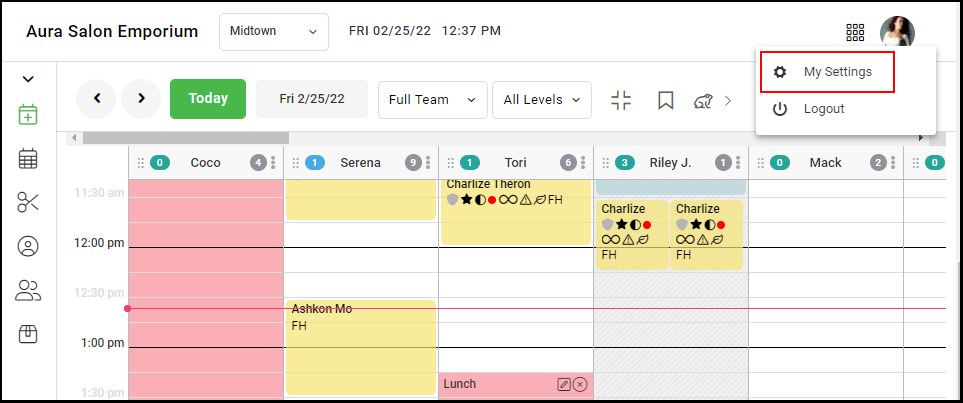
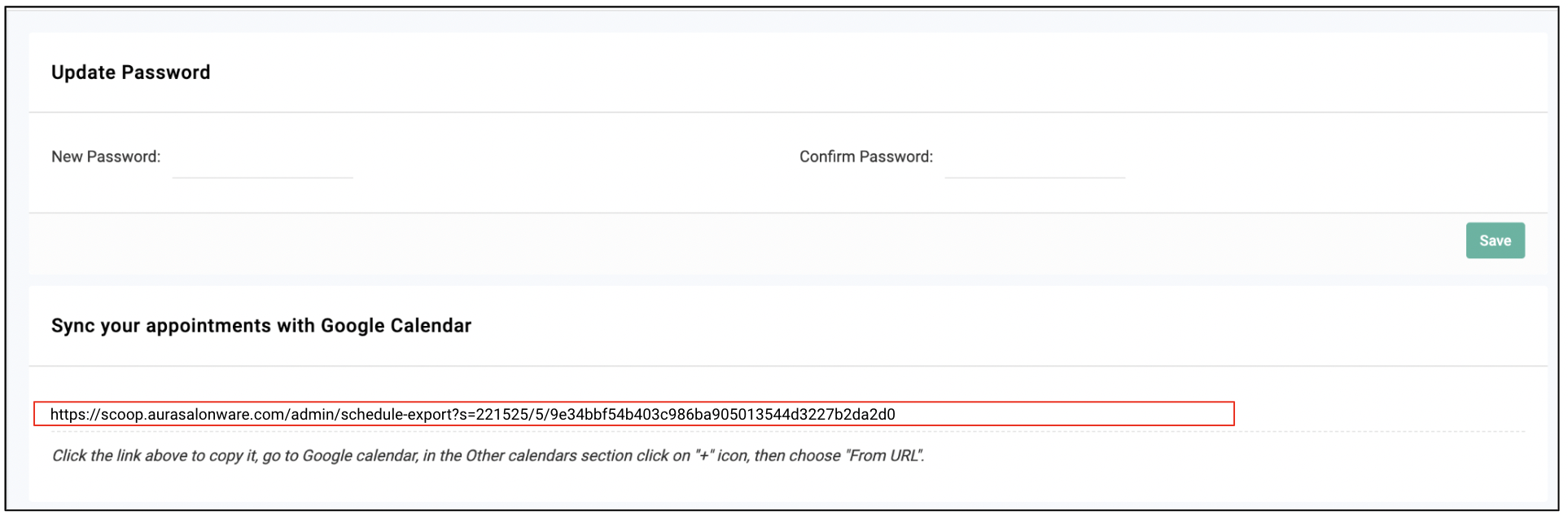
3. Navigate to "Sync your appointments with Google Calendar" and copy the link.
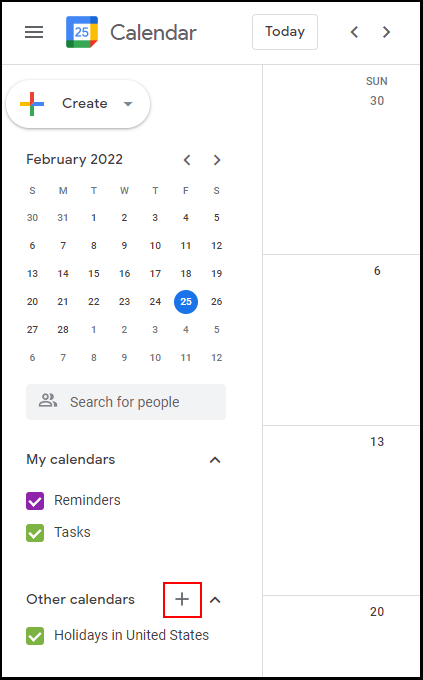
4. Go to Google Calendar and select the "Add Other Calendars" icon.
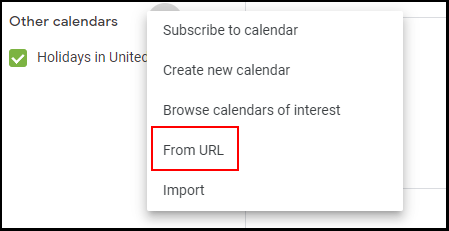
5. Select "From URL".
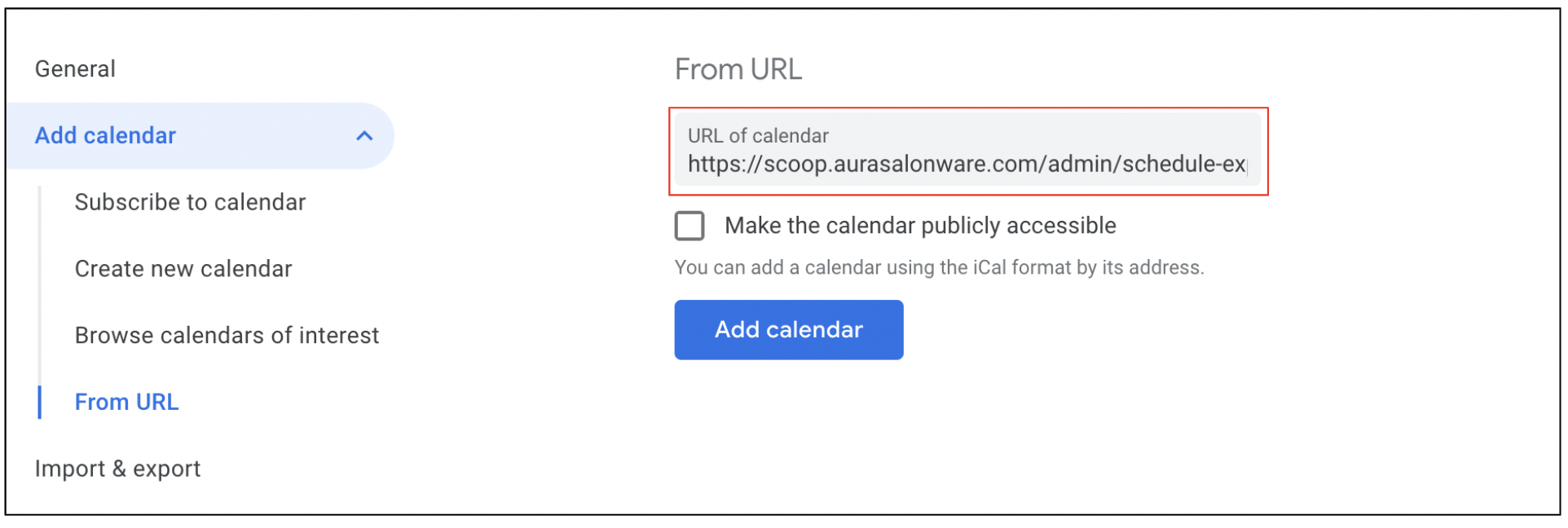
6. Paste the URL from Aura.
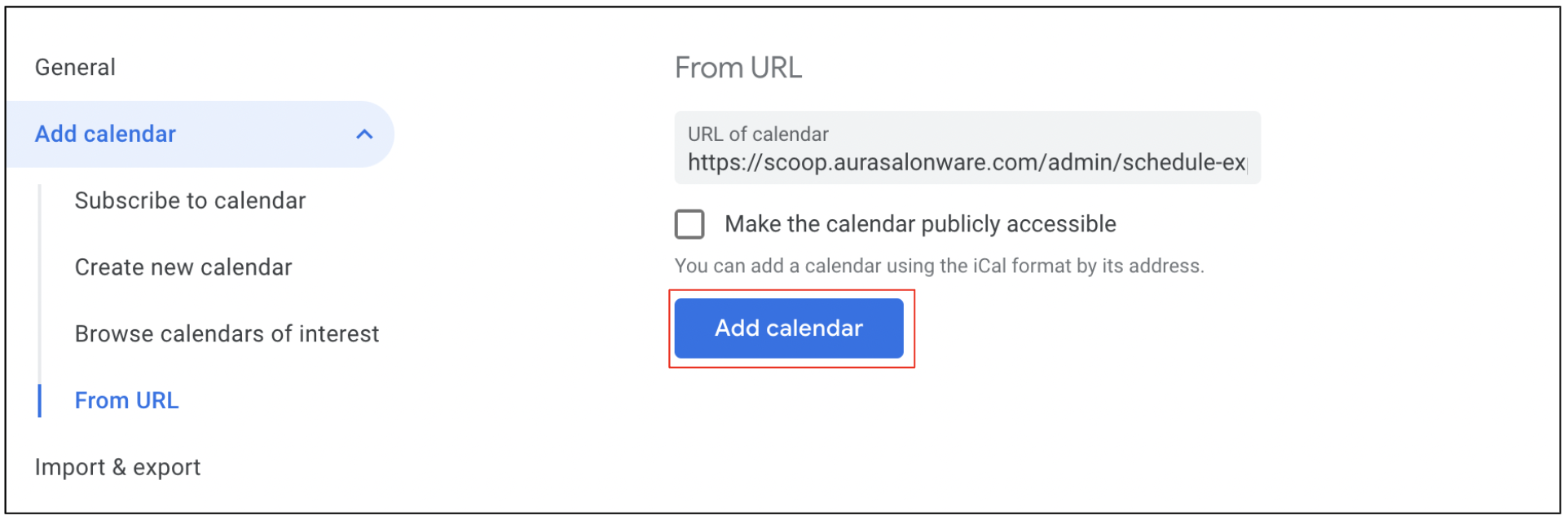
7. Select "Add Calendar".
8. All the appointments will now appear on the Provider's Google Calendar.