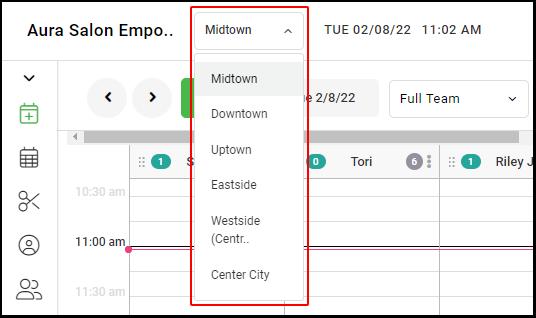
1. For multi-location salons, select the desired location form the drop down menu
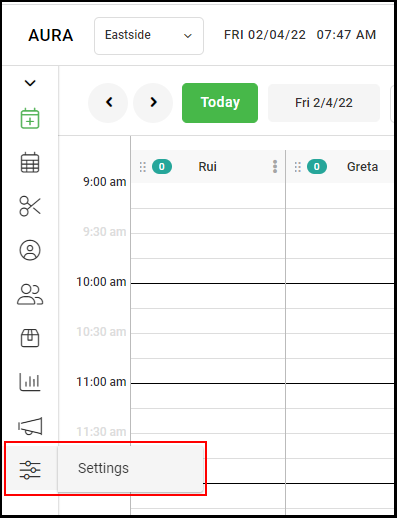
2. Select Salon Settings
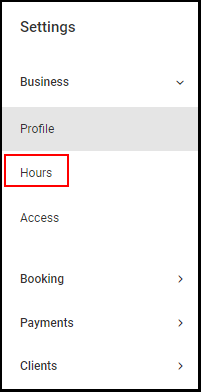
3. Select "Hours".
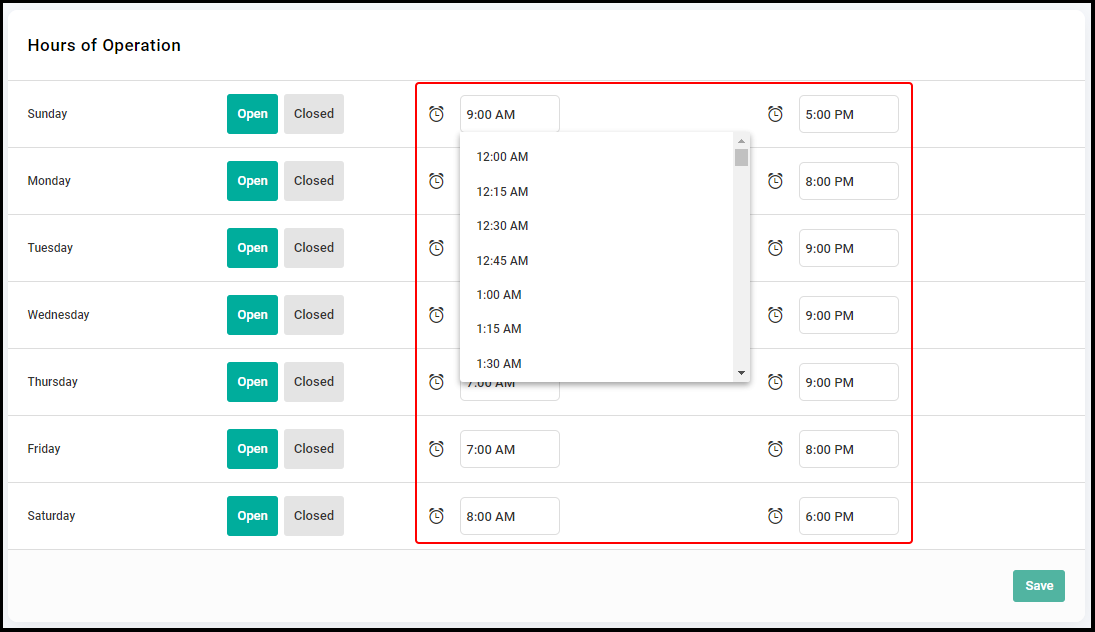
4. Extend your salon hours to include the provider's new hours
Note: The new hours will impact the Salon Hours that display on the "Contact Us" page in the client application.
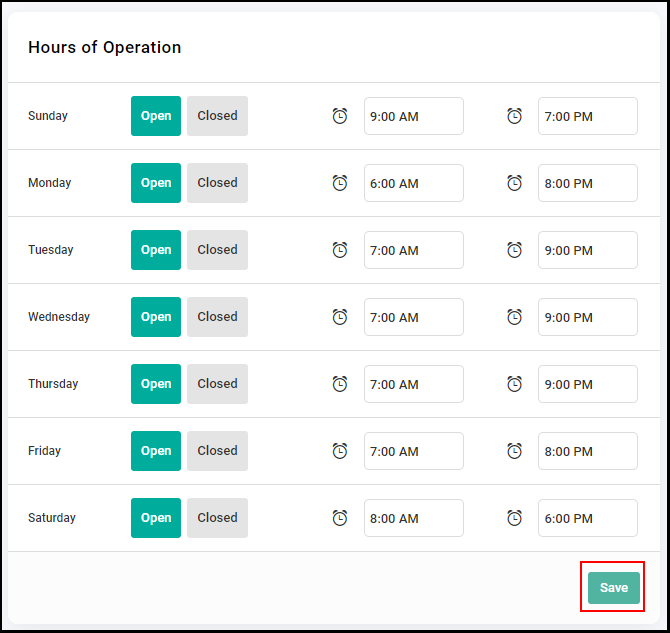
5. Click "Save".
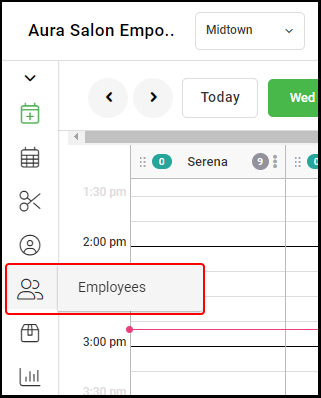
6. Go to "Employees" from the side menu.
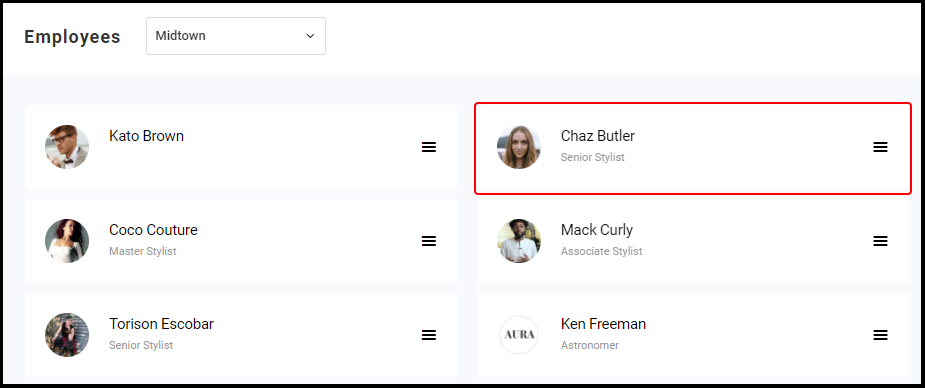
7. Click on the desired Provider name.
7. Select "Schedule".
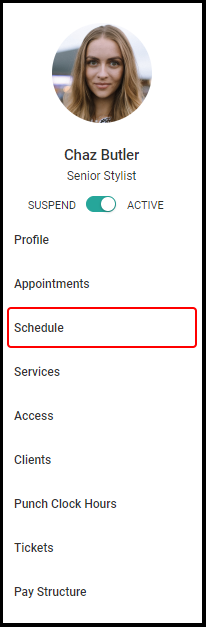
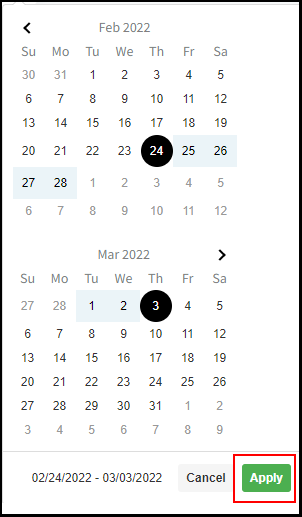
8.Locate the "Add Days to Schedule" section and select the affected dates from the calendar

9. Click "Apply".
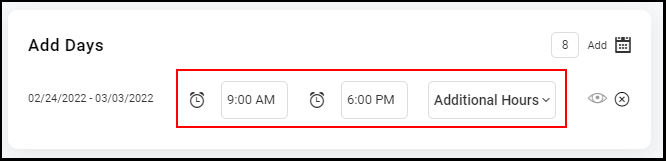
10. Designate the provider's new hours for the additional days.