Once an Employee Schedule is created in Aura, Owners and Managers have the option to set up specific instances to hide or show a provider on the calendar. Users can also set up service-specific availability on a day-to-day basis.
Note: The hide/show toggle located on Add and Remove Days section overrides hide/show on the provider's schedule.
How to Hide a Provider from the Booking Calendar even on Scheduled Work Days
1. Set up the provider schedule by following the steps shown in our guide to Setting up Employee Schedules.
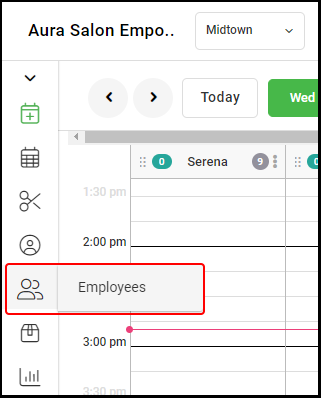
2. Navigate to "Employees".
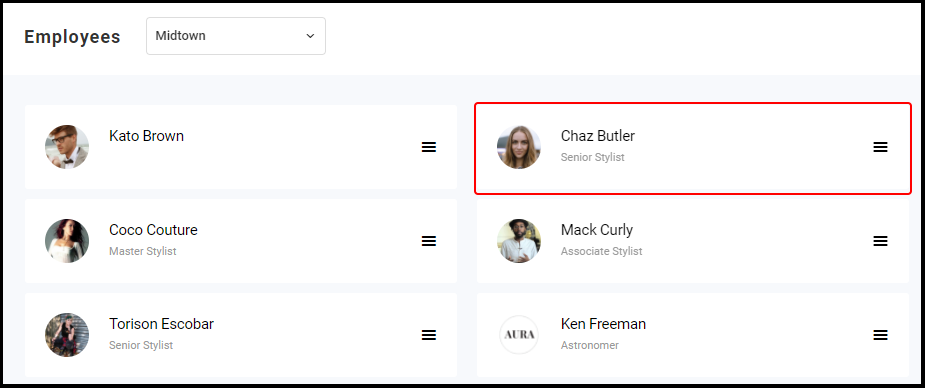
3. Select an "Employee".
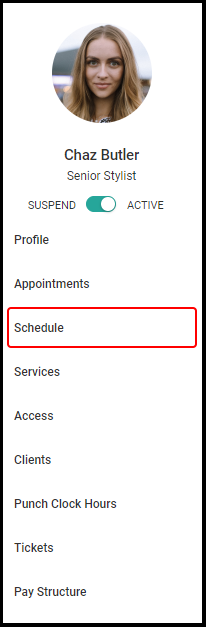
4. Select "Schedule" from the left side menu.
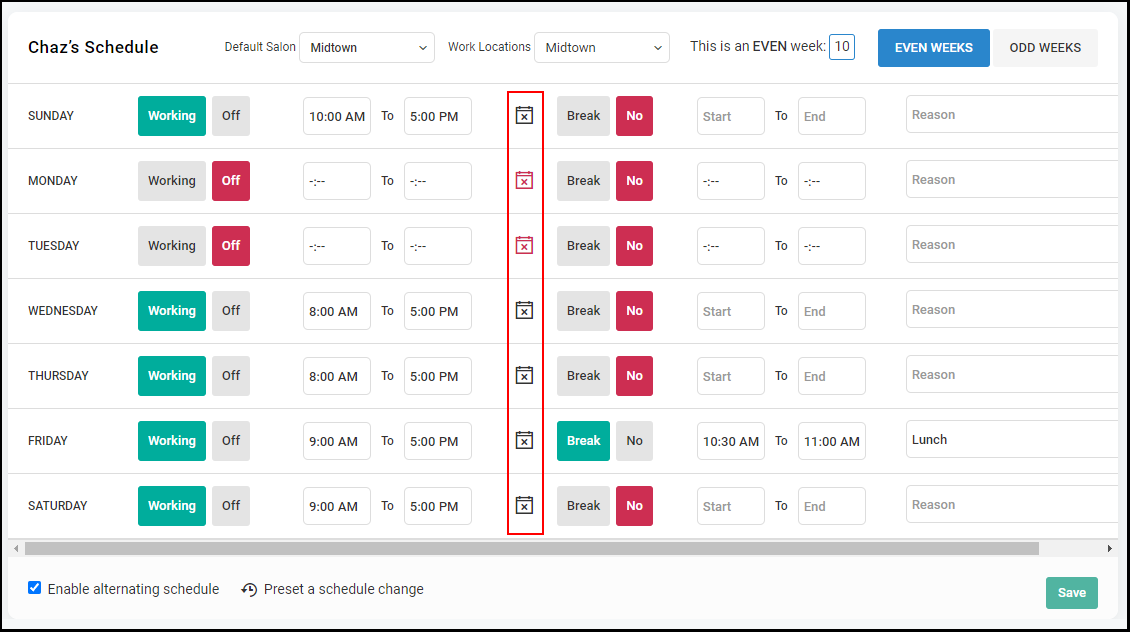
5. To adjust whether or not the chosen Provider shows on the Booking Calendar on certain days, select the Calendar Icon.
- Red indicates that the provider is not showing on the Booking Calendar. This is the default setting for days on which the selected provider is not working.
- Black indicates that the provider is showing on the Booking Calendar and able to accept appointments. This is the default setting if the employee is set to Working.
How to Hide Services Offered on Particular Days for Specific Providers
1. Ensure all services and categories are set up for the salon and specific provider as shown in our guide to Setting Up Employee Services.
2. Within the employee profile, select "Services".
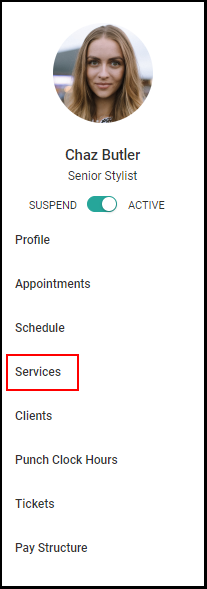
2. There are two different ways to set up specific service availability--by overall service category or by drilling it down to specific services within each category.
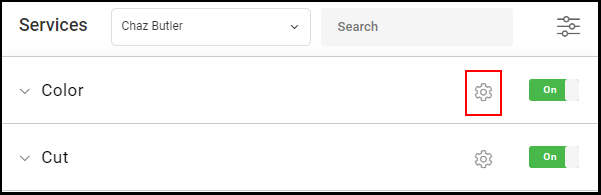
- To adjust service category availability, select the Gear Icon next to the name of the overall category.
- To adjust the availability of a specific service provided within a service category, open the service category by selecting the drop down arrow on the left, then select the gear to the right of the service name.
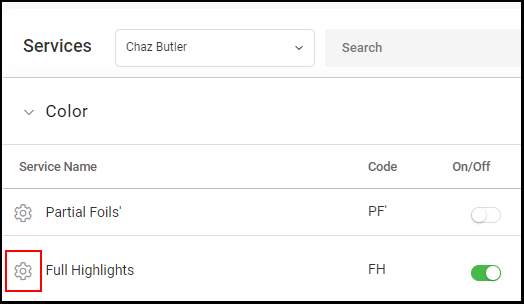
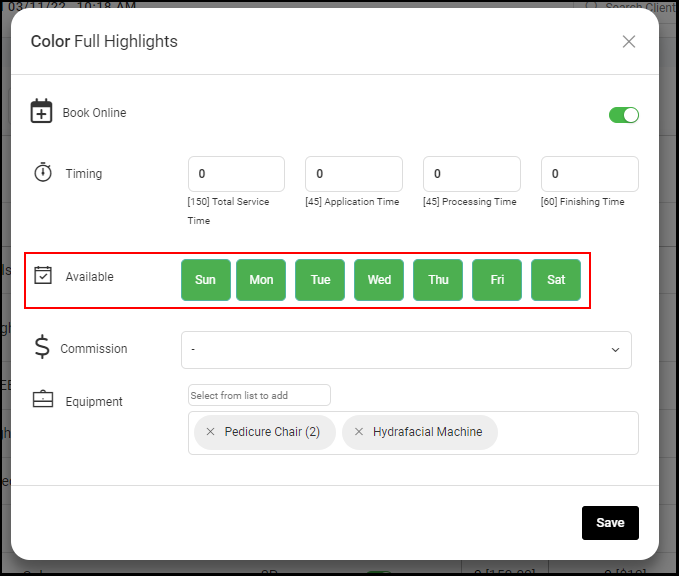
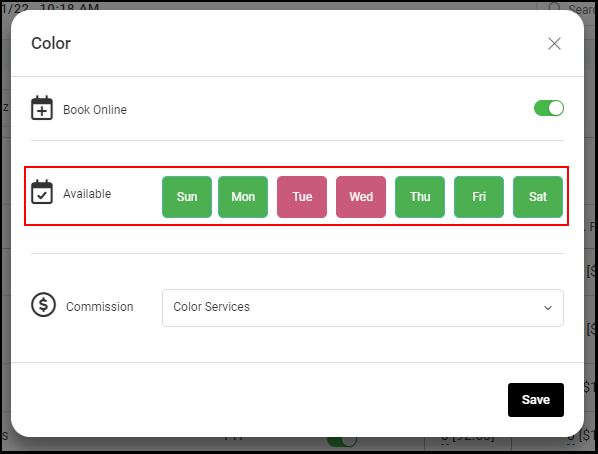
3. Once the gear icon is selected, a new pop up will open. Select the days to hide this service on the Provider's Booking Calendar.
- Green indicates the service is showing as available.
- Magenta indicates the service is hidden.
- When adjusting specific services within a Service Category, users may also adjust the provider's timing for that same service.