Owners can give Front Desk Access to create, edit, submit, receive, and restock a Purchase Order. This access can be enabled in Access under the Salon Settings tab.
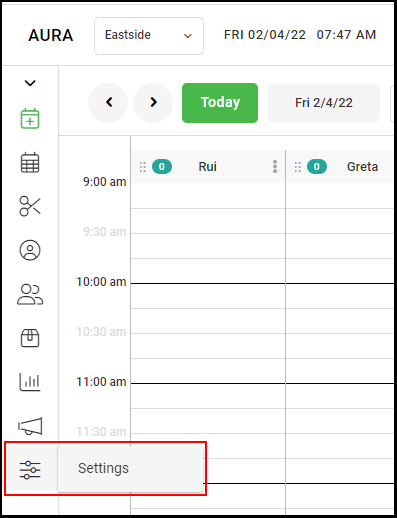
1. Select "Settings".
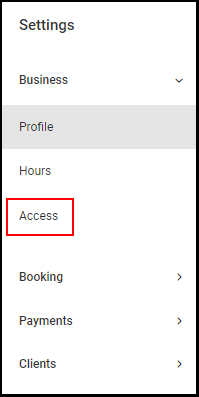
2. Select "Access".
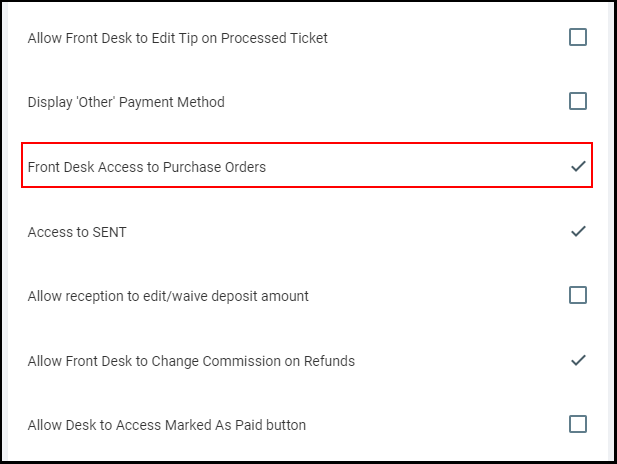
3. Scroll to the Front Desk Access section and select "Front Desk Access to Purchase Orders". This access will default to disabled.
NOTE: If this access is enabled, anyone with a Front Desk Role can create, edit, submit, receive, and restock a Purchase Order. If this Access is not enabled, then only Owner and Manager can access Purchase Orders.
4. Select "Save".