Voids must take place on the same business day that the transaction was processed. Once Void is selected the void is transmitted to the card processor immediately. The pending transaction will drop from the client's account in as quickly as 5 minutes or as slowly as 24 hours; it all depends on their bank.
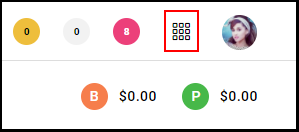
1. Select the "Menu" on the top right of the appointment calendar.
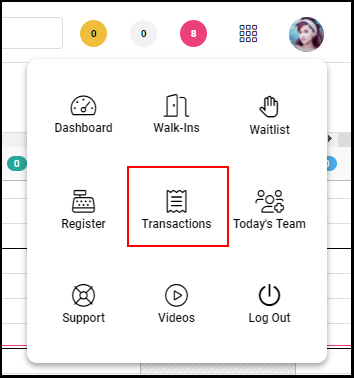
2. Select "Transactions" from the Menu.
3. Select the "X" action icon under the desired transaction.

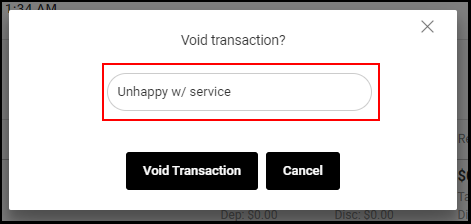
4. A window will pop-up prompting you to either void the transaction, or cancel the voiding process. First, type into the field why the service is being voided.
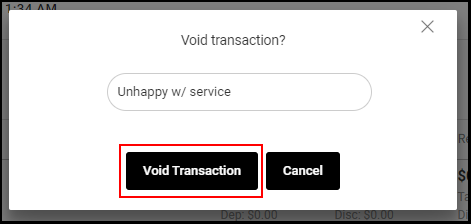
5. Select "Void Transaction".
6. After processing the void, check under "Pay Type" to verify it was voided.
