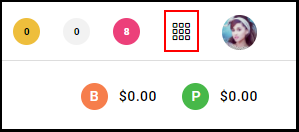
1. Select the "Menu".
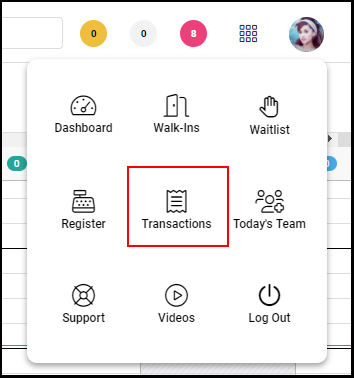
1. Click on "Transactions" within the Menu.
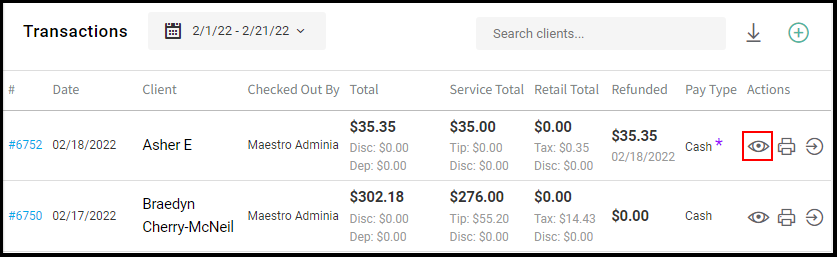
2. Locate the transaction.
Note: You can search by client name.
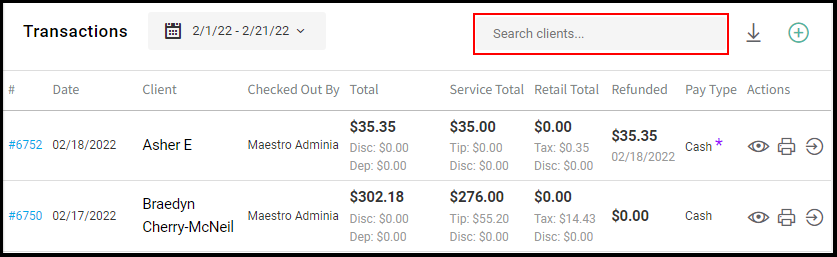
3. Click the "View" icon of the transaction.
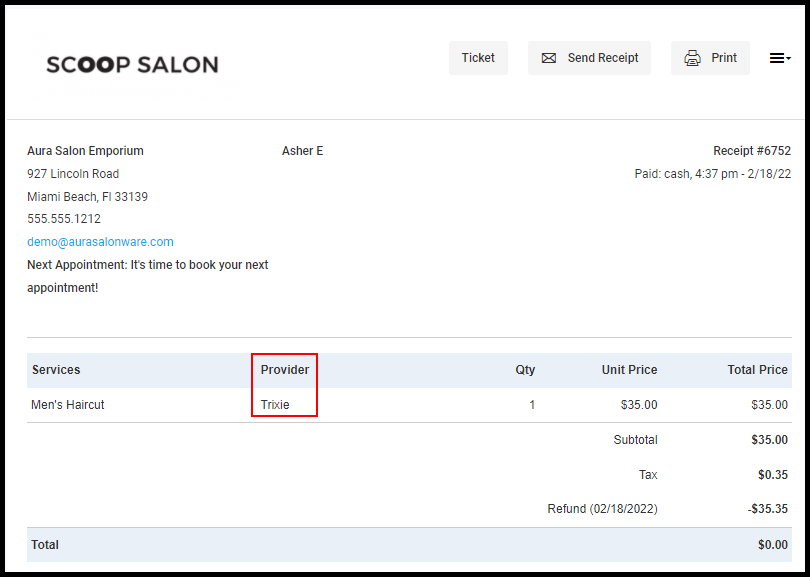
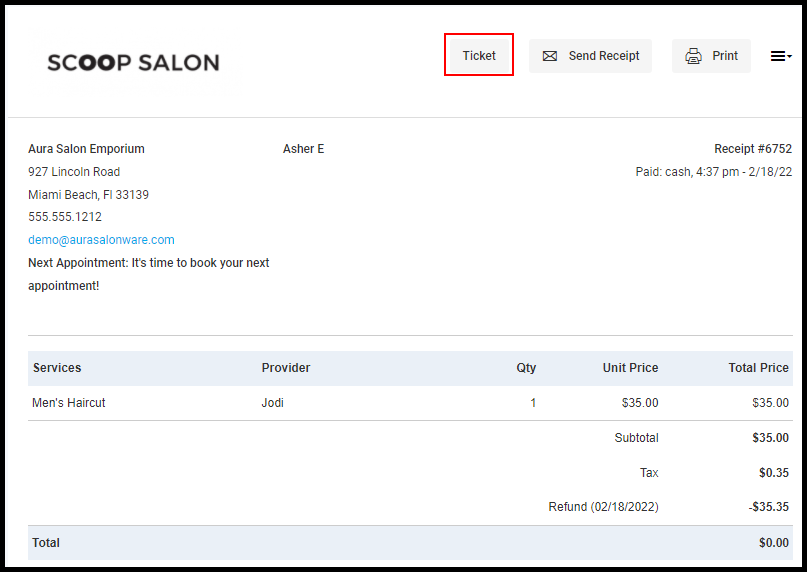
3. Click "Ticket" on the top right.
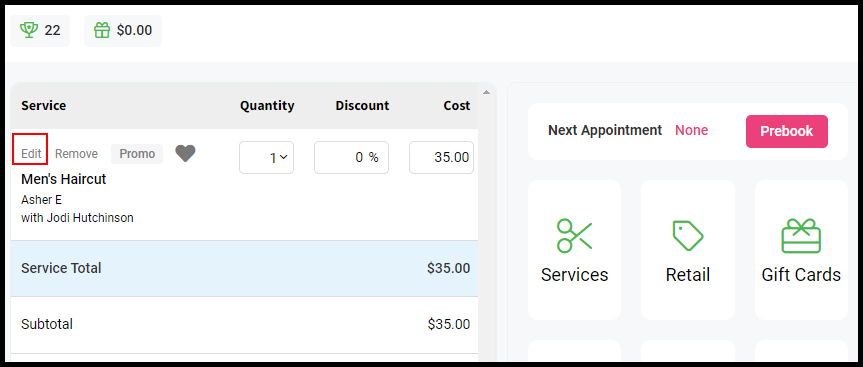
4. Under service, click on the little pencil icon to the left of the service name.
5. Select the correct Stylist from the drop-down menu.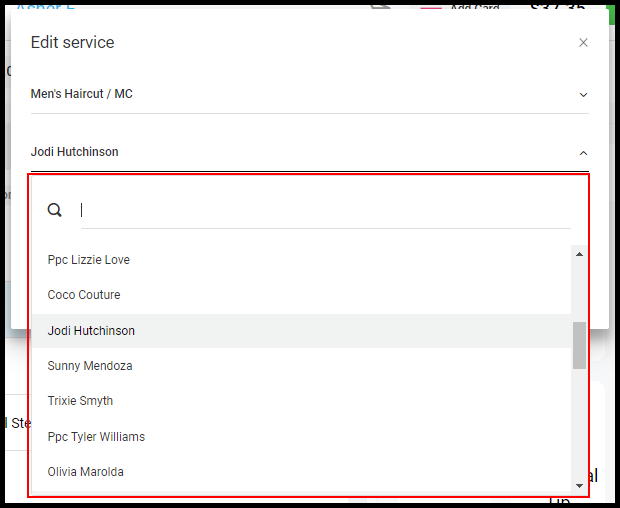
6. Verify the information is correct, and select "Save +". 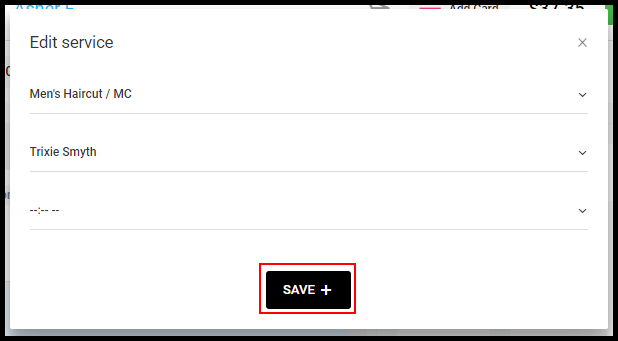
7. Exit from the Ticket. The transaction details will update with the new provider.