1. If your Salon has multiple locations, select the location on the top of the screen.
NOTE: If your salon only has one location, skip this step and proceed to Step #2.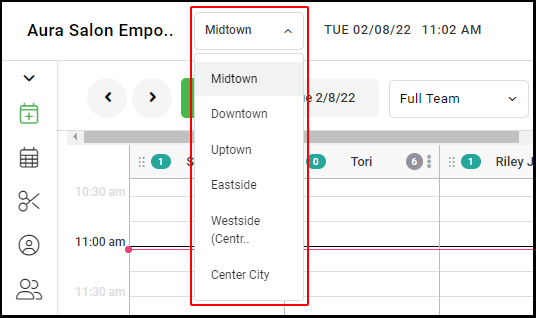
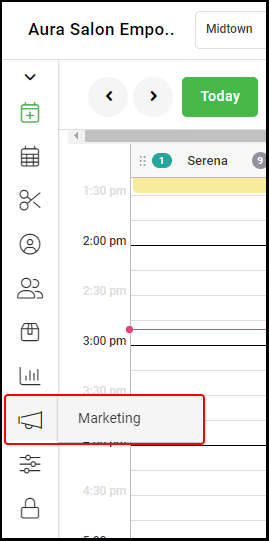
2. Go to "Marketing".
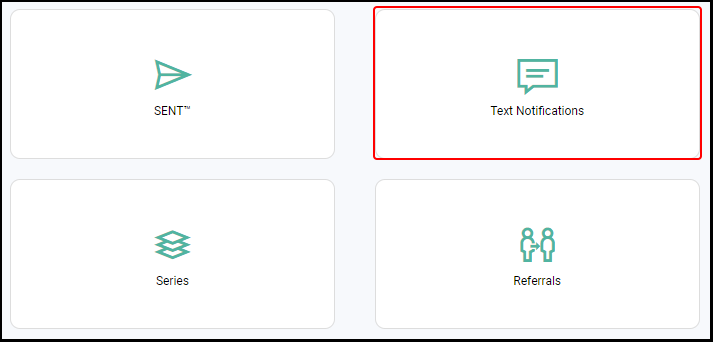
3. Select "Text Notifications".
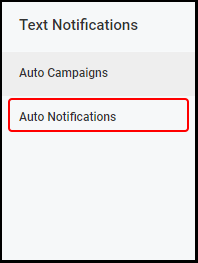
4. Select "Auto Notifications" from the left menu.
5. Select the Settings Dial.

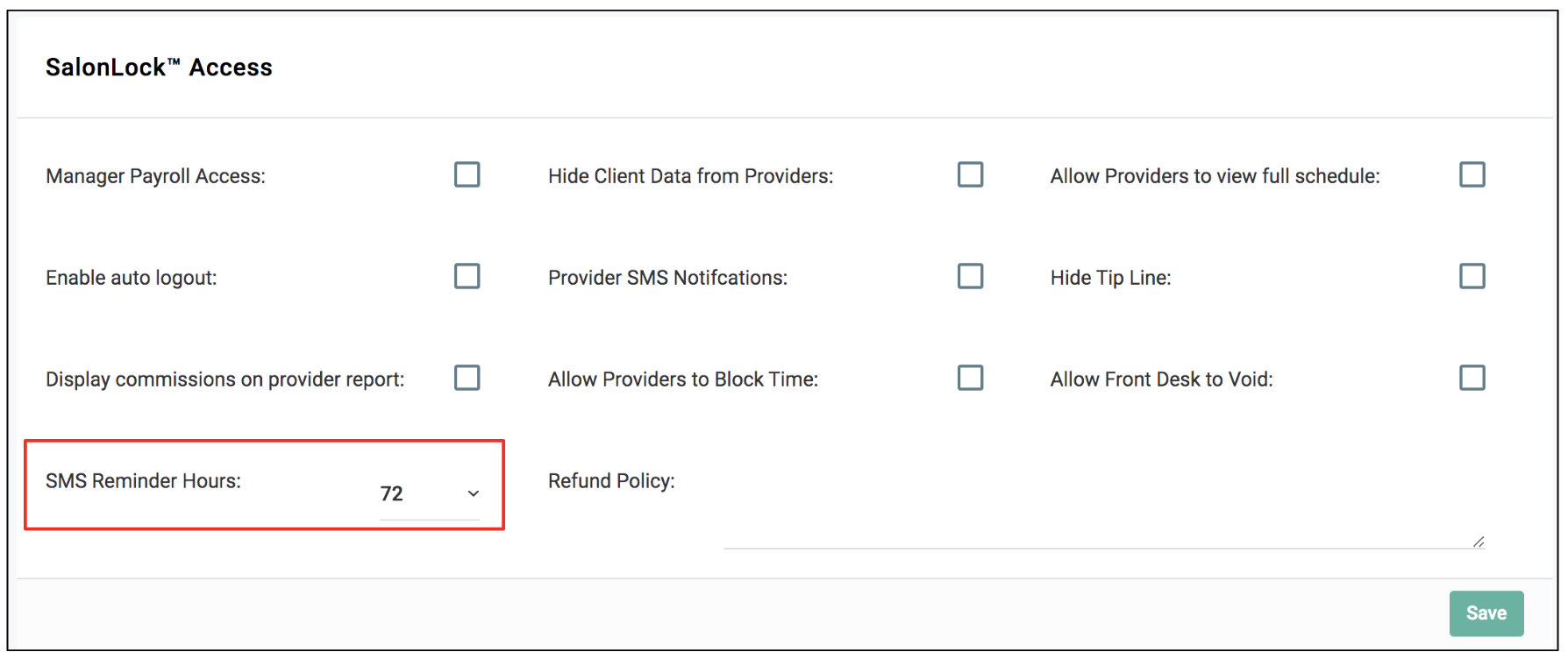
6. Using the "First Confirmation Text" Drop-Down, select how many hours before the scheduled appointment you'd like the First Confirmation Text to be sent to the client.
7. Using the "Second Confirmation Text" Drop-Down, select how many hours before the scheduled appointment you'd like the Second Confirmation Text to be sent to the client.
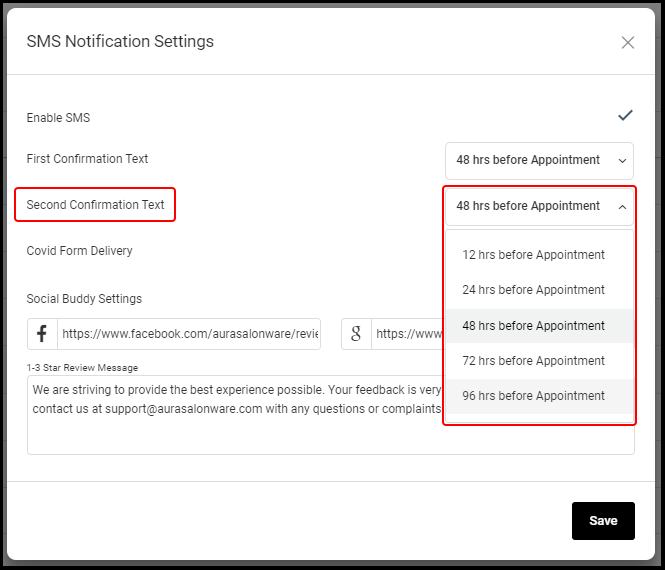
8. Click "Save"
9. For Salons with multiple locations, repeat steps 1-8 for each location.