1. If your Salon has multiple locations, select the location on the top of the screen.
NOTE: If your salon only has one location, skip this step and proceed to Step #2.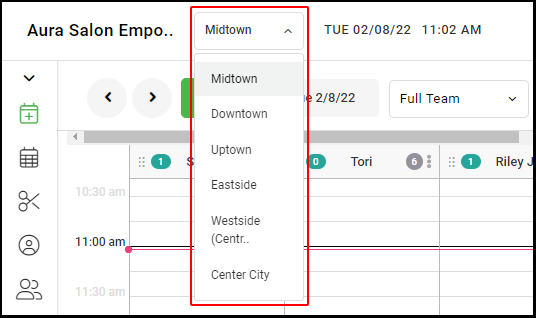
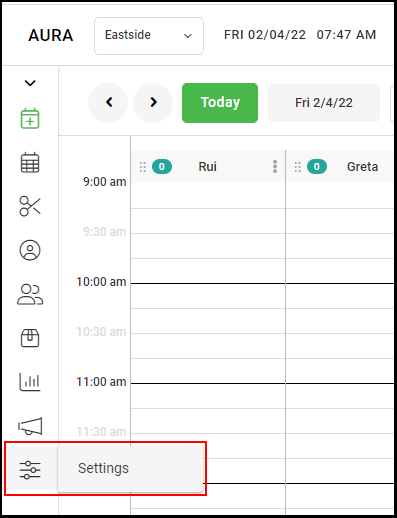
2. Go to "Settings" on the left side menu.
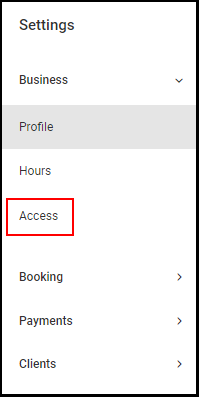
3. Select "Access".
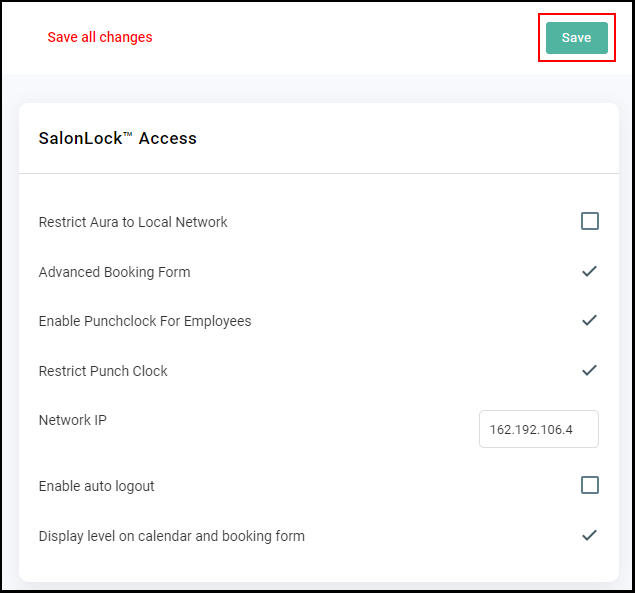
4. Select the check box for "Restrict Punch Clock".
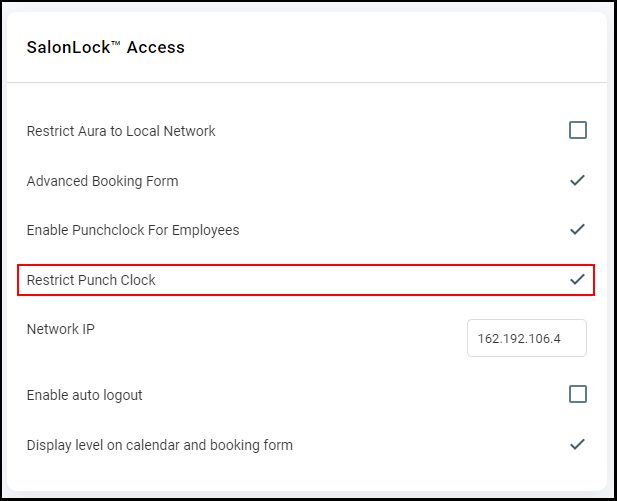
5. Identify your IPv4 address by clicking here or here while being connected to the business WIFI. You will enter that IP address on the Network IP Line.
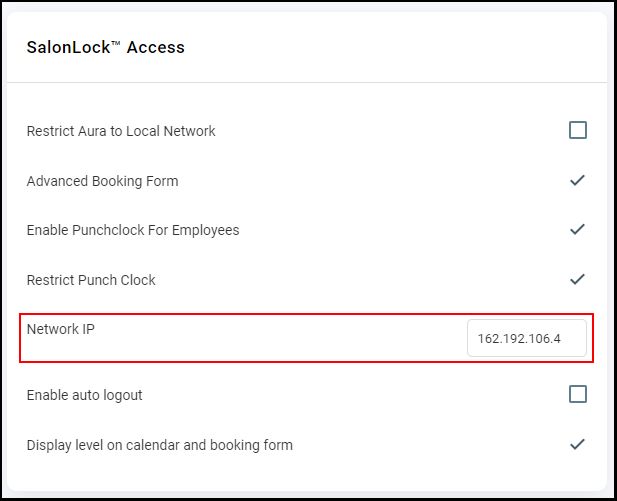
6. Click "Save".