Salon Owners can enable or disable the punch clock feature using the “Enable Punch Clock for Employees” checkbox on the Access tab under Salon Settings. If disabled (unchecked), employees will not be able to punch in/out from their phone or desktop.
1. If your Salon has multiple locations, select the location on the top of the screen.
NOTE: If your salon only has one location, skip this step and proceed to Step #2. 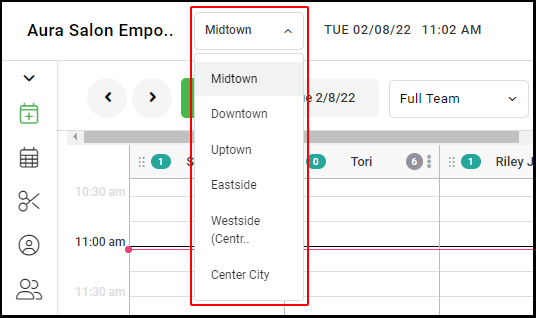
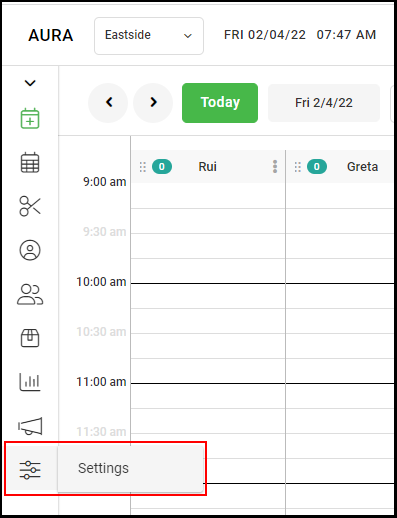
2. Go to "Settings" on the left side menu.
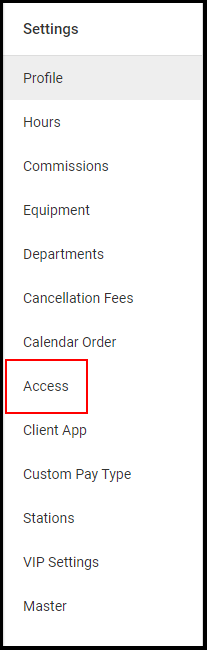
3. Select "Access".
4. Select the checkbox for "Enable Punchclock for Employees".
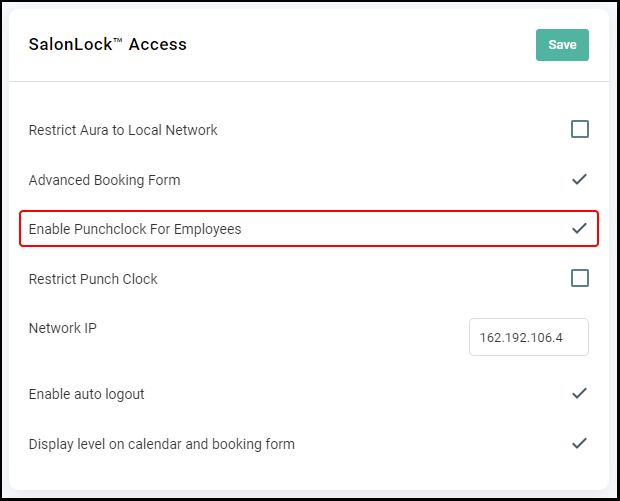
5. Click "Save".
6. If you have multiple salon locations, repeat steps 1-5 for each location