1. Log In to your Authorize.net account.
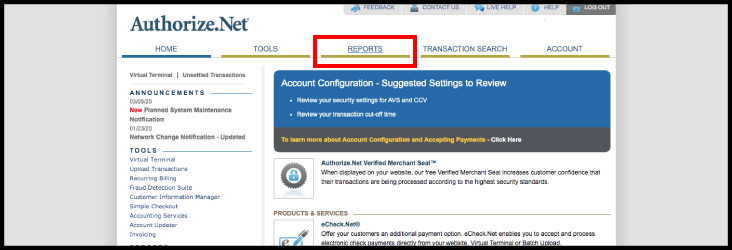
2. Select "Reports" on the navigation bar
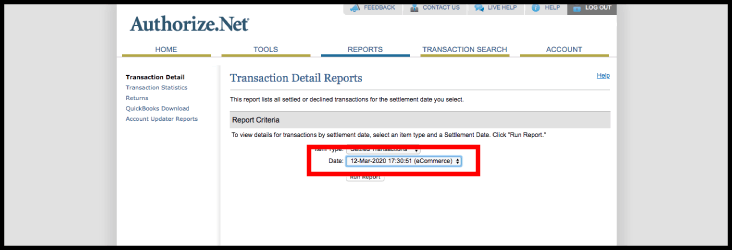
3. Select the date to view
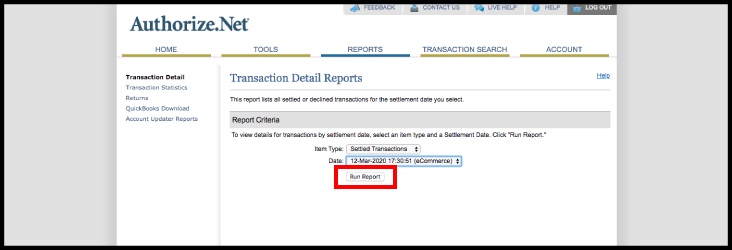
4. Select "Run Report"
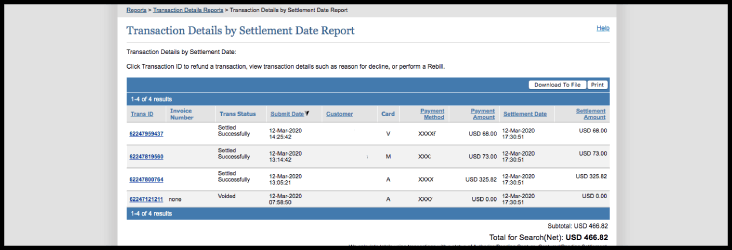
5. The transactions that were settled on that date are displayed
1. Log In to your Authorize.net account.
2. Select "Reports" on the navigation bar
3. Select the date to view
4. Select "Run Report"
5. The transactions that were settled on that date are displayed