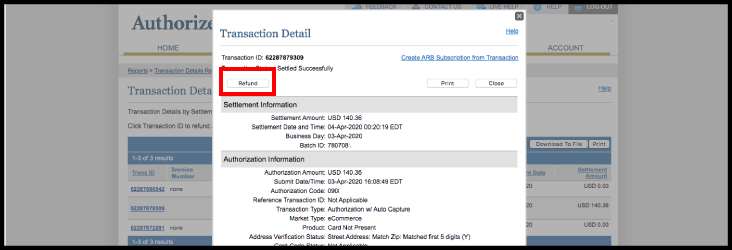
*Note: Only use this in the event of an emergency, this does not refund the transaction in AURA.
1. Log In to your Authorize.net account.
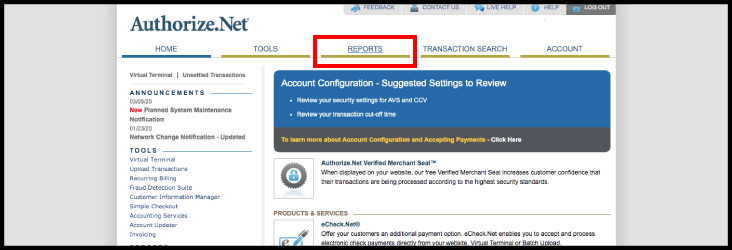
2. Select "Reports" on the navigation bar
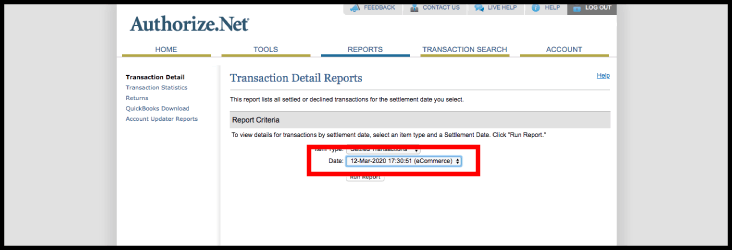
3. Select the date to view
4. Select "Run Report"
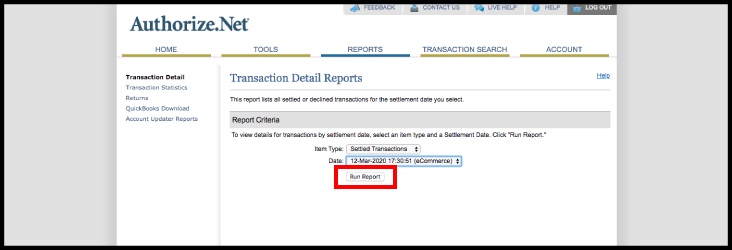
5. The transactions that were settled on that date are displayed
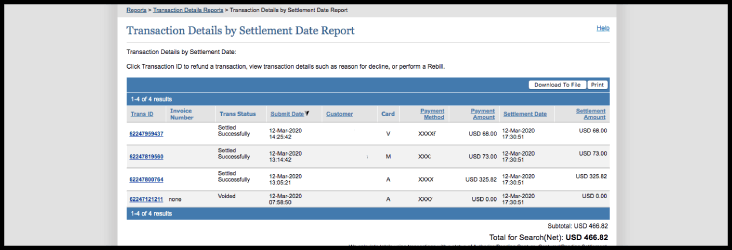
6. Select the Invoice Number of the transaction to be refunded
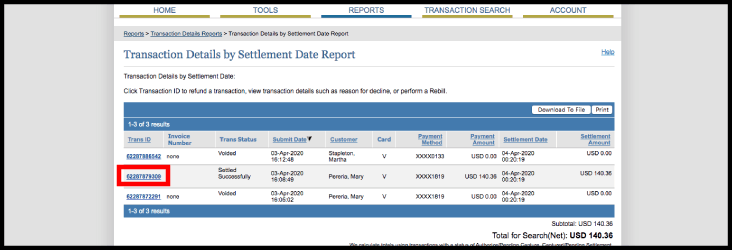
7. Select Refund