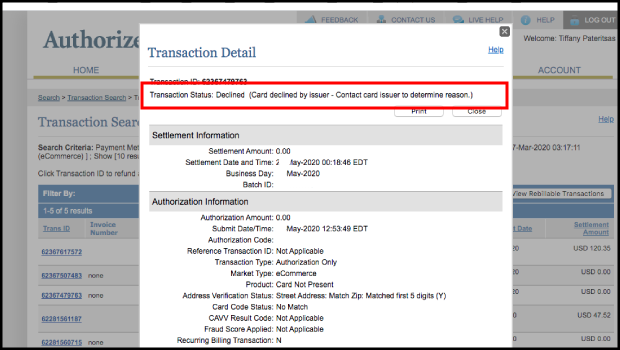
All transactions, including adding a card to a Wallet and whether it is Accepted or Declined, can be viewed.
1. Log In to your Authorize.net account.
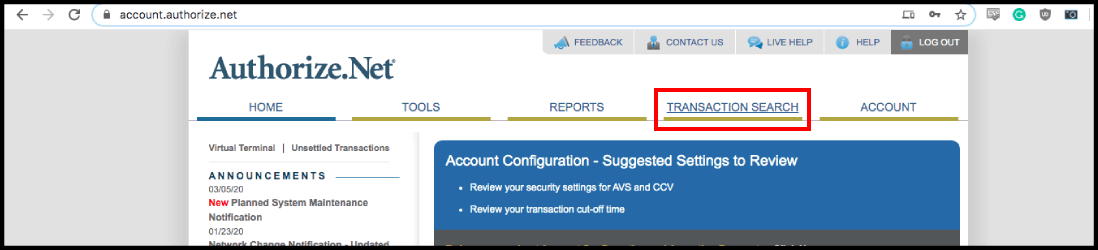
2. Select "Transaction Search" on the navigation bar
3. Enter the Client's Name. Their Last Name may be sufficient.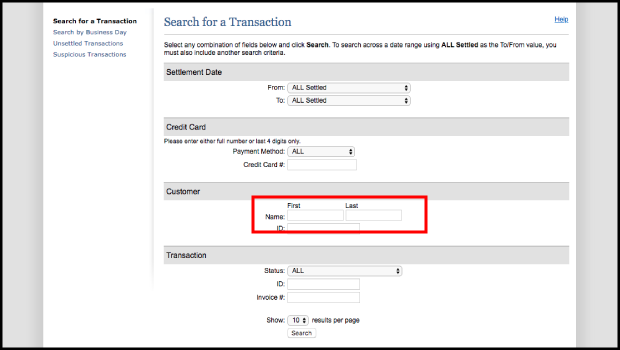
4. Select Search
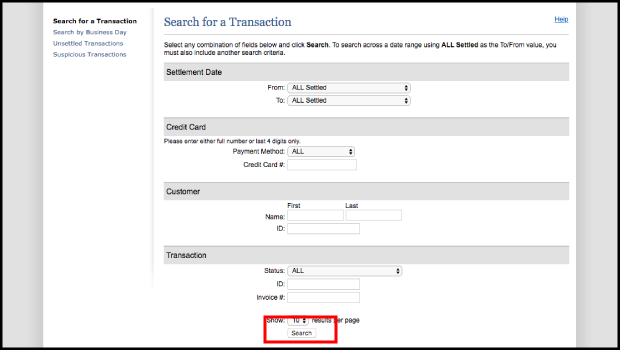
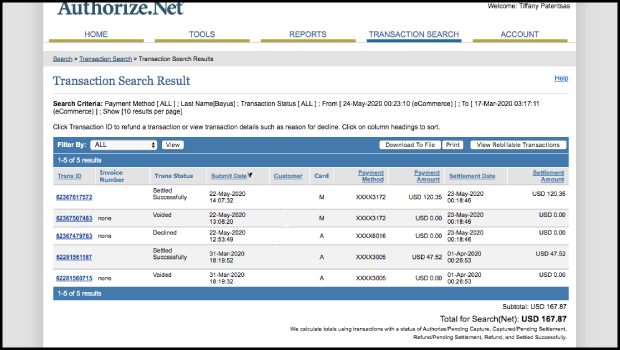
5. All transactions for that client are displayed. $0 transactions signify adding a card to the client's Wallet. Declined $0 transactions signify when this is done unsuccessfully.
6. Select the Trans ID for detailed information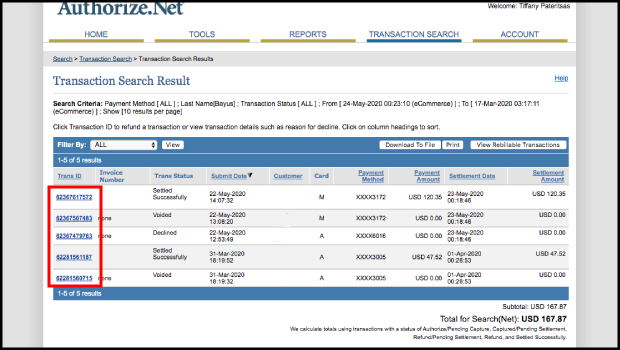
7. The reason a card is declined is displayed along the top