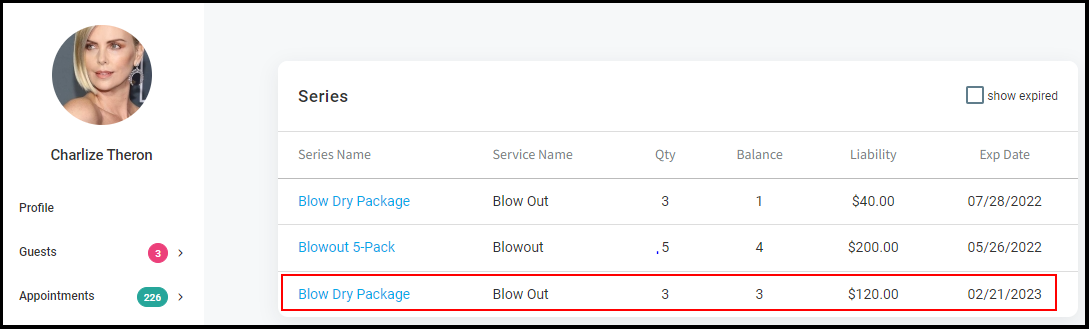
Once a series is created, clients may purchase a series.
See how to create a series.
1. Start with an open ticket.
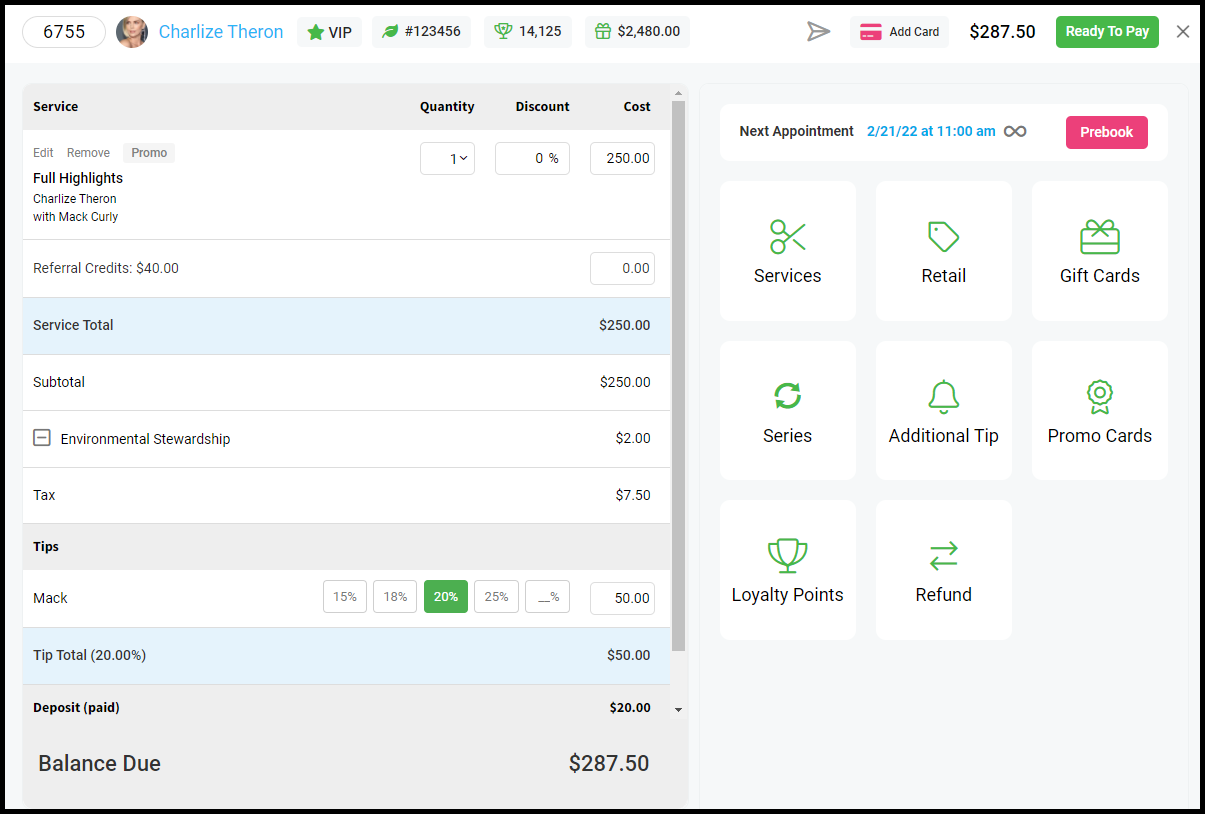
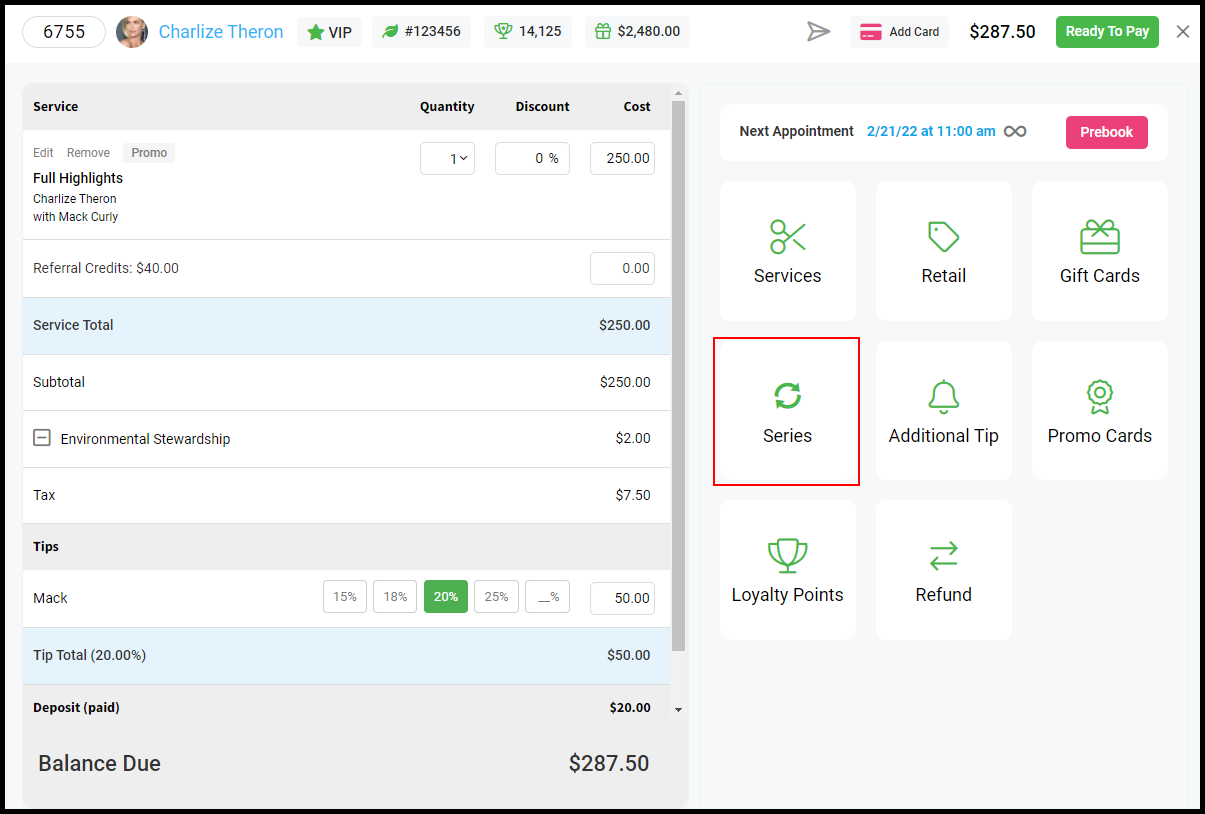
2. Select "Series".
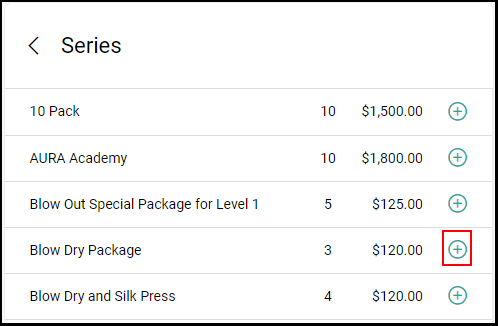
3. Select from the available series to be purchased, and click "+" for the series to be added to the open ticket.
4. Complete checking out the ticket as usual.
5. The series appears in the client's file