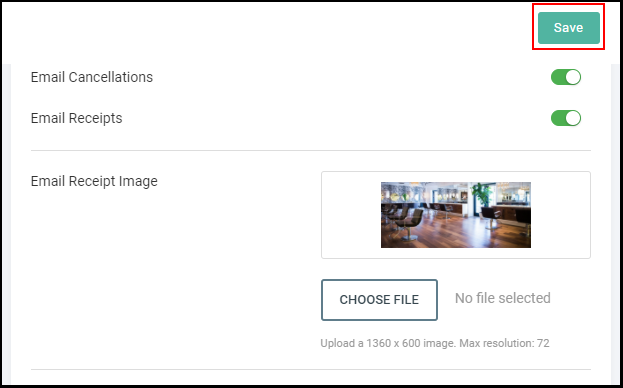
Owners and Managers can upload any image of their choice to appear on all receipts
1. If your Salon has multiple locations, select the location on the top of the screen.
NOTE: If your salon only has one location, skip this step and proceed to Step #2.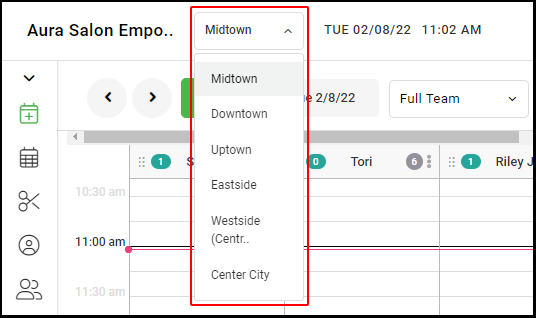
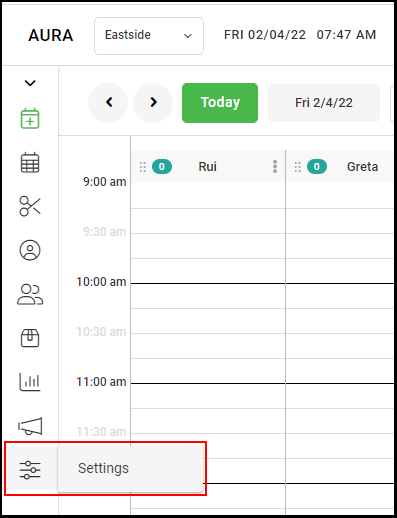
2. Go to "Settings" on the left side menu.
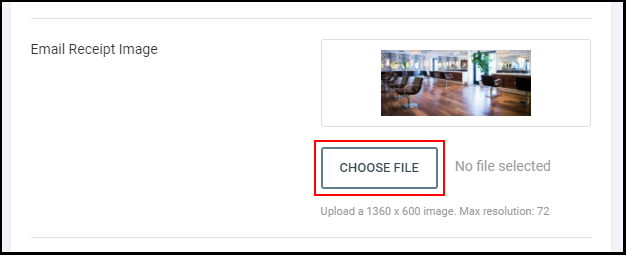
4. Scroll down to the "Email Receipt Image" section, and select "Choose File" to upload the image that will be used on email receipts.
NOTE: Supported formats consist of JPG and PNG. Any size image can be uploaded, but 1360 x 600 is the recommended size for the clearest image
8. Once your image has been chosen, select "Save".