This feature allows clients to call the phone number associated with Auto-Notifications and Two Way Texting and be forwarded to the business' phone number.
Note: Multi-location salons must do this in each location
1. If your Salon has multiple locations, select the location on the top of the screen.
NOTE: If your salon only has one location, skip this step and proceed to Step #2.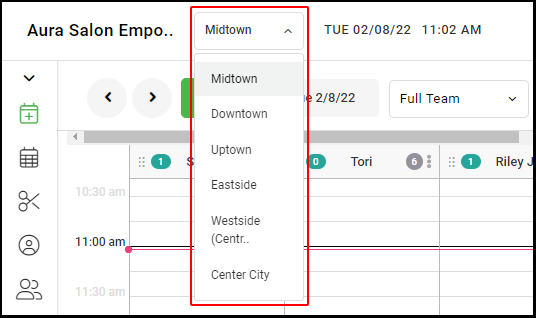
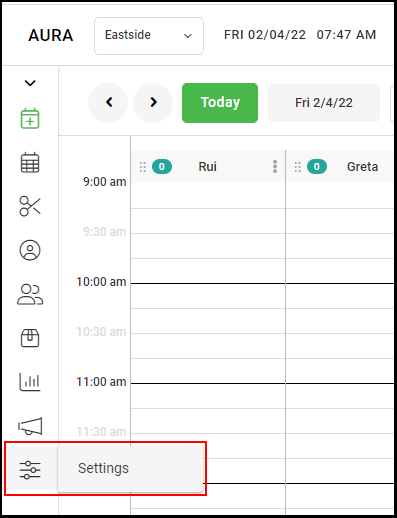
2. Go to "Settings" on the left side menu.
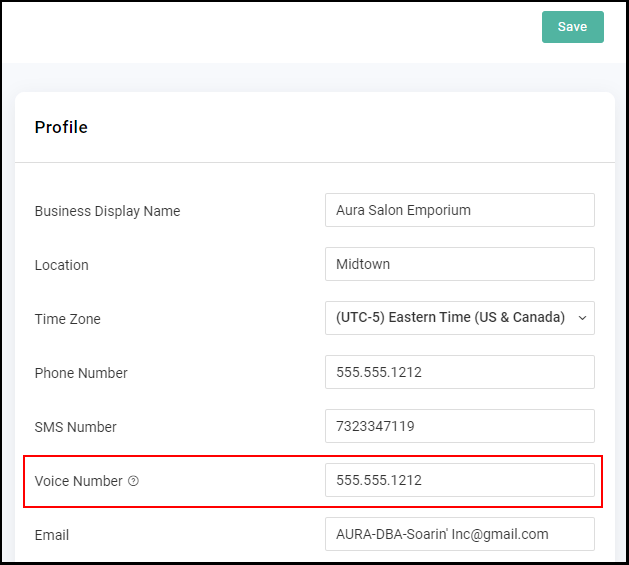
2. Select the field adjacent to "Voice Number" and input the business' phone number.
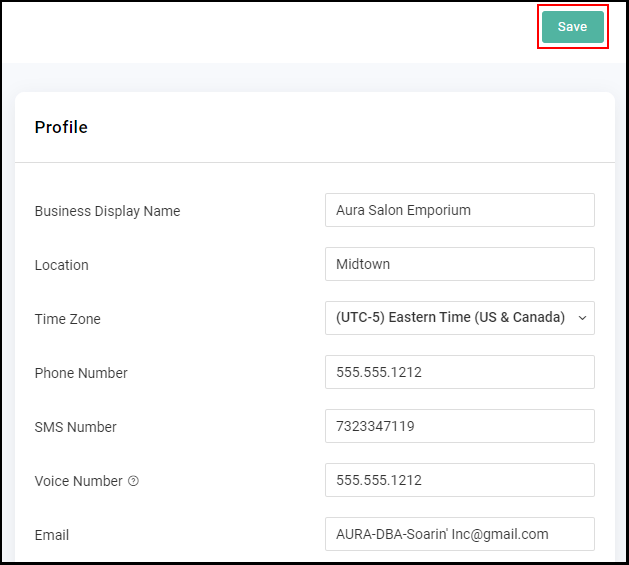
3. Select "Save".
4. Wait one minute and then call the number denoted as SMS Number to verify that the redirect has taken place. If there is no number in the SMS Number field and you are unsure of the phone number that Auto-Notifications come from for the business, please contact Support.