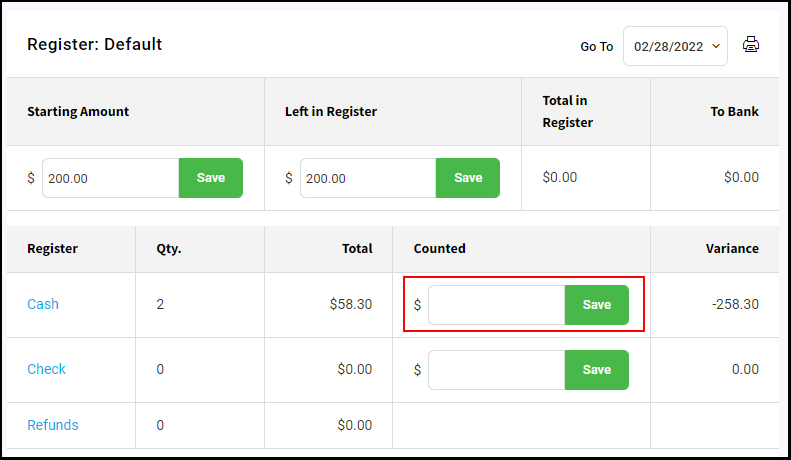
These are the steps that Owners, Managers, and Receptionists should take to ensure that their register numbers will be accurate. If you have multiple registers you will follow the same process for each station.
**Note: Only Owners, Managers, and Receptionists have access to the Register Report**
1. Navigate to the "Menu".
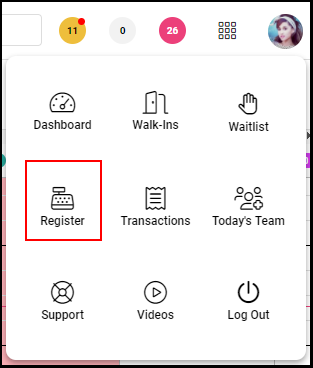
2. Select the "Register".
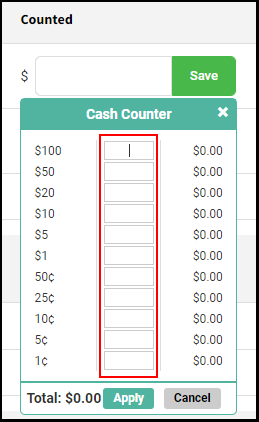
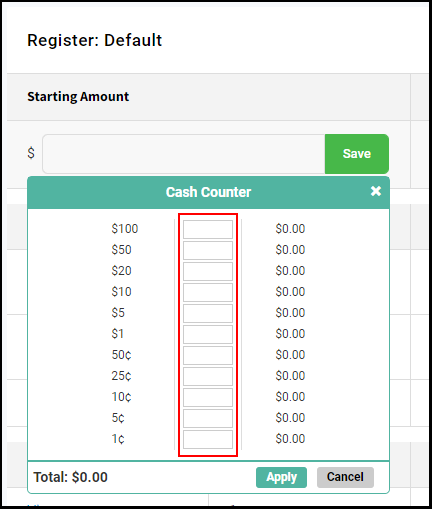
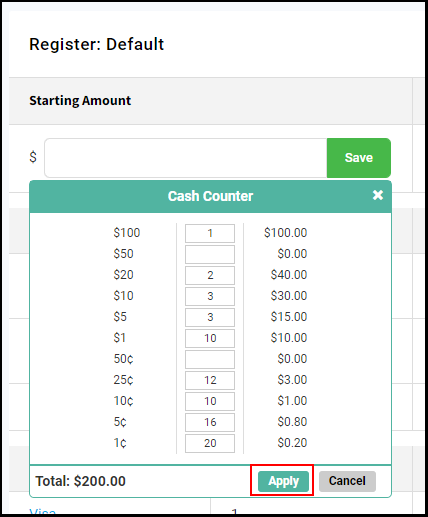
3. Enter the Starting Amount which is the amount of money that is in the register at the beginning of the day. Enter the sum of the money or enter the quantity count of each bill or coin. Select "Apply" and "Save".
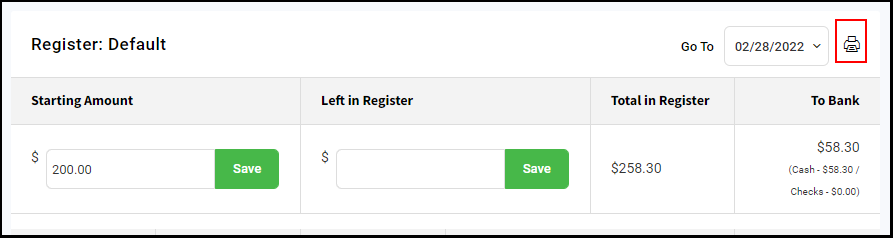
4. The Starting Amount count can be printed, and or saved as a PDF and emailed to the Owner, Manager or Receptionist if desired.
5. If there is a mid-day shift change, then add the new register count to the "Counted" section of the Register Report, then select "Save".