Owners, Managers, and Receptionists can add draw entries and/or petty cash from the register report
Note: Drawer Entries can be applied to the house or a client account. If applied to a client account, it can be redeemed later on a ticket.
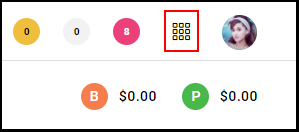
1. Select the "Menu".
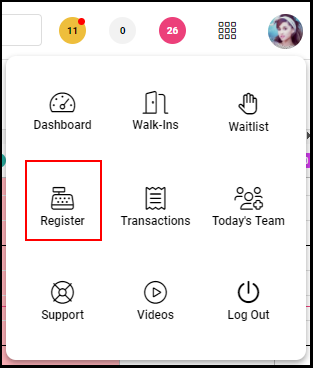
2. Navigate to the "Register".
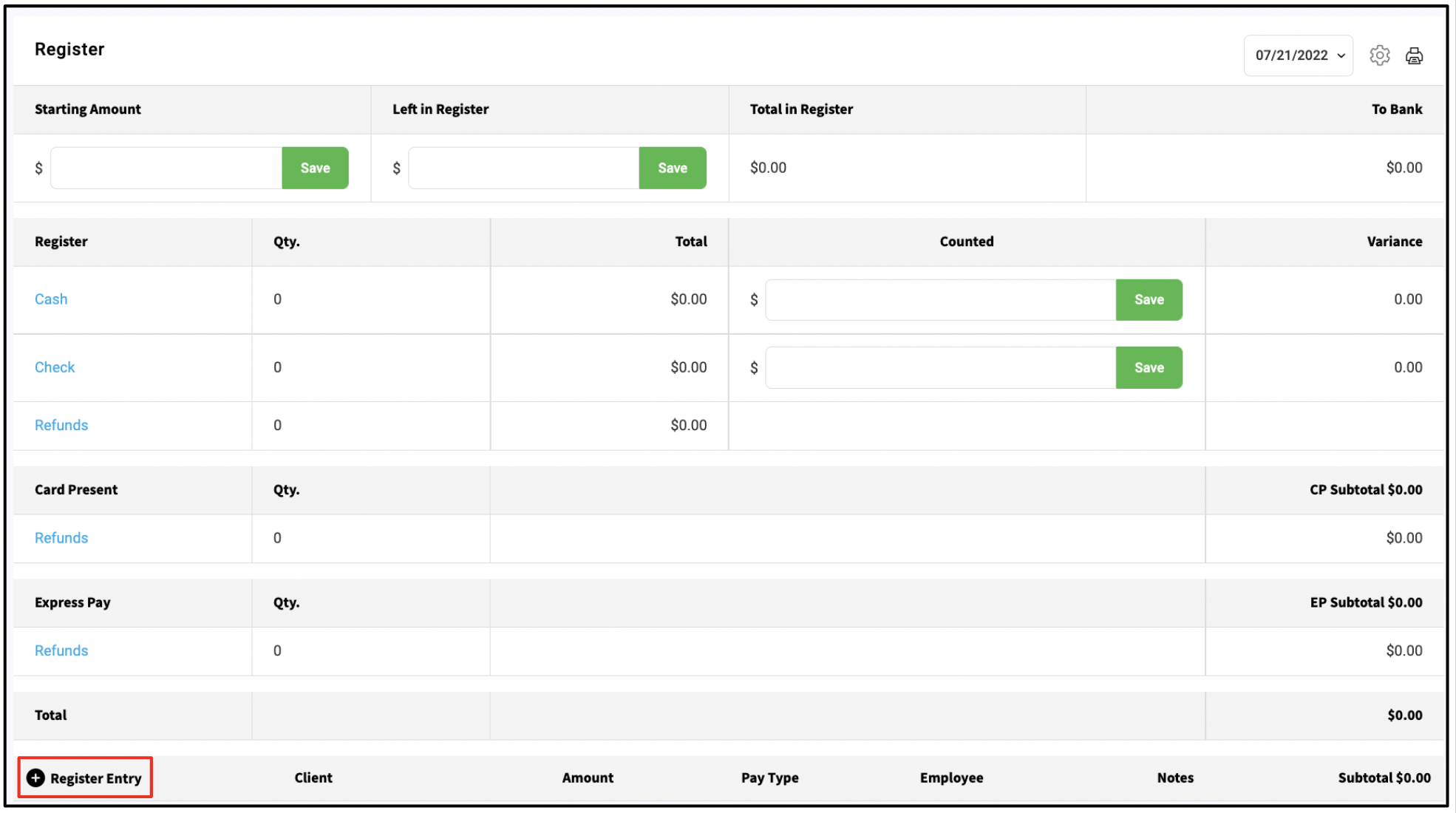
2. Locate the "Register Entry" section of the register report and select the "+" button
Note: Skip to step 6 for drawer entry instructions
ADD / WITHDRAW PETTY CASH (Steps 3-5)
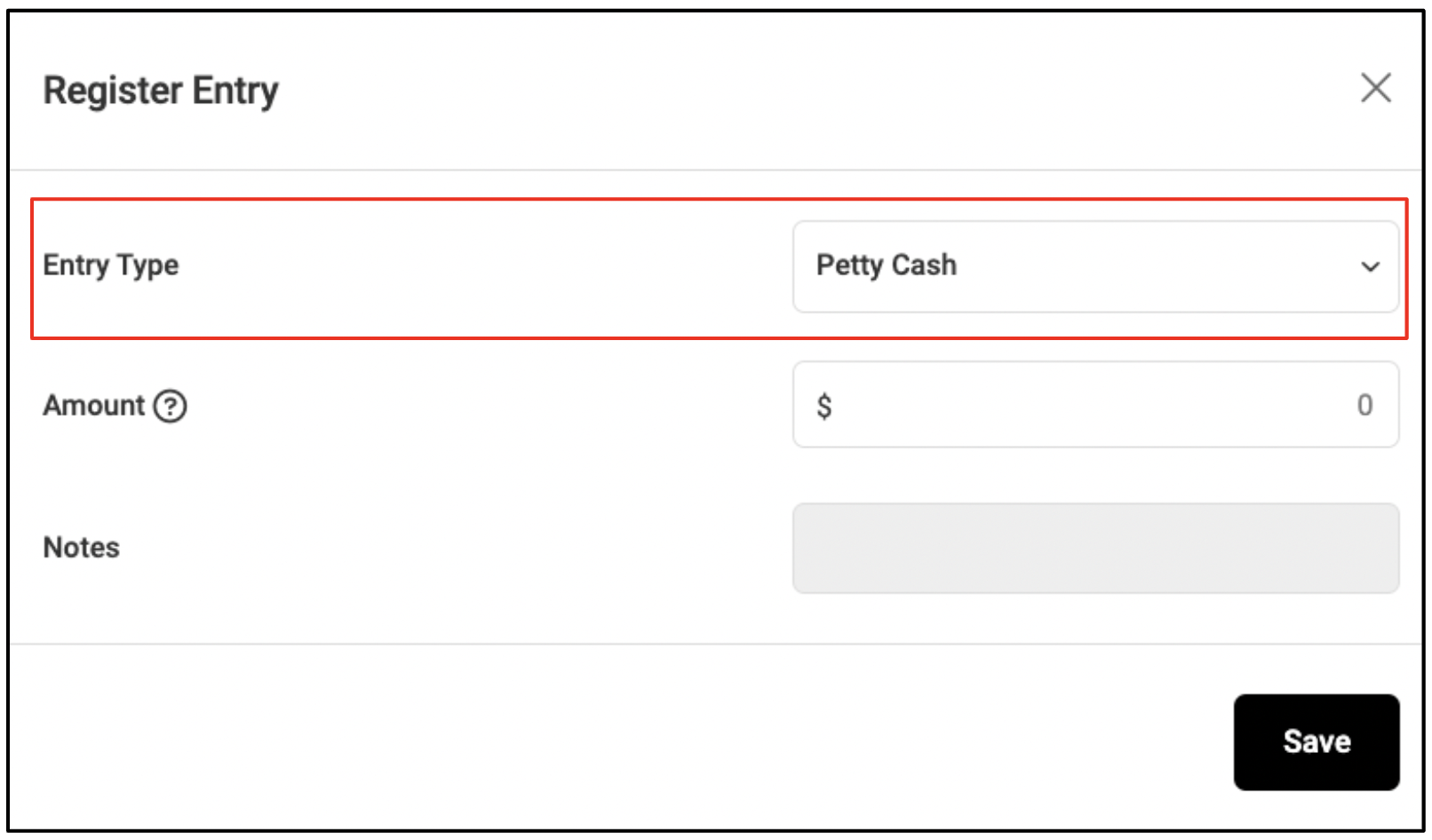
3. Choose Petty Cash from the Entry Type
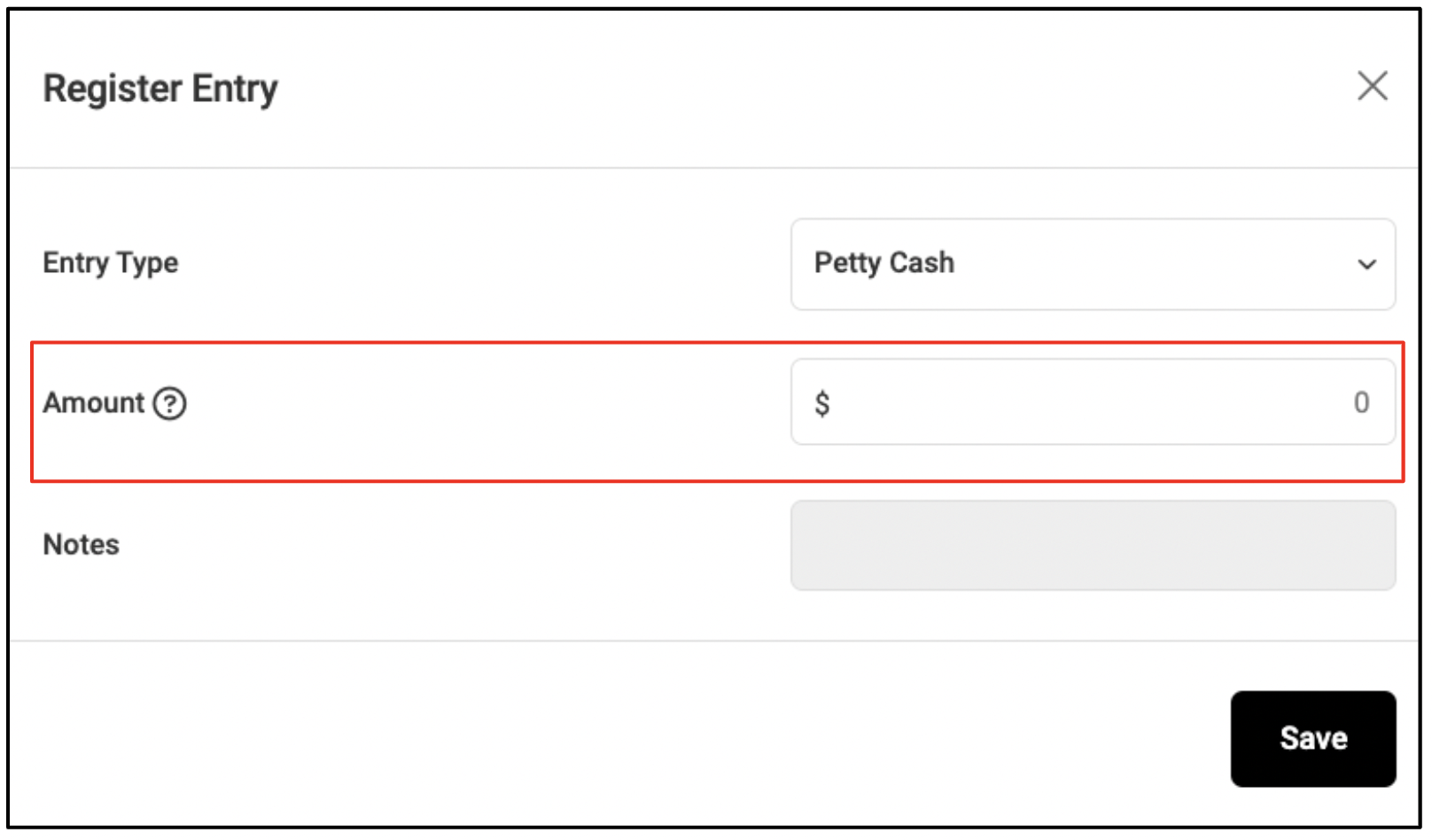
4. Enter an Amount.
Note: Enter a negative amount to withdraw petty cash. Enter a positive amount to add cash
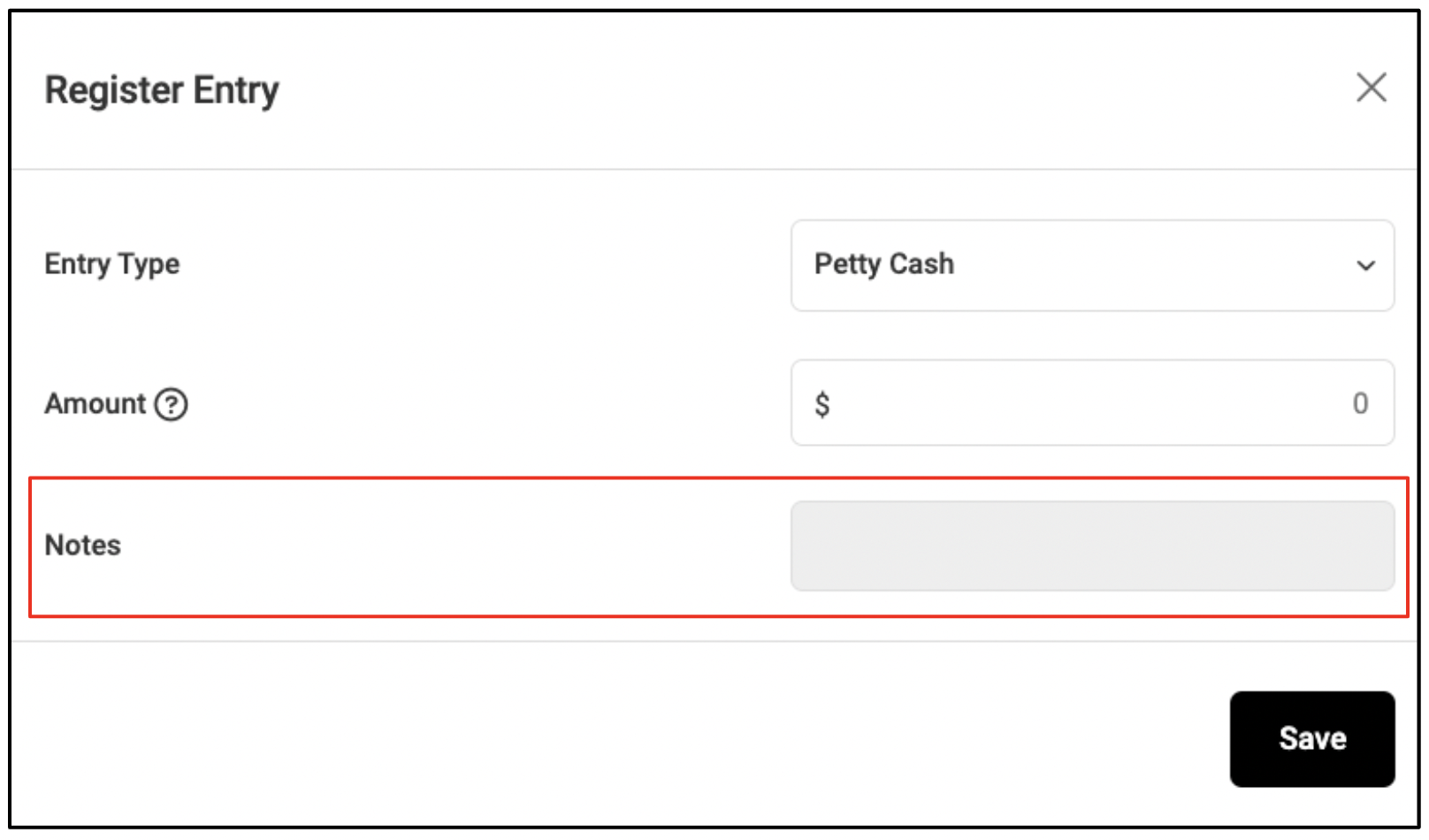
4. Enter reason for the petty cash in the "Notes" field.
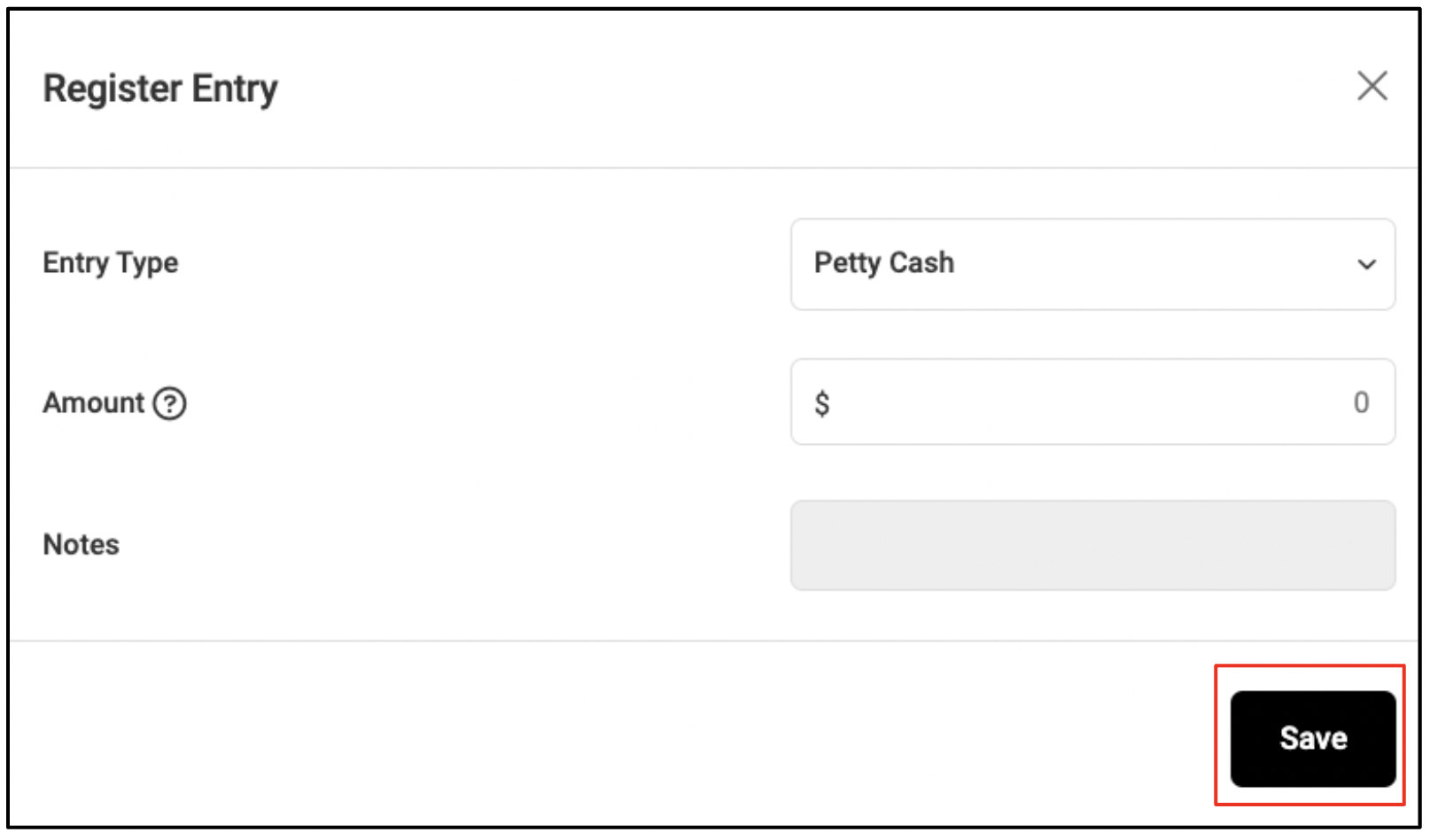
5. Click "Save".
DRAWER ENTRY
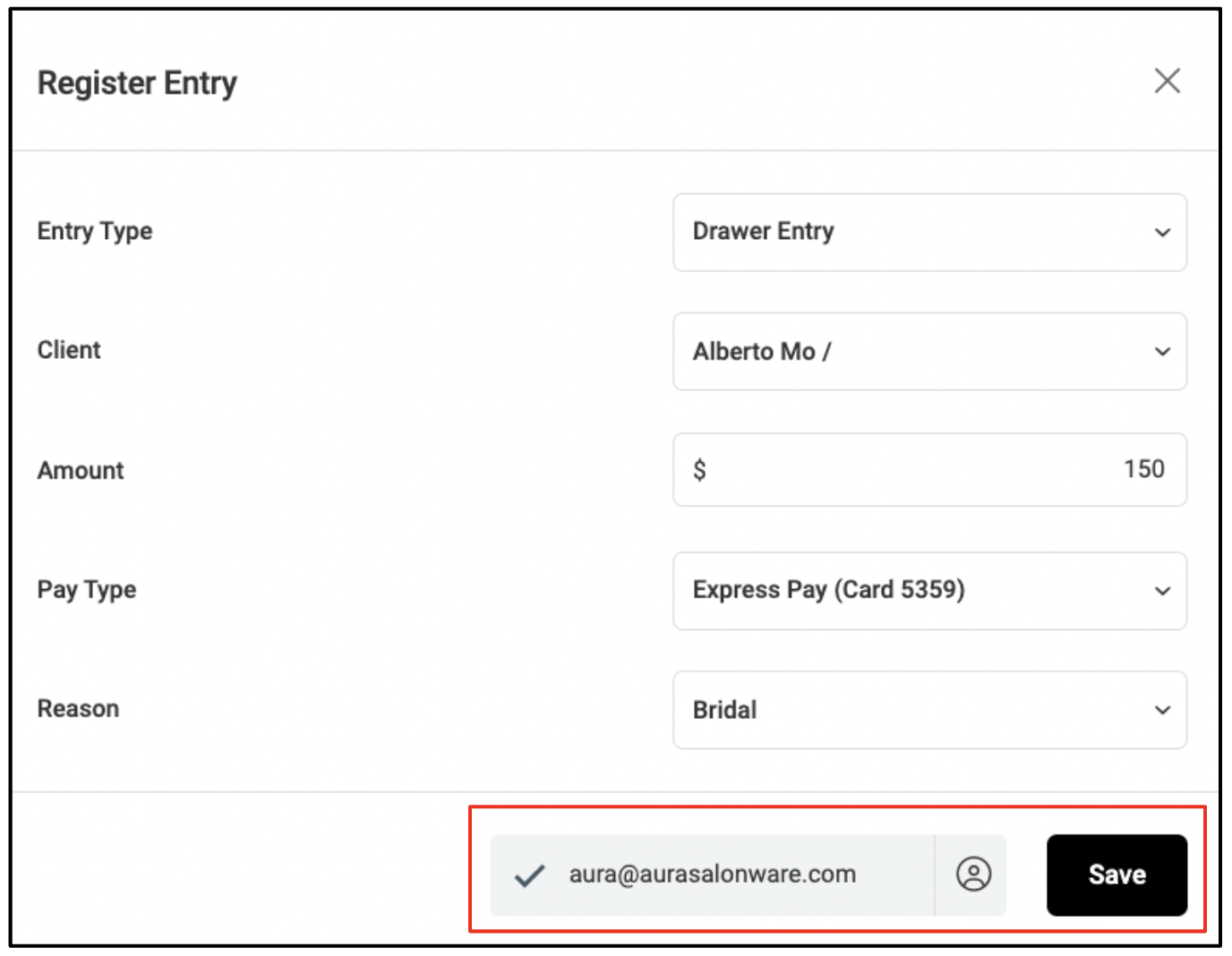
6. Select Drawer Entry
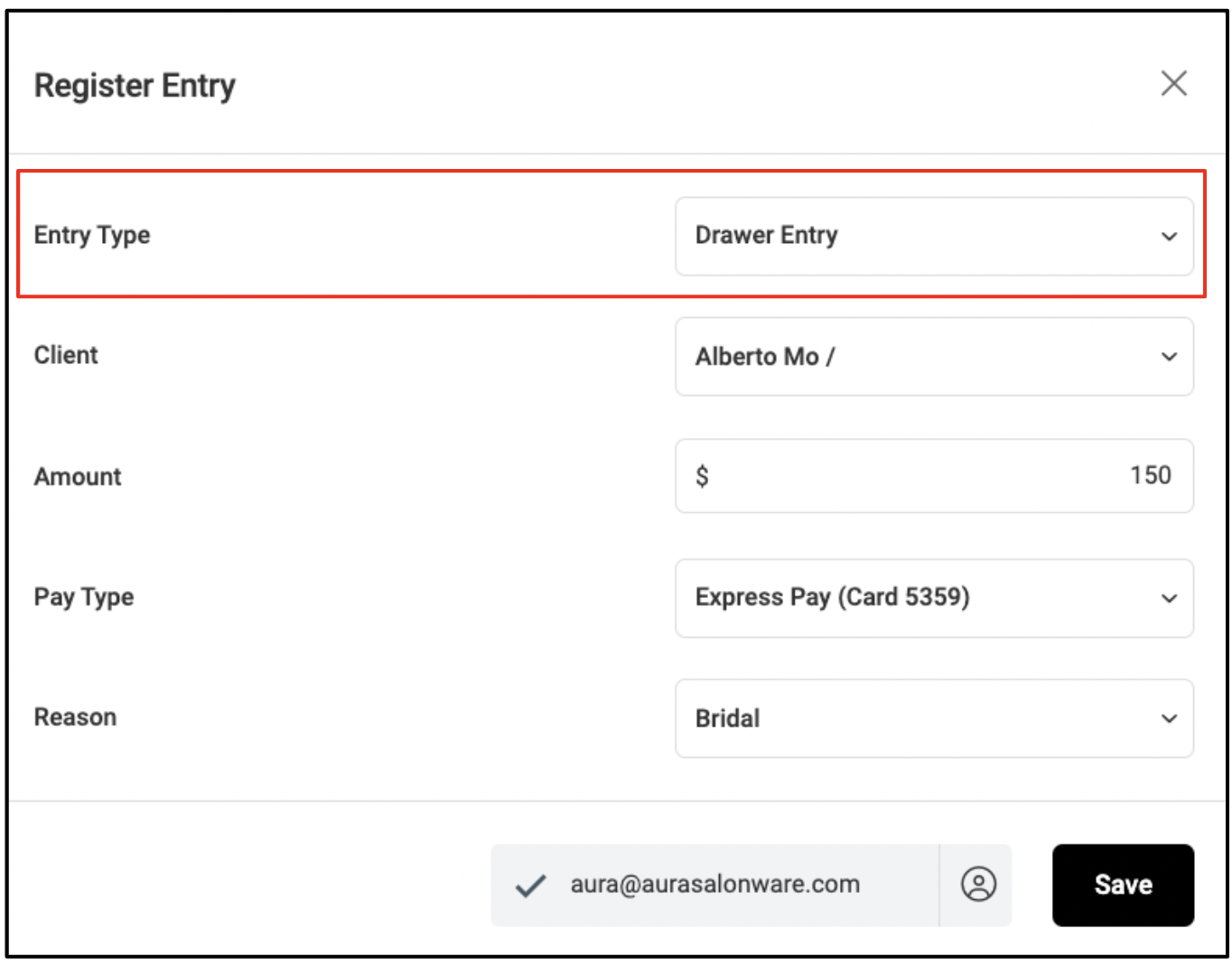
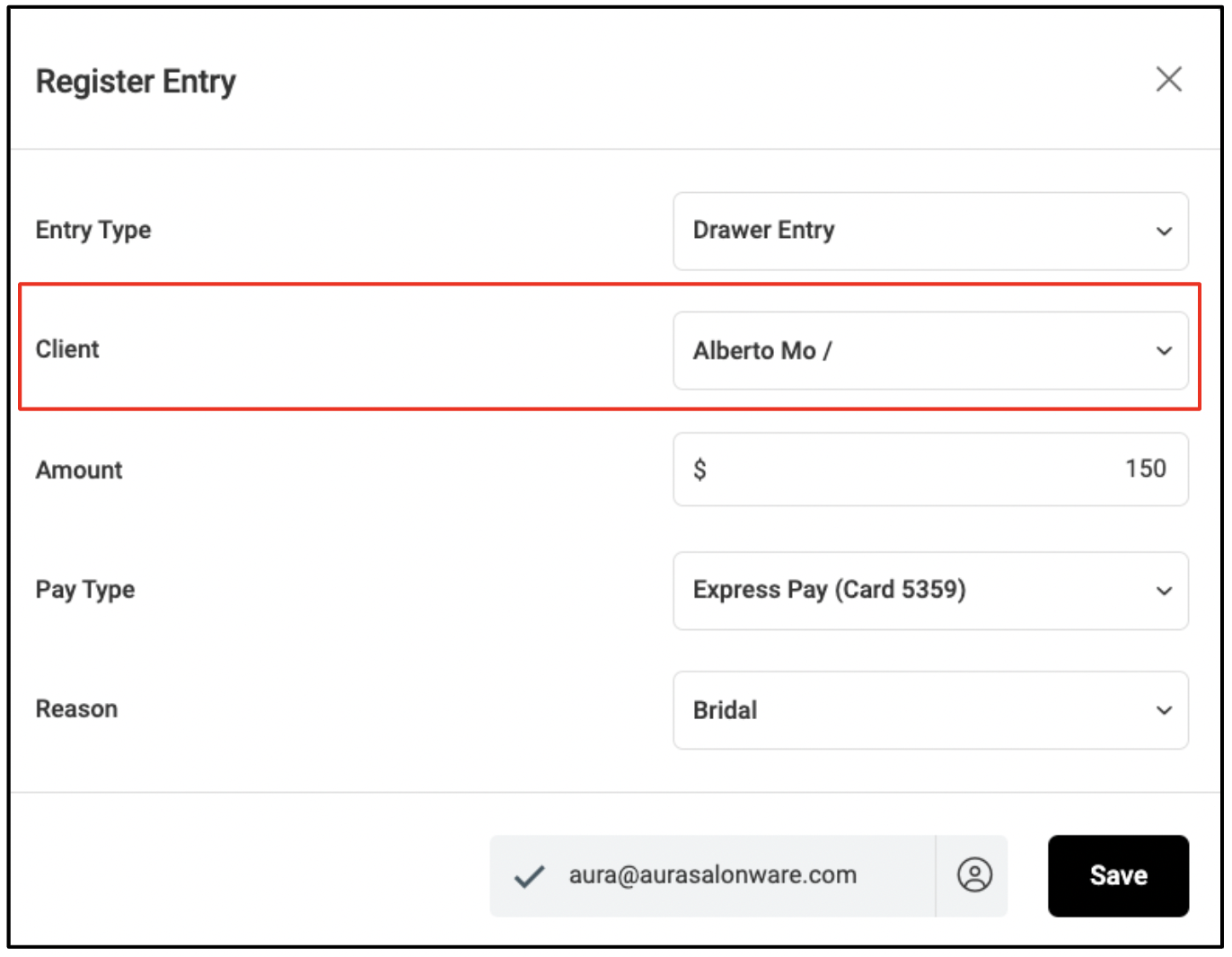
7. Optional: Select Client.
Note: If you select a client name, the credit (or balance) can be applied to a future ticket. If you leave the client's name blank, then payment will not be redeemable on a future ticket.
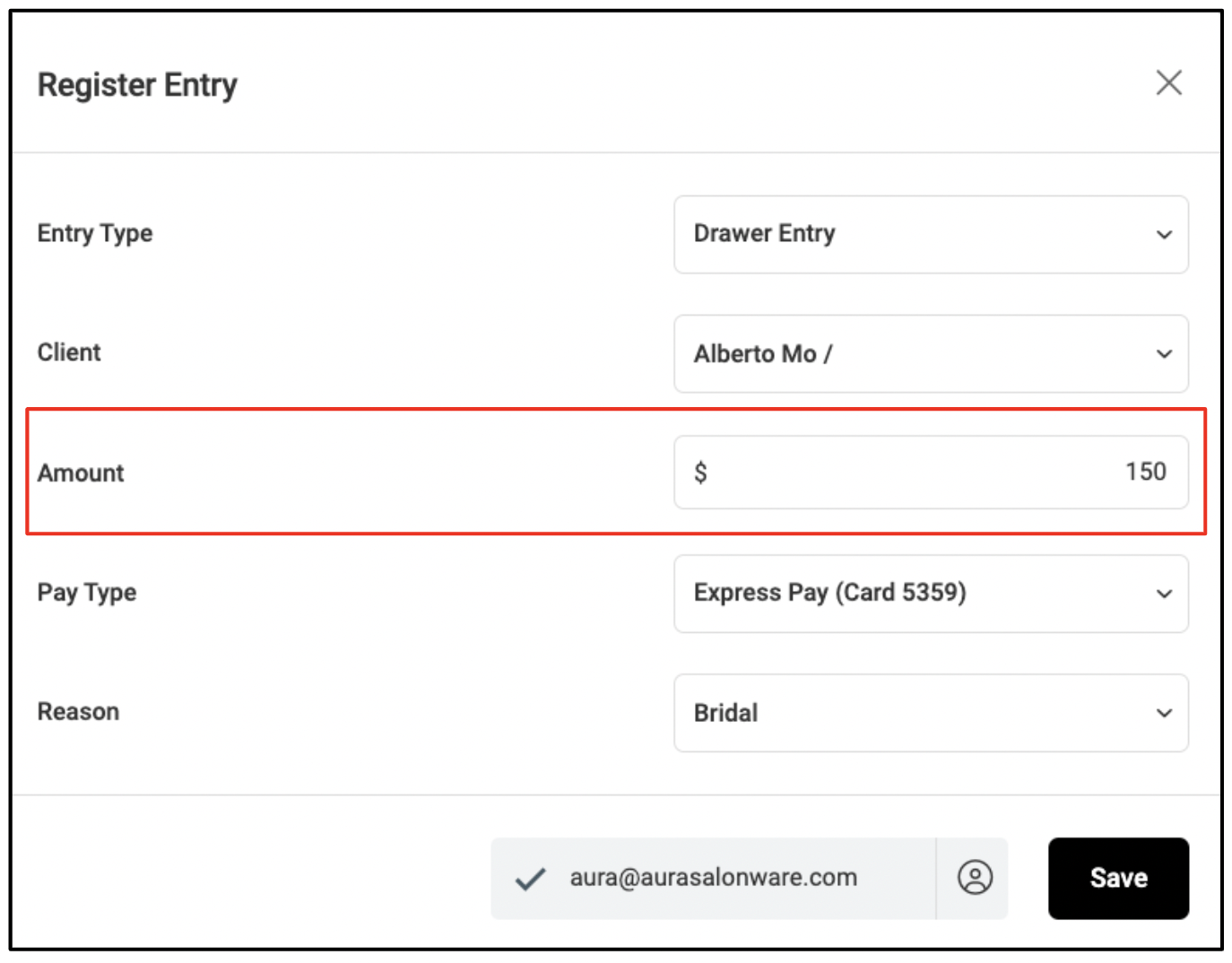
8. Enter Amount. If you enter a negative amount, the only pay type available will be outstanding balance. An outstanding balance can be collected on a future ticket.
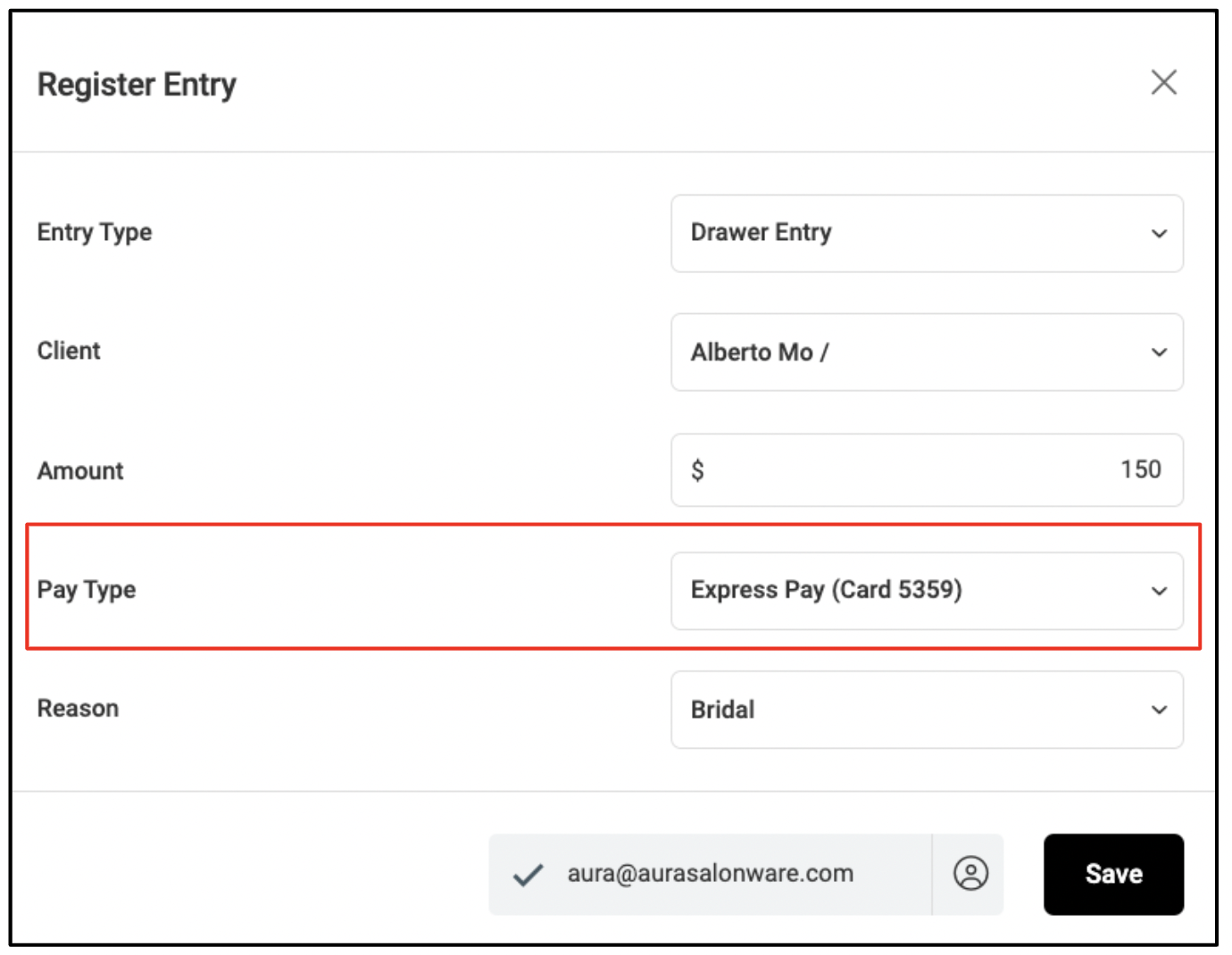
9. Select Pay Type
10. Select a Reason.
Click here to learn more about how to create entry reasons.
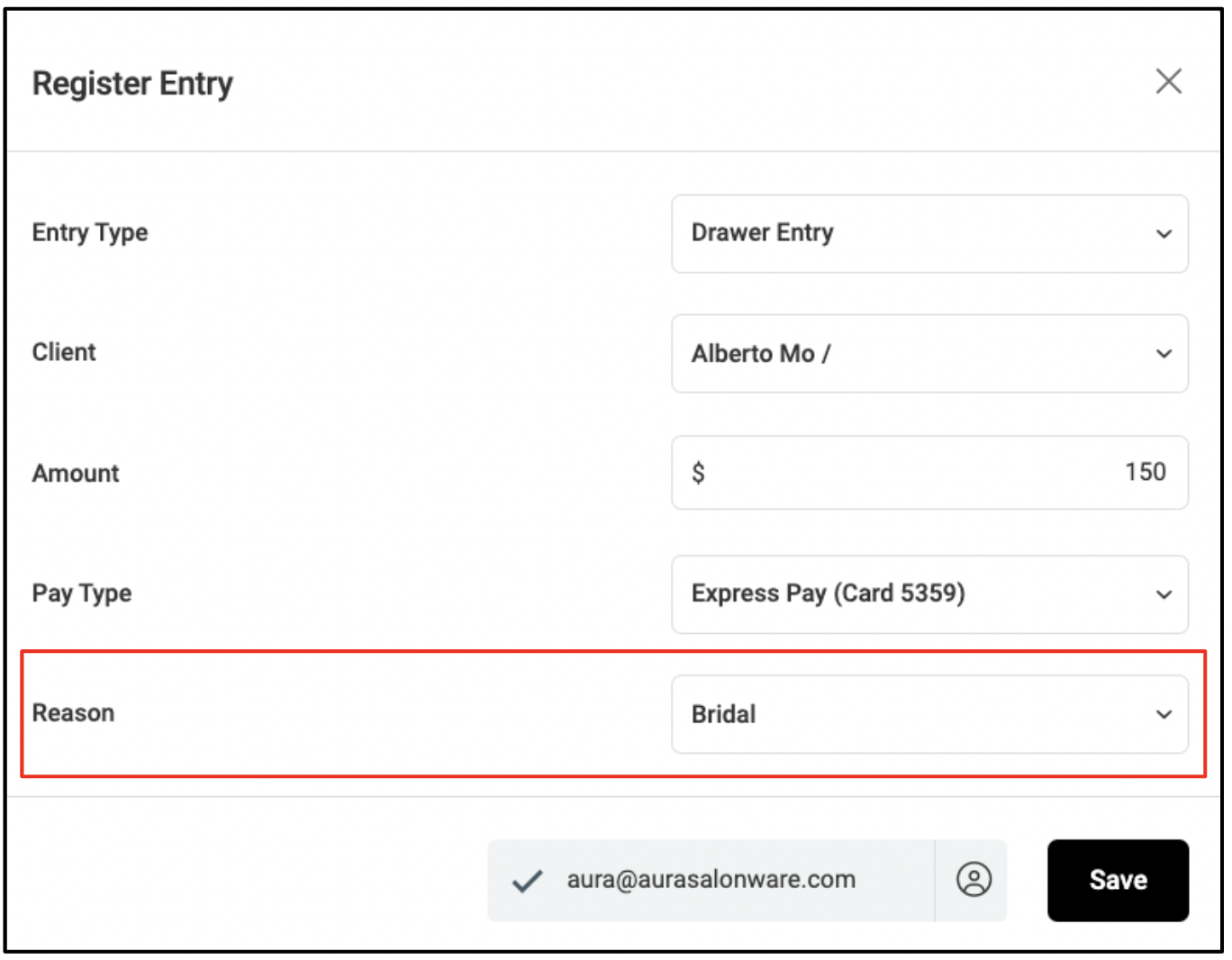
11. Check the box next to the email address to send an emailed receipt. Then, click "Save" to submit the drawer entry.