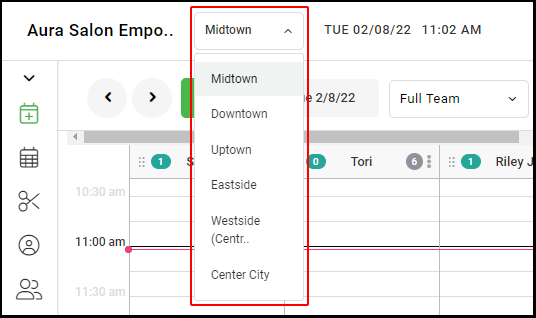
1. If your Salon has multiple locations, select the location using the drop-down menu on the top left of the screen upon logging in.
NOTE: If your salon only has one location, skip this step and proceed to step 2
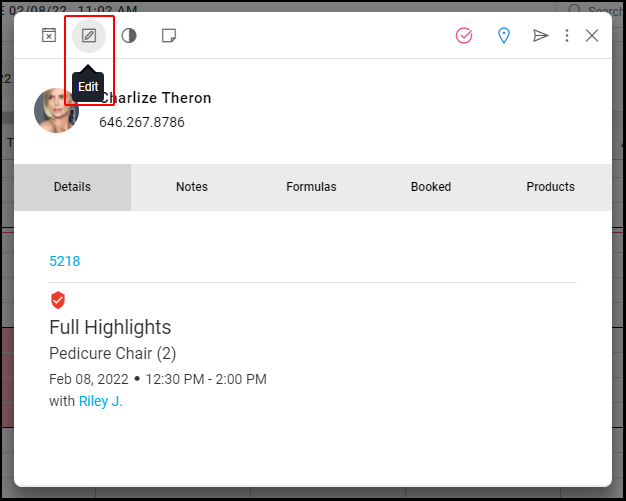
2. If the employee is a provider, change the provider for each of their upcoming appointments to a different provider by selecting the appointment then selecting "Edit".
WARNING: Once the employee is suspended, any appointments still associated with that employee will be removed from the calendar!
If the employee is not a provider, go to Step #3.
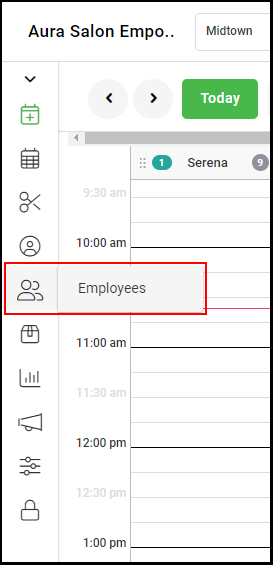
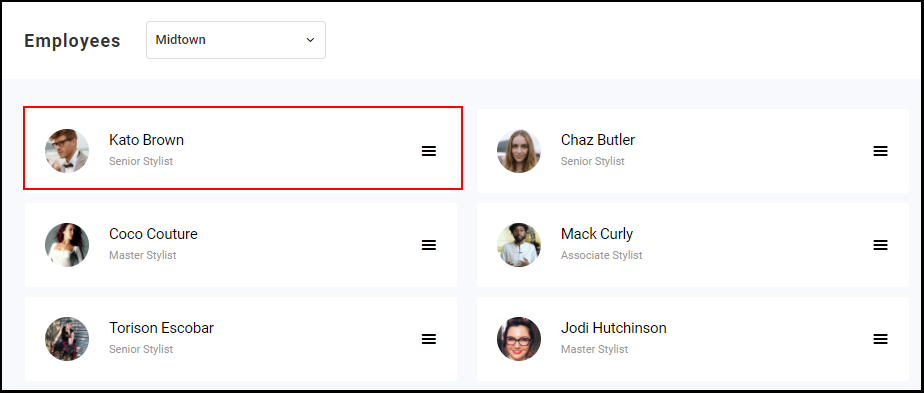
3. Go to "Employees".
4. Select the Employee.
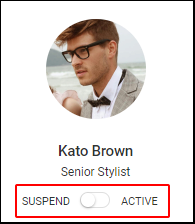
5. Locate the "Suspend" / "Active" toggle under the employee's name and title. Switch the toggle to "Suspend"
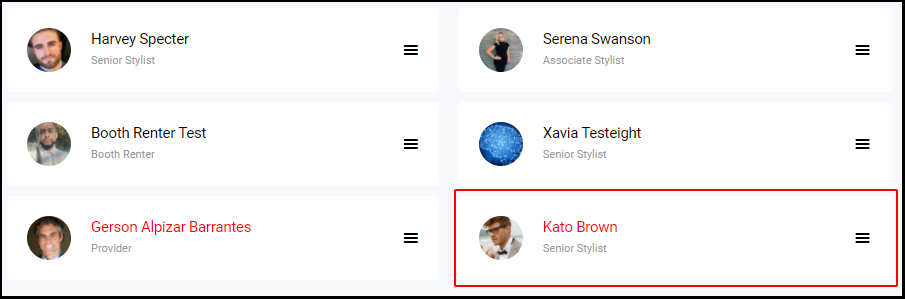
6. To verify the employee's suspended status, return to the employee tab (Step #3), and the suspended employee's name will display in red at the bottom of the page.