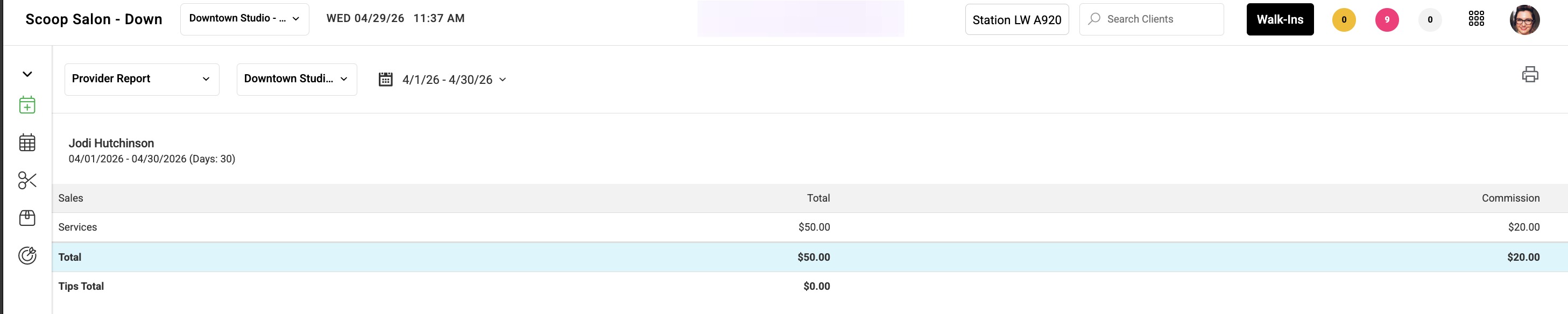
You can choose whether to display the Product Commissions line in your Provider Dashboard Commission report, helping account for retail reassignments.
When this setting is turned on, the “Products” row will be removed from the top section of the Details view in the employee dashboard, showing service totals only.

1. Navigate to Settings > Business > Access.
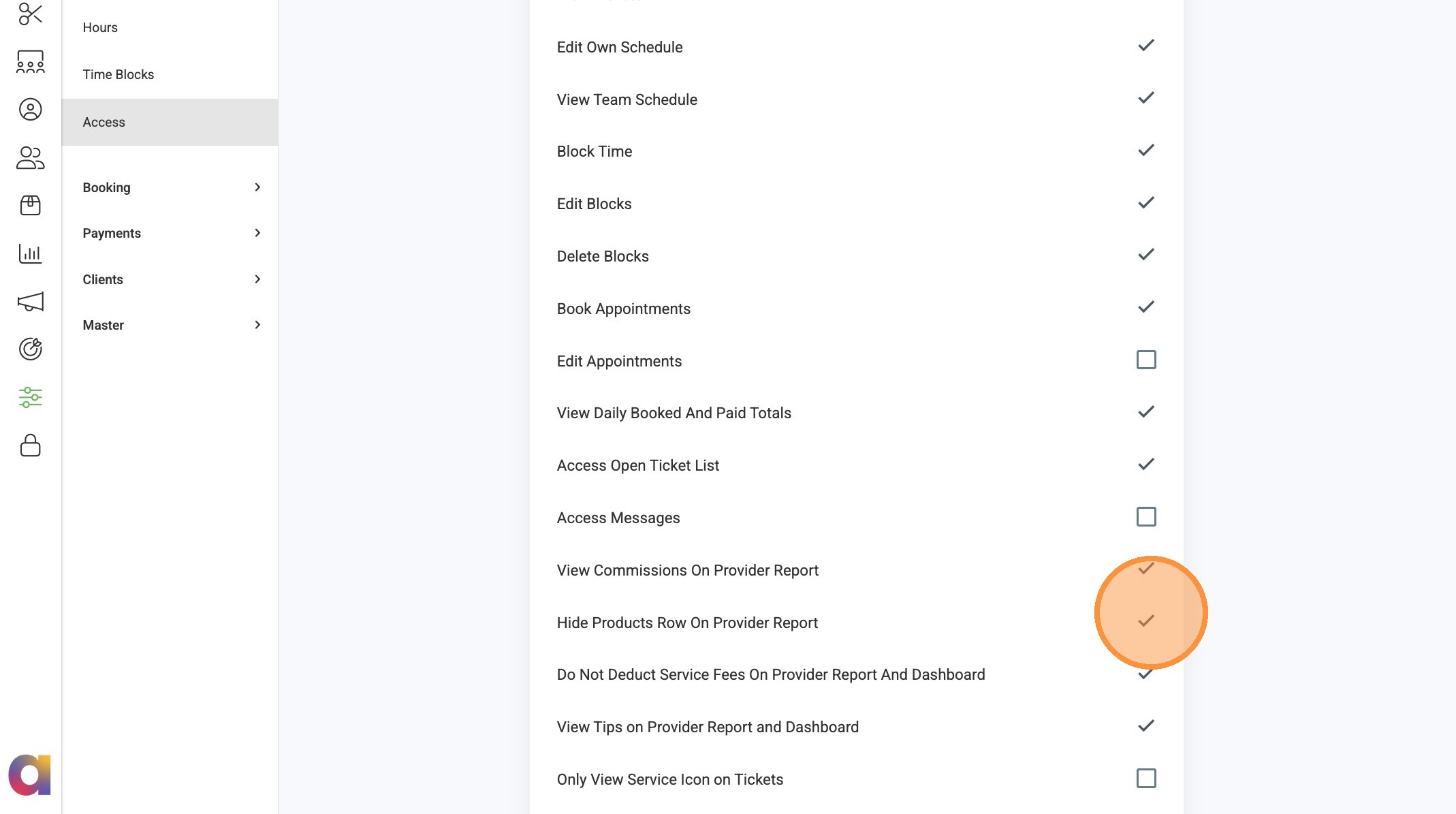
2. Toggle on the “Hide Products Row on Provider Report” checkbox.
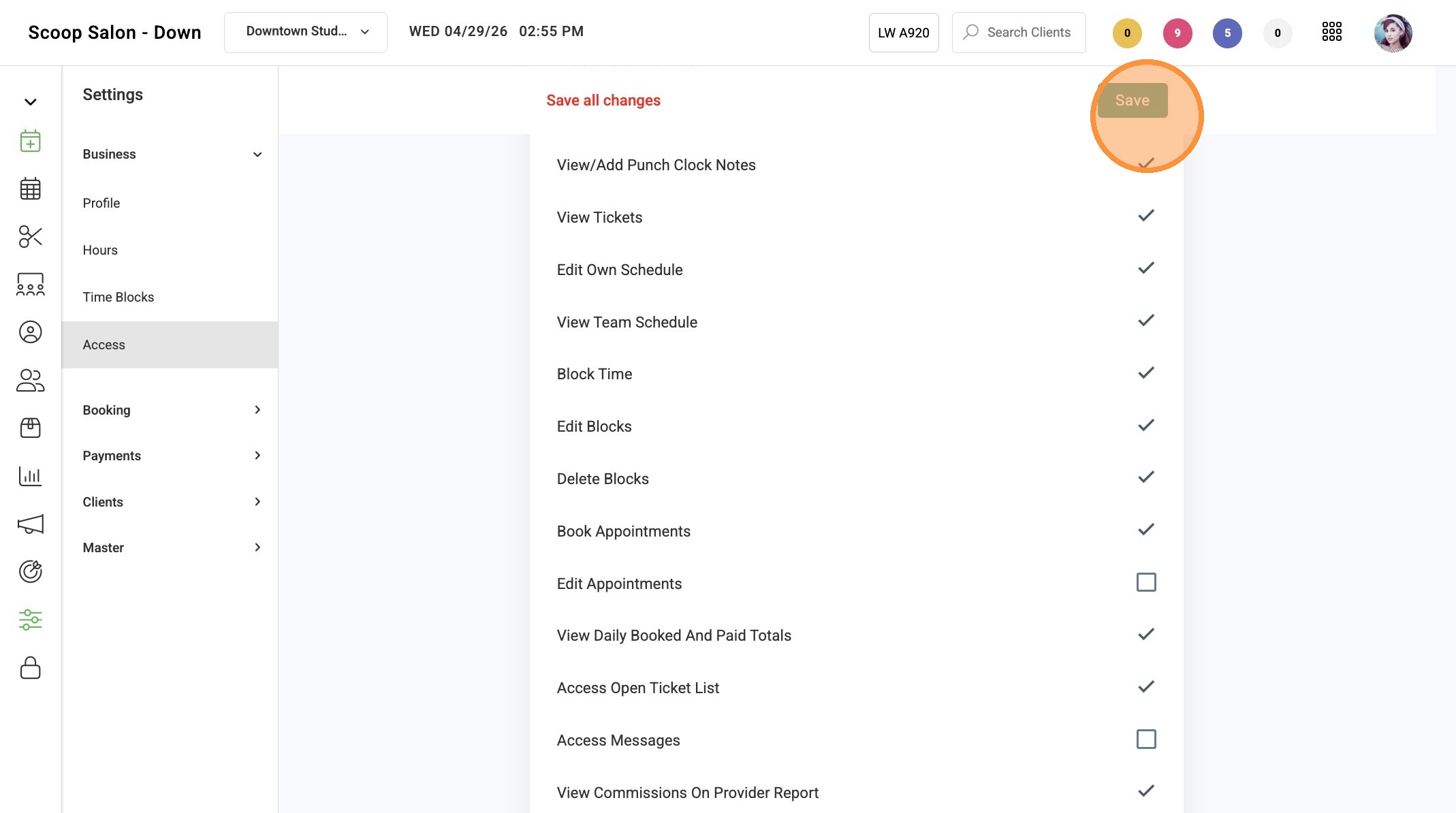
3. Click "Save"
Navigating to Provider Report Details
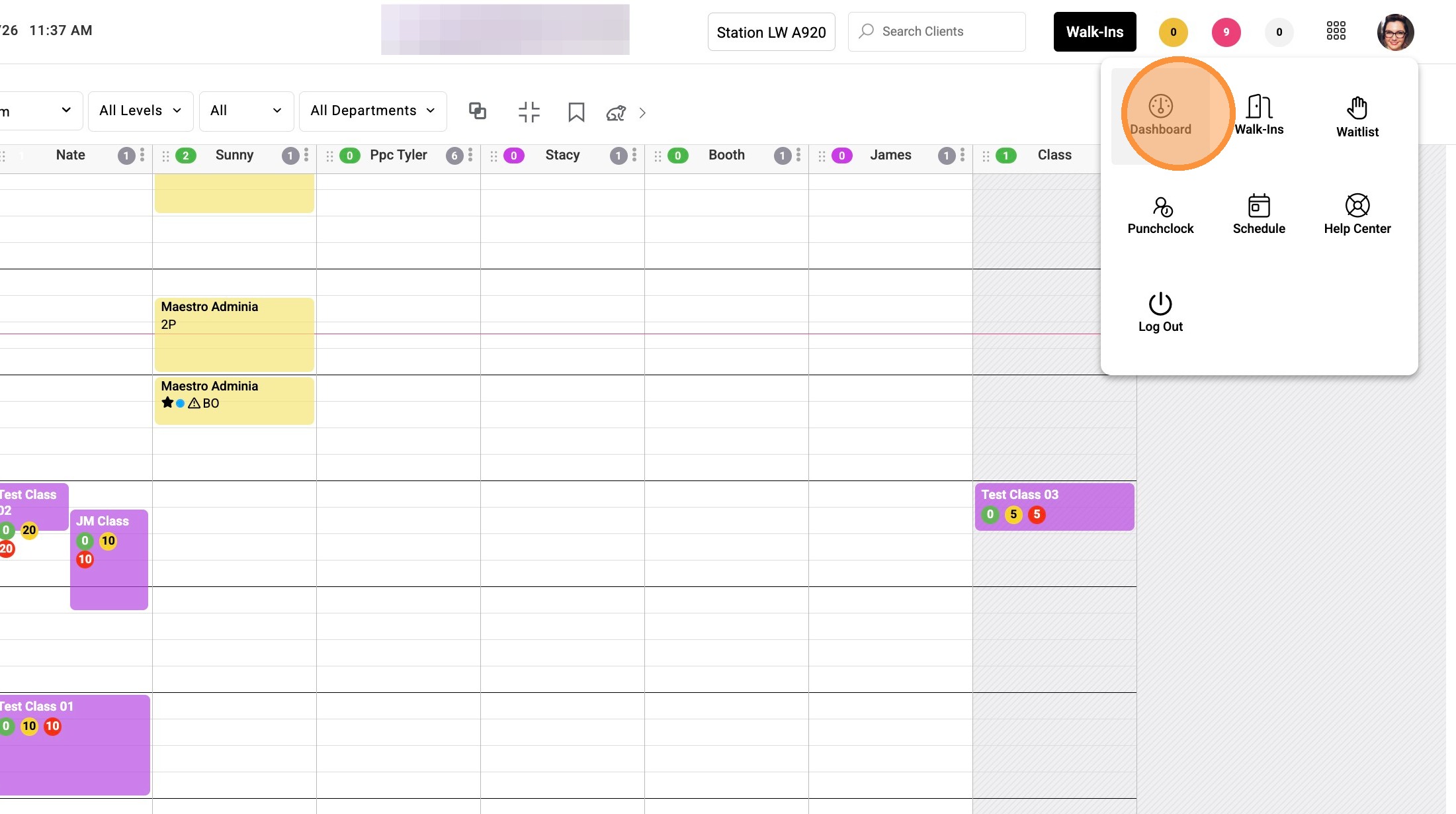
1. Navigate to the 9-dot menu and select Dashboard.
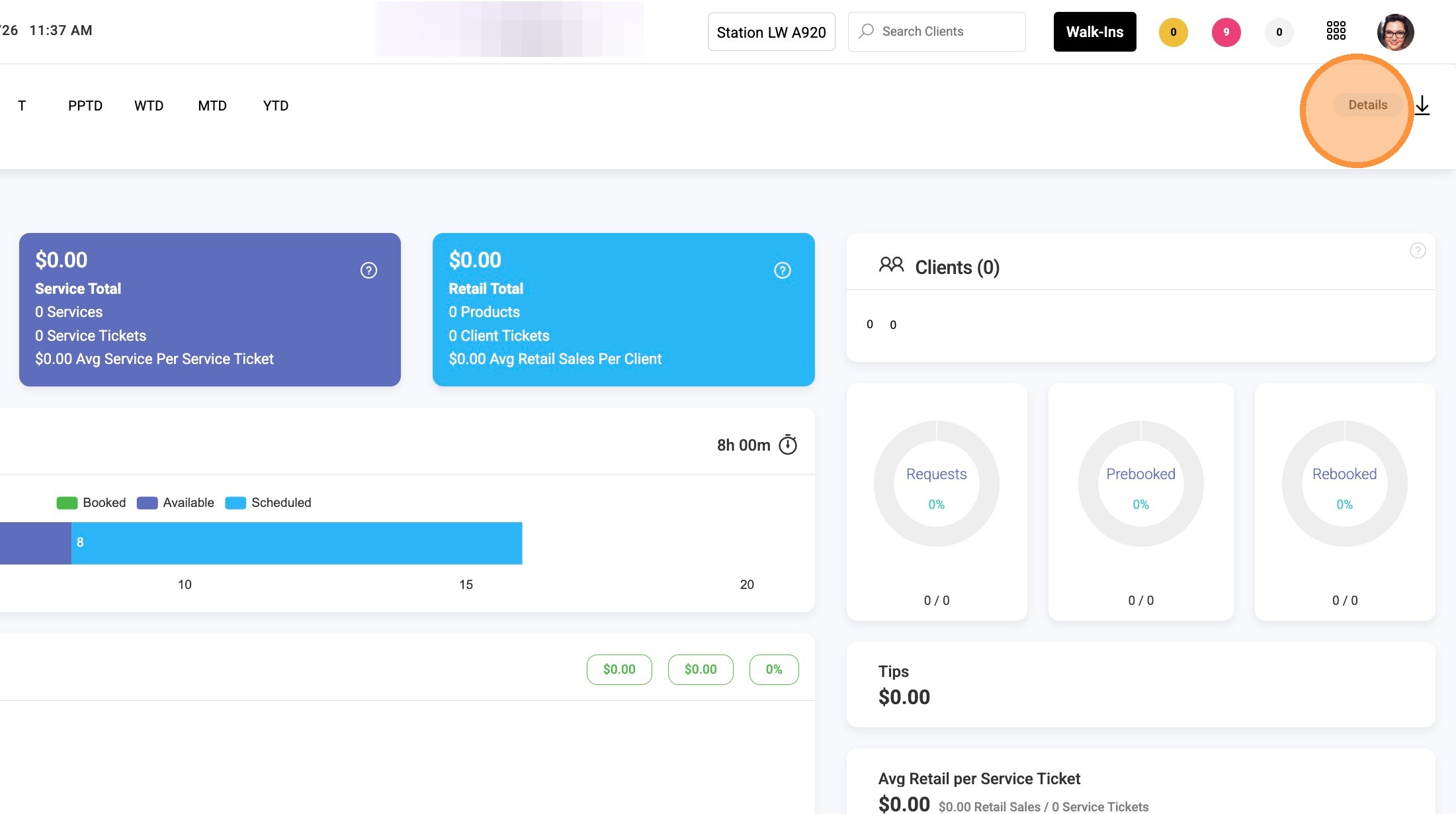
2. Click Details on the Provider Report.
3. Click the Date Range selector and choose your desired date range.
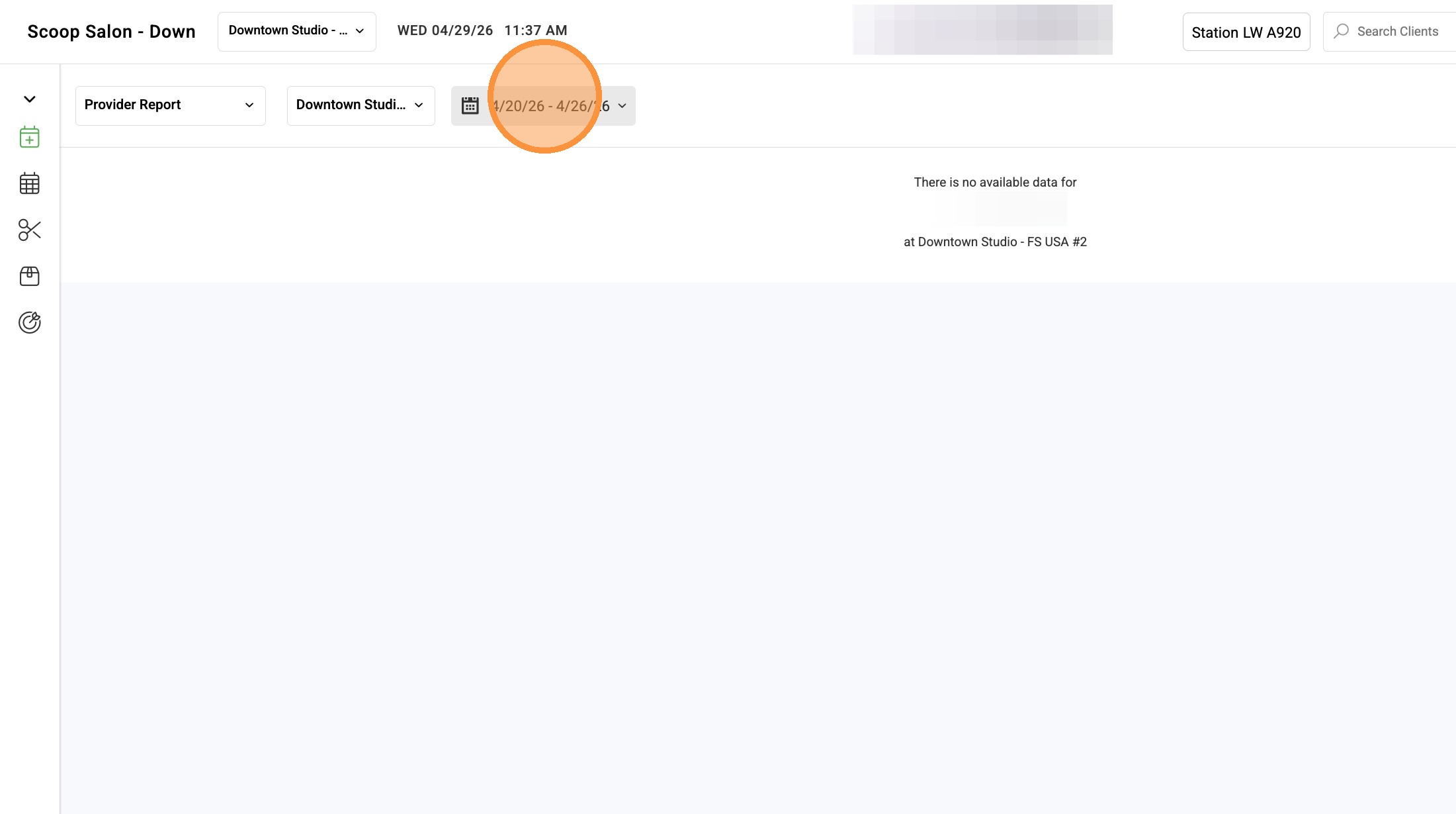
4. The Provider Report only displays service totals for the selected payroll date range when setting is turned on.