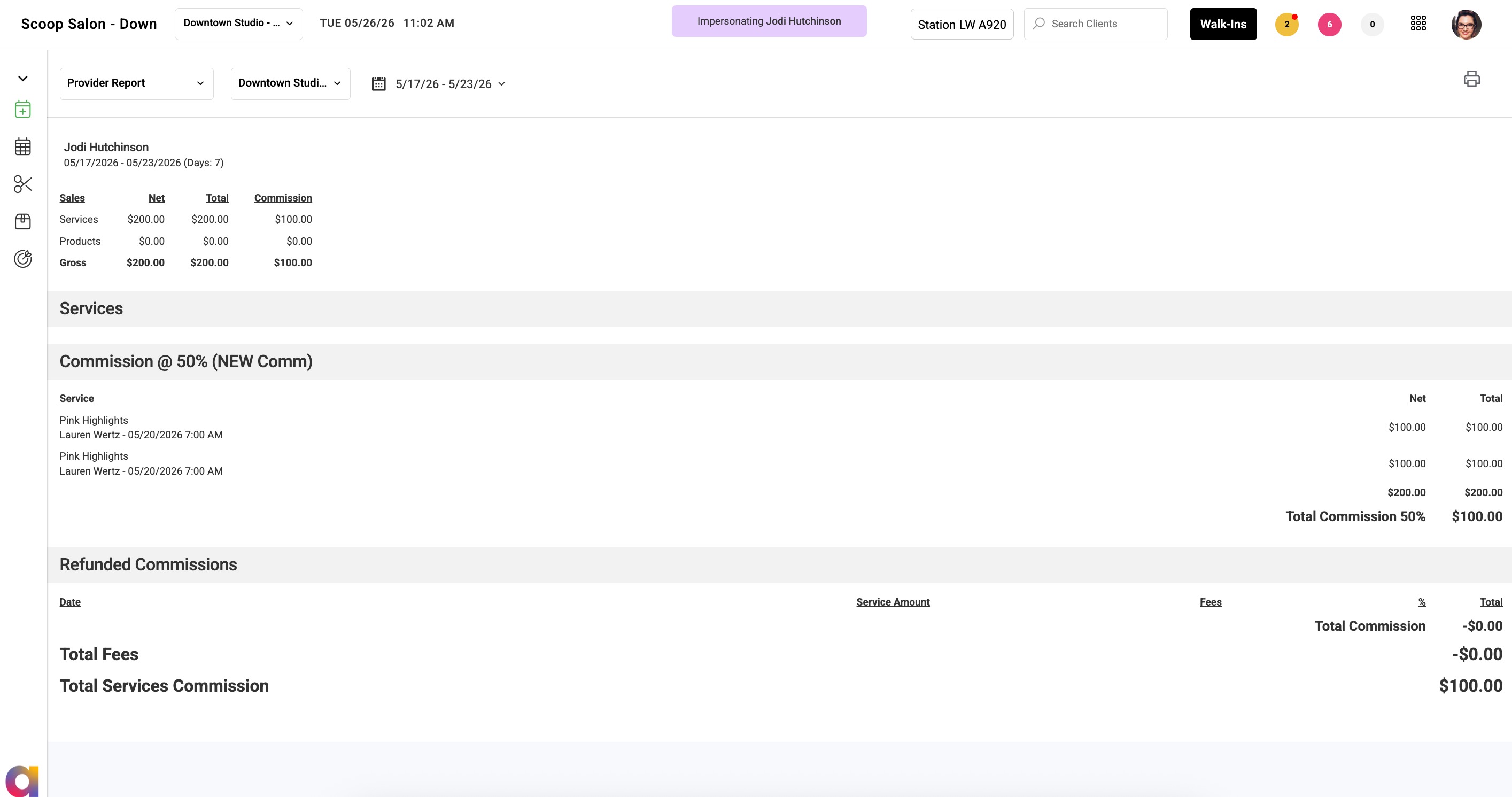
The Provider Dashboard Details view uses the same Employee Detail window as the Payroll Report to provide detailed payroll and commission information.
Users can:
- View commission, payroll, and earnings breakdowns directly from the Provider Dashboard
- Access detailed calculation information consistent with the Payroll Report
- Export or print the detail view as a PDF
This view provides providers and managers with detailed payroll information in a standardized format across Aura reporting areas.
Viewing Provider Report
1. Click on the 9-Dot menu
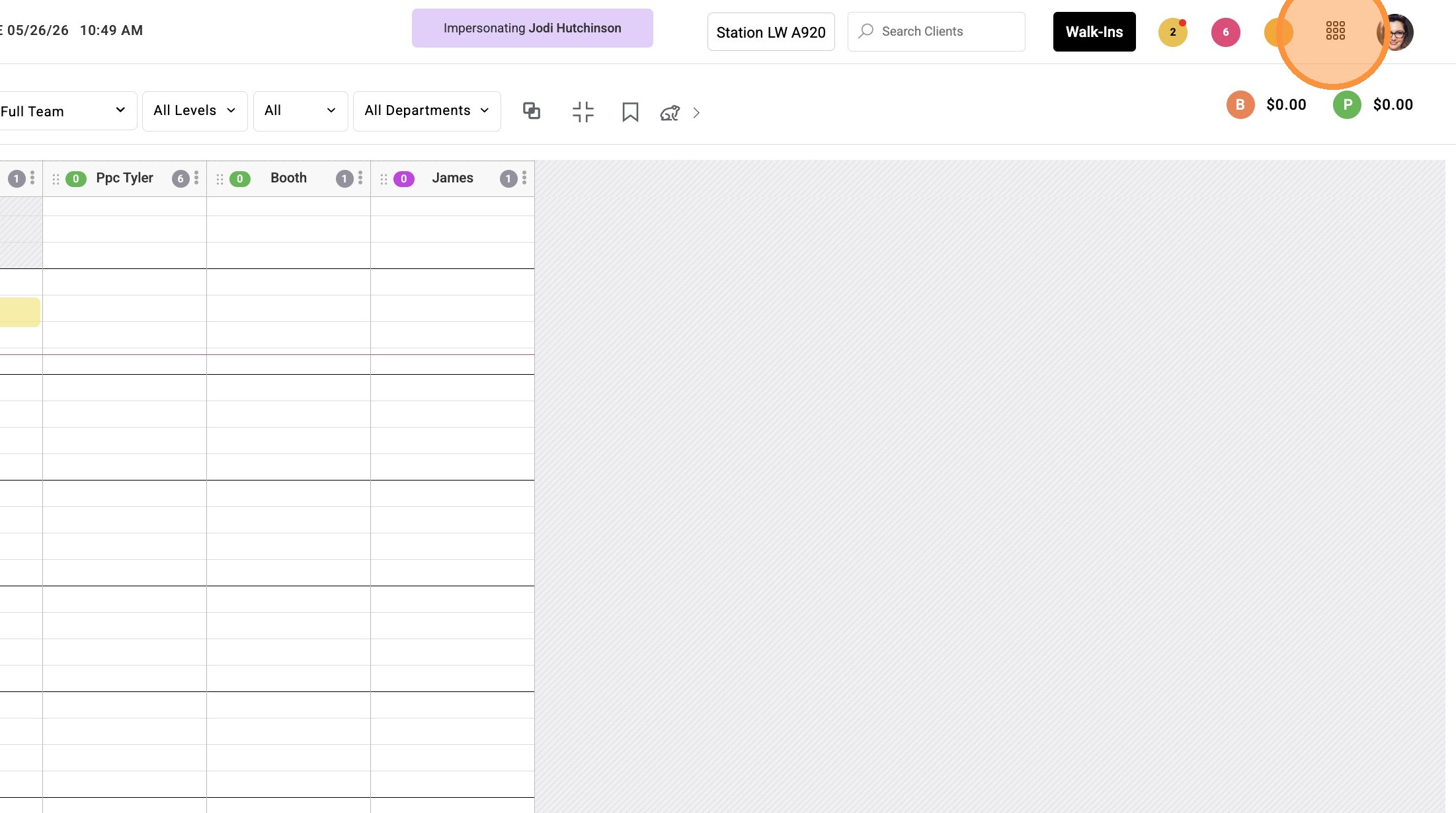
2. Click "Dashboard"
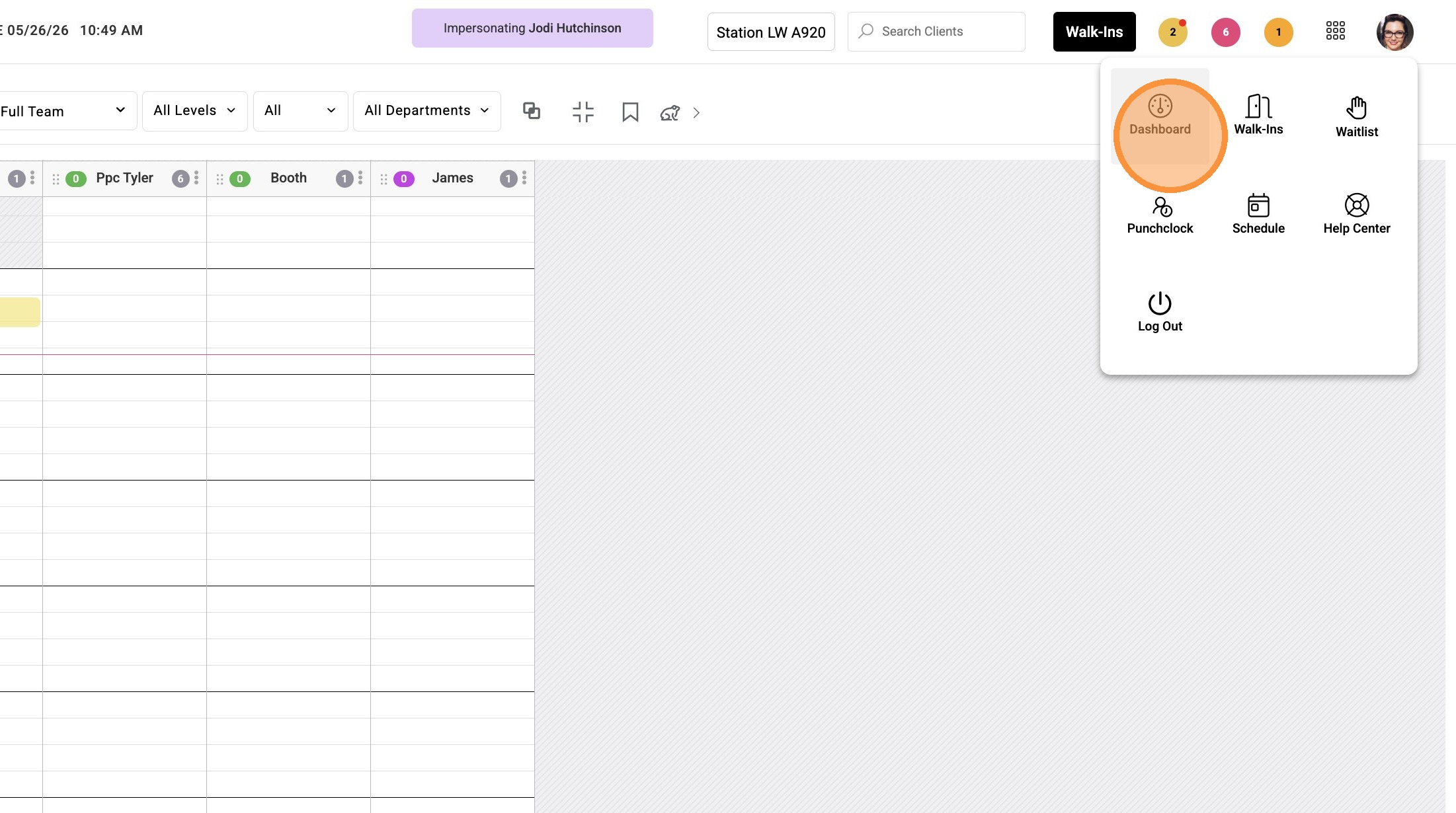
3. Click "Details" in the top right to view staff commission summaries
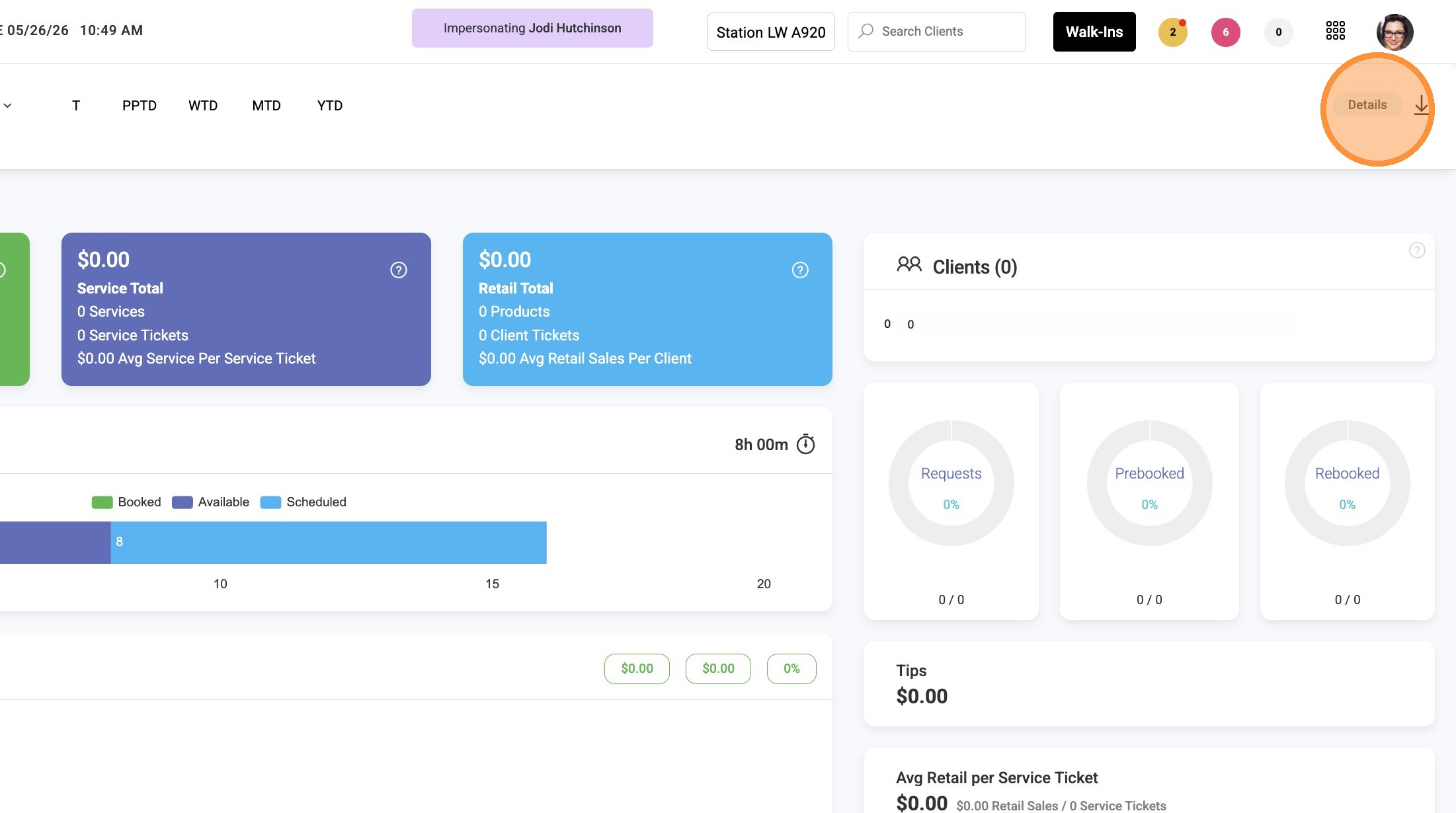
4. Select Payroll Date Period & Location
To Adjust Settings for the Provider Report
Settings > Business > Access
View Commissions on Provider Report
Controls visibility of commission details on the Provider Report.
When disabled, the Details button is hidden from the Provider Report.
Hide Products Row on Provider Report
Controls whether product sales information displays on the Provider Report.
When enabled, the Products row is hidden from the Provider Report.
More about hiding products on the Provider Report
Do Not Deduct Service Fees on Provider Report and Dashboard
Controls whether service fees are deducted from displayed provider totals.
When enabled, service fees are not deducted from totals shown on the Provider Report or Dashboard.
Hide Tips on Provider Report
When enabled, tips no longer display to the provider on the Provider Report. However, tips will still be available on the Dashboard for providers who have permission enabled to view them.