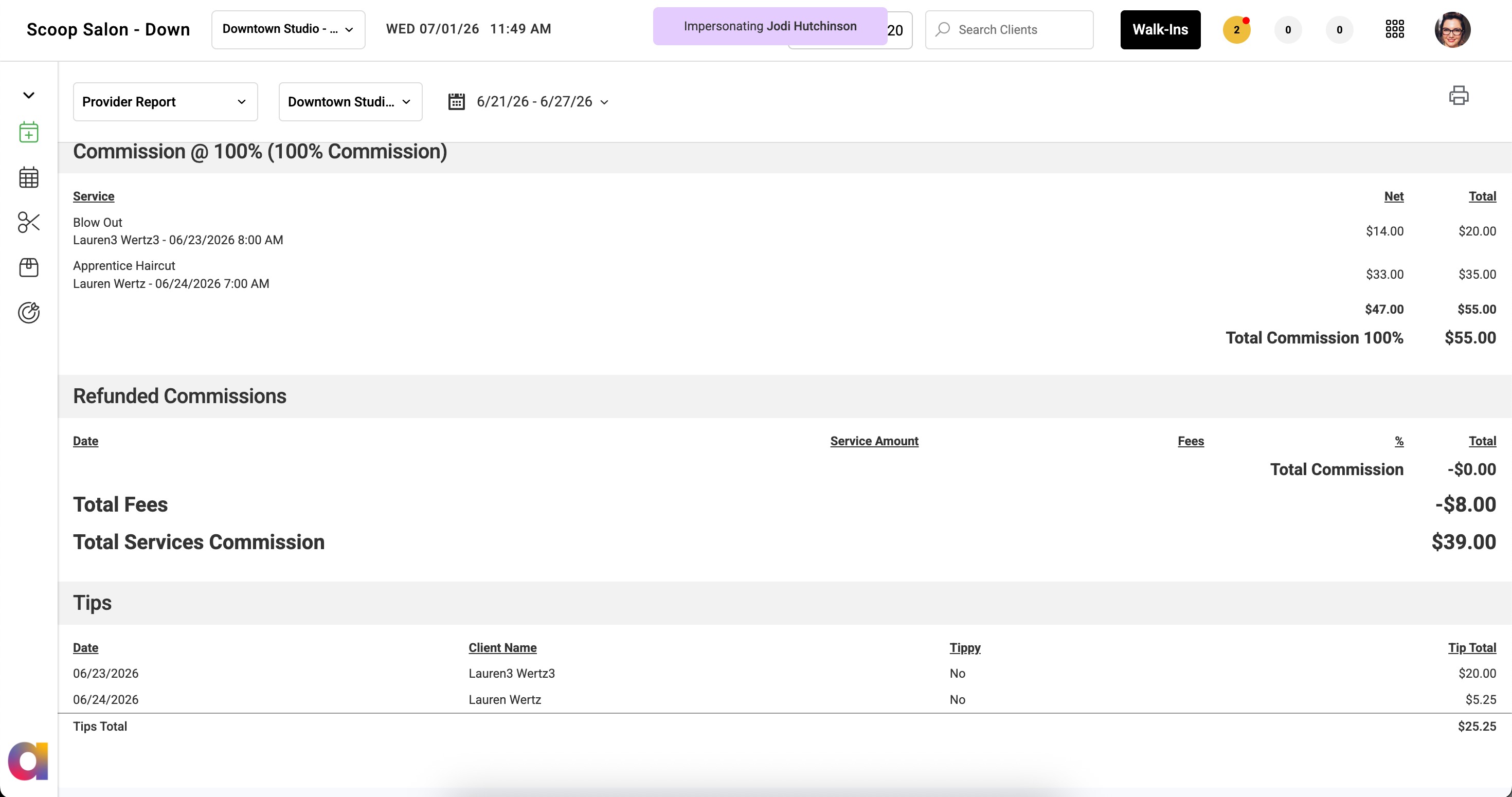
Learn how to navigate to and view tips by transaction in the Provider Details report on the Provider Dashboard.
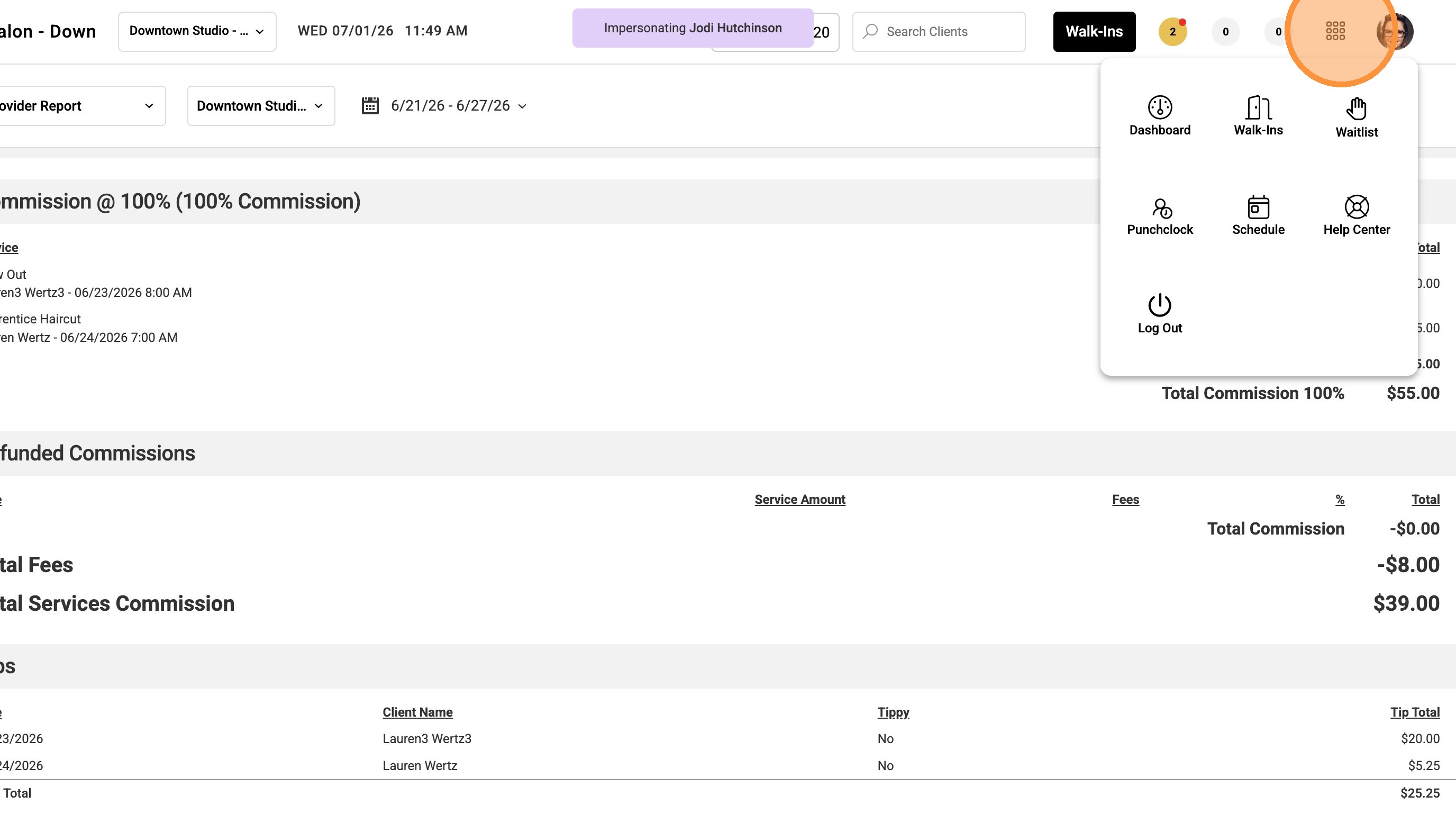
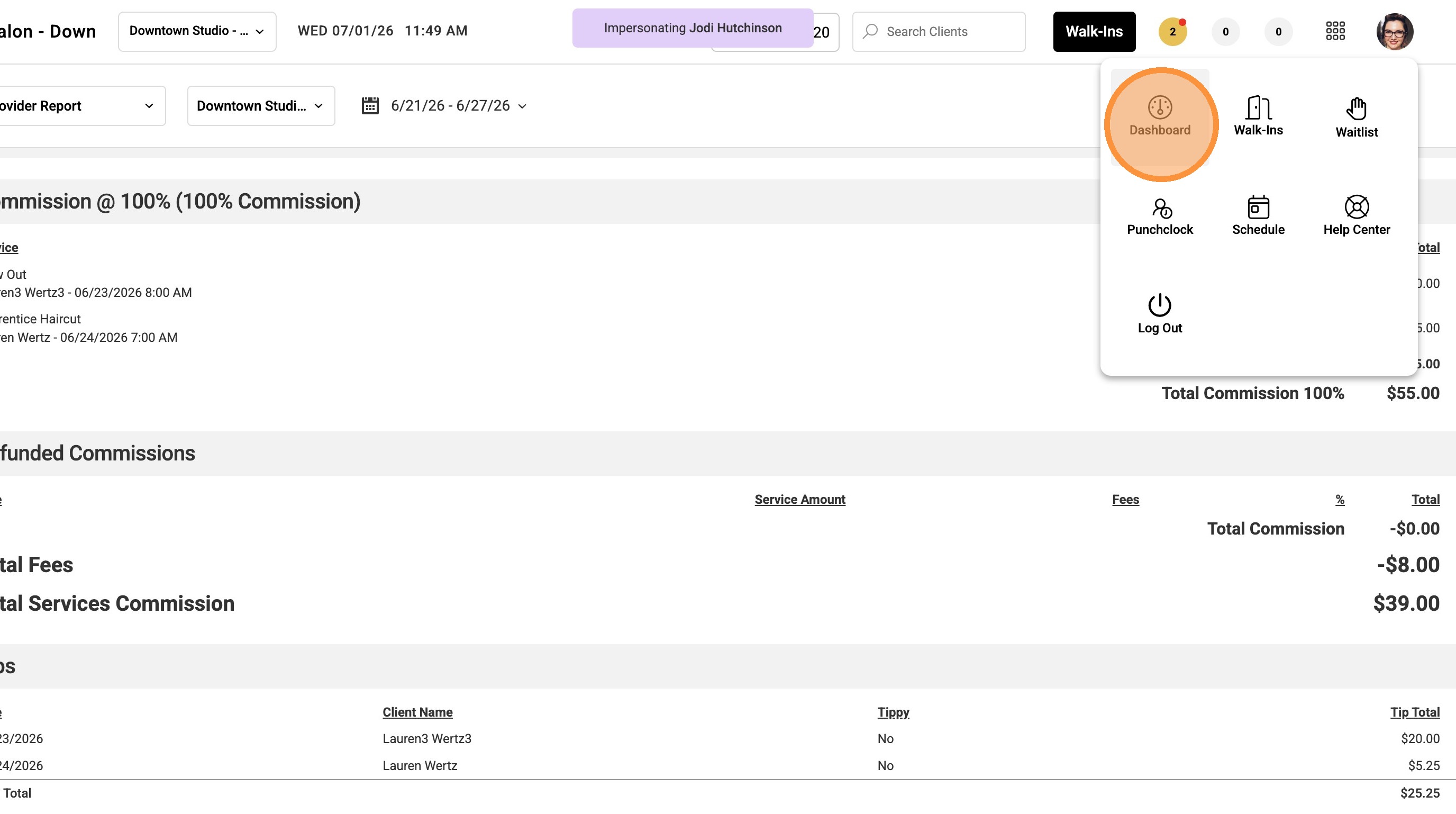
1. Select Dashboard from the 9-dot menu.
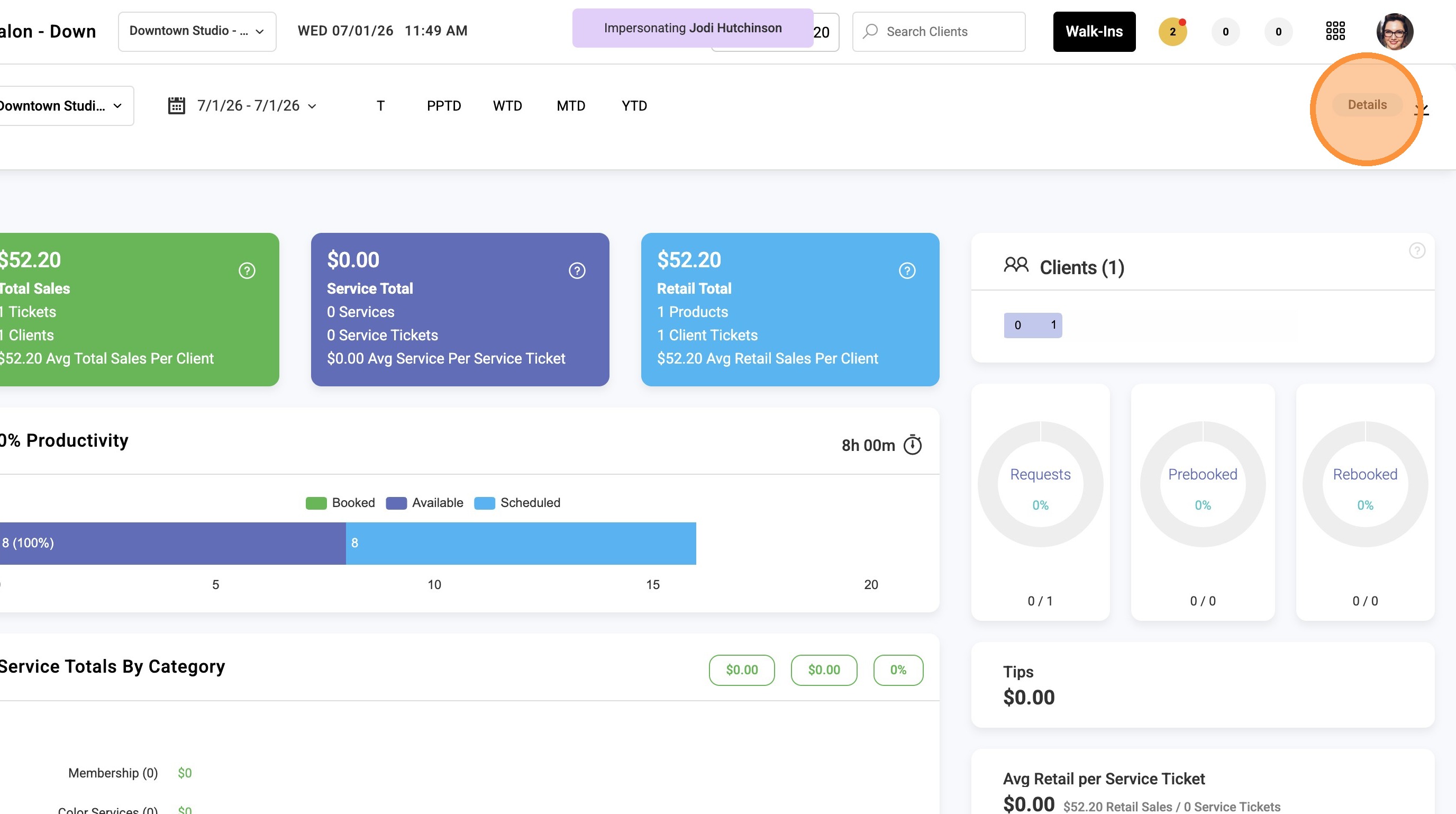
2. Click Details in the upper-right corner of the Dashboard.
3. Tips are listed by transaction at the bottom of the Details report.