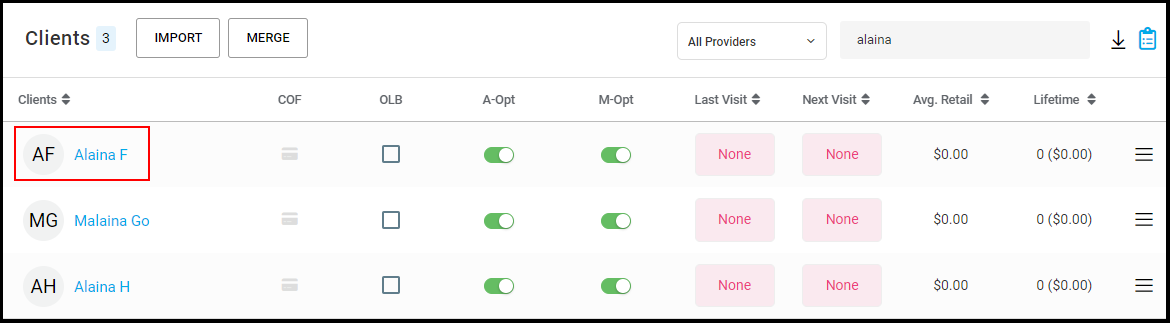
Owners, Managers, and Receptionists may Merge Clients Files by accessing AURA on a Computer.
Please note: Stored credit cards, guests of the base client and Smart Booking will not be merged.
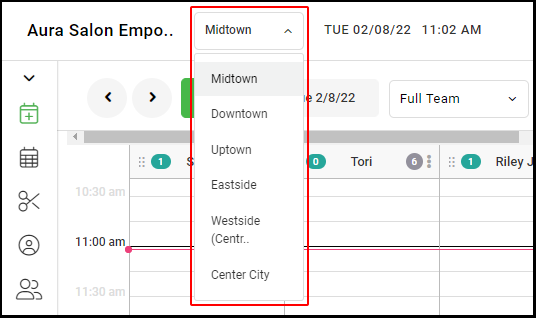
1. For multi-location salons, select the desired location form the drop down menu.
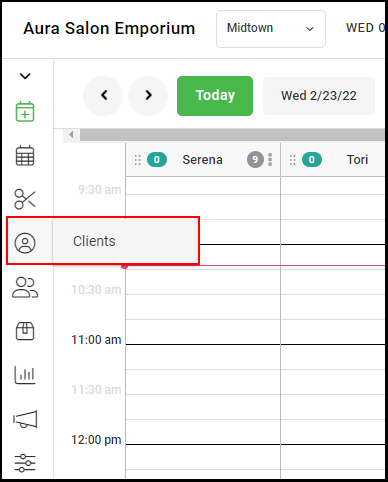
2. Select "Clients".
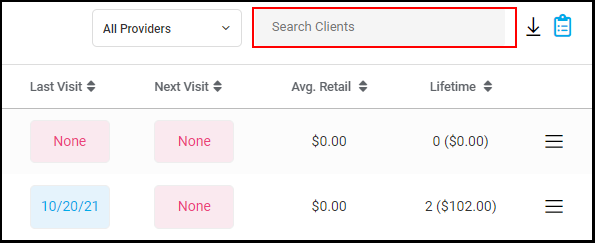
3. Type in the name of the clients that need to be merged.
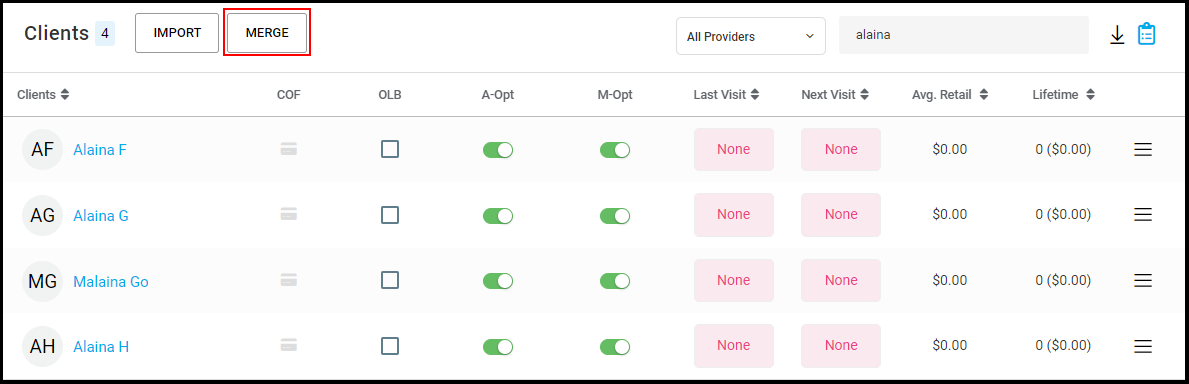
4. Select "Merge".
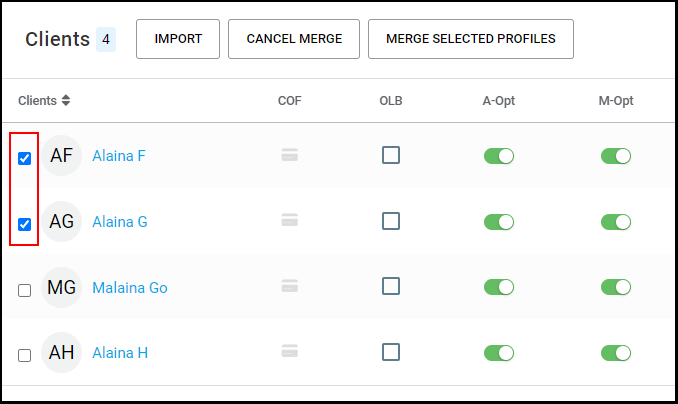
5. Click the boxes of the client accounts that need to be merged.
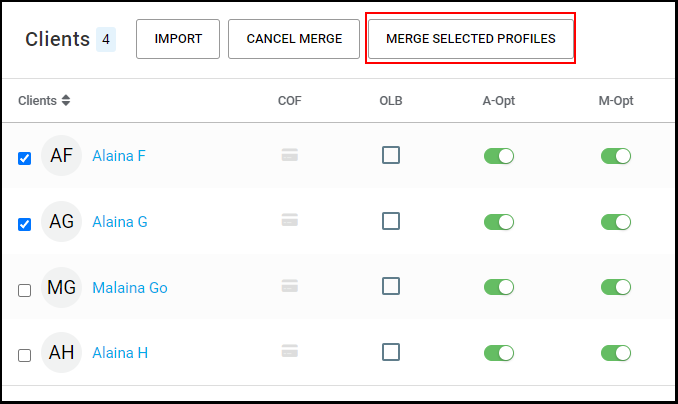
6. Select "Merge Selected Profiles".
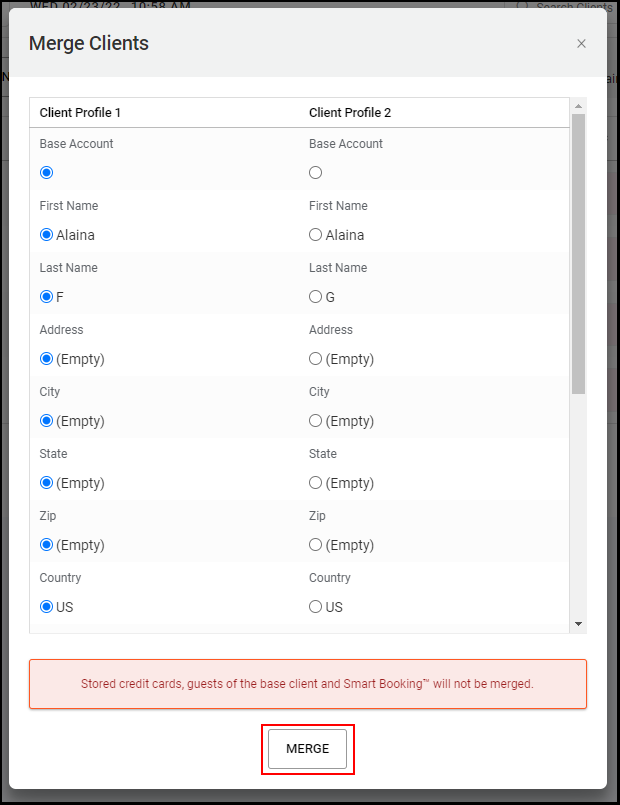
7. The two client accounts will pop up so the accounts can be verified before merging. Once both accounts are confirmed, select "Merge".
NOTE: Stored credit cards, guests of the base client and Smart Booking™️ will not be merged.
8. The merged client account should now be seen.