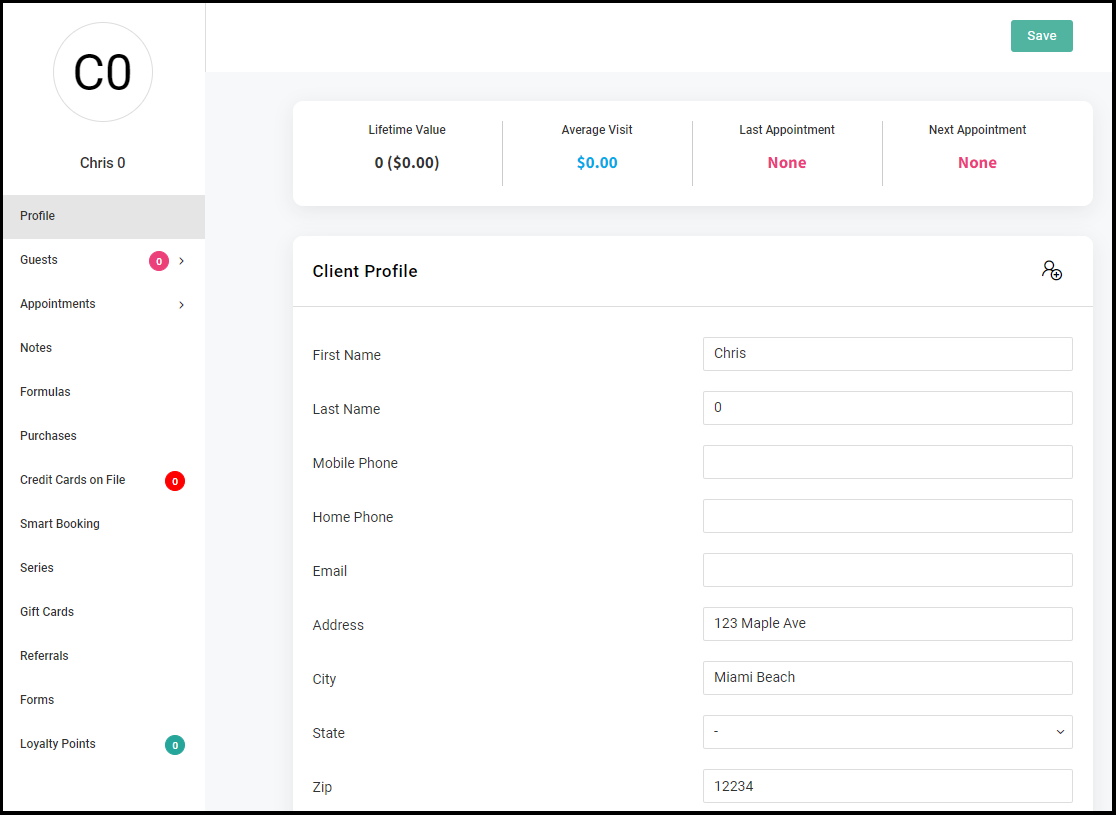
Accessing the Client Profile from the Appointment Calendar
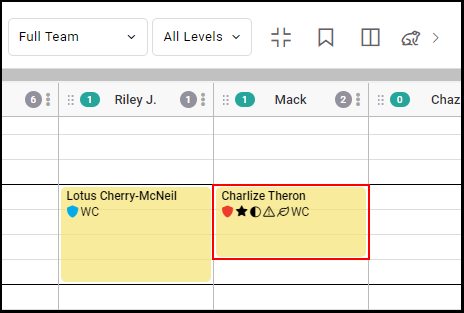
1. Select the Client’s appointment on the Calendar view
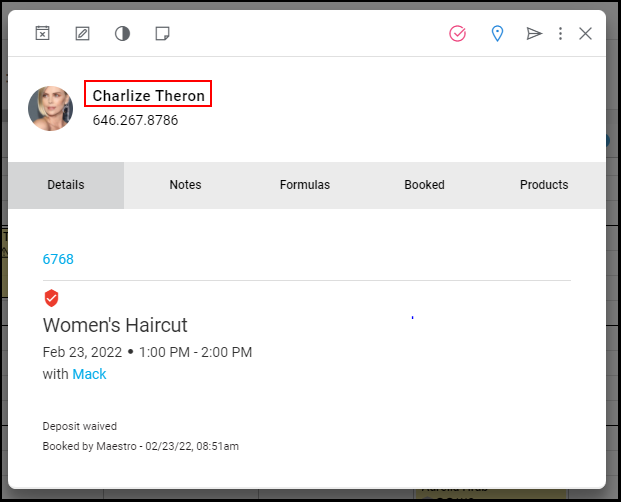
2. The Client Modal will pop up. Select the Client’s Name.
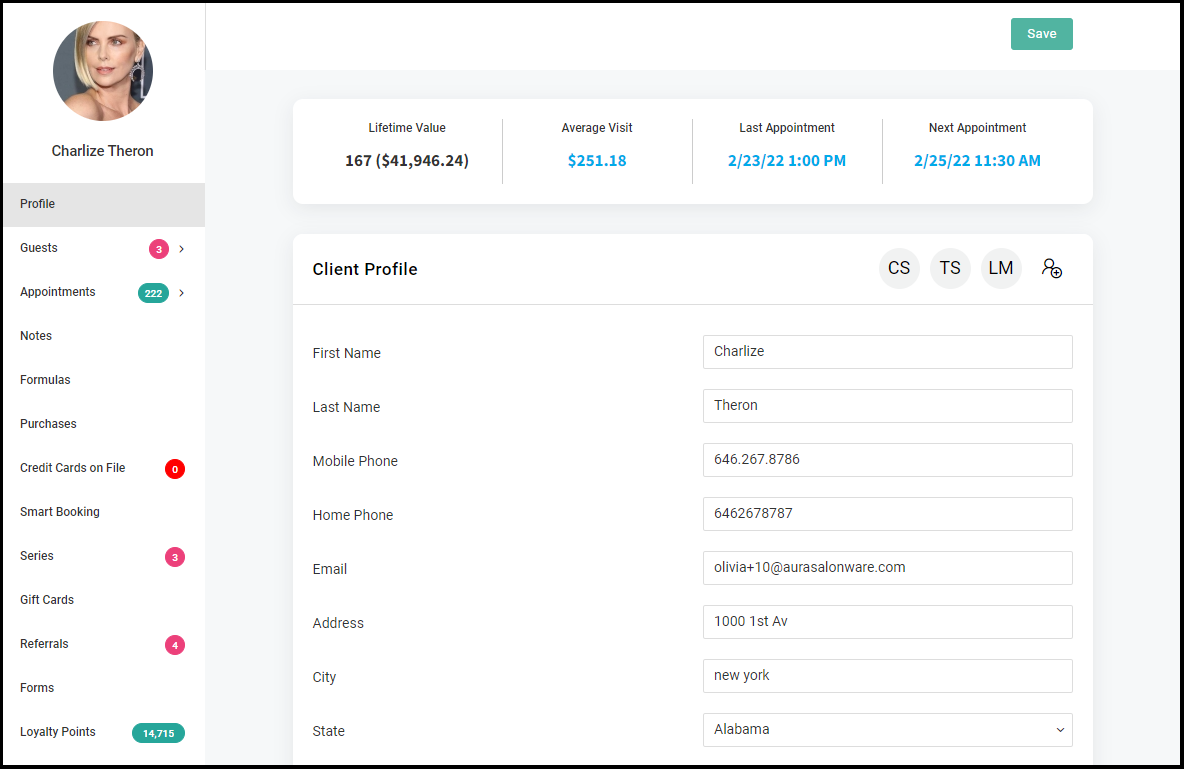
3. The Client's Profile is now displayed.
Accessing the Client Profile from the Client List
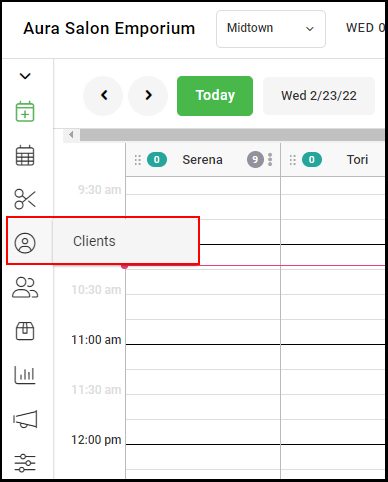
1. Select the Clients tab on the left navigation menu
2. Scroll or type in the Client’s name
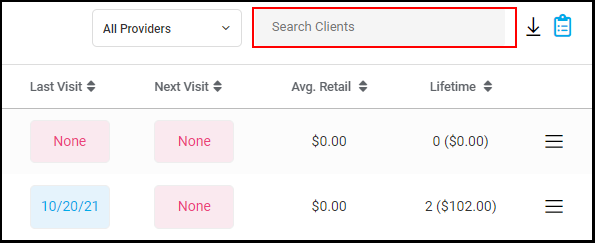
3. Select the Client's name.

4. The Client's profile is now displayed.