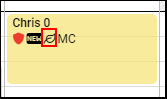
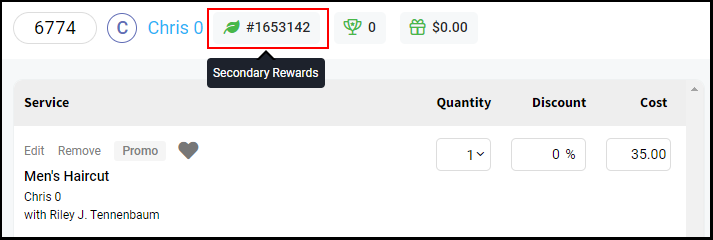
Owners, Managers, Receptionists, and Providers can add Secondary Rewards to a client file.
If your salon offers a secondary reward program aside from AURA’s built in loyalty program, such as Aveda A+ Rewards, then Management and Reception staff can identify clients who participate in the Secondary Rewards program on the client’s profile. Providers will also have the ability to set secondary rewards for a client if “Hide client contact info from Providers” is disabled under Salon Settings > Access.
If the Secondary Rewards toggle in the client file is turned on and an ID number is entered then a Secondary Rewards indicator will display on the appointment calendar and on the open ticket as a quick reference during the guest’s visit.
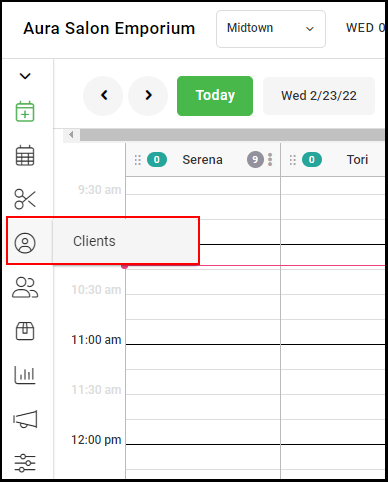
1. Go to "Clients".
2. Scroll or type in the client's name in the search bar.
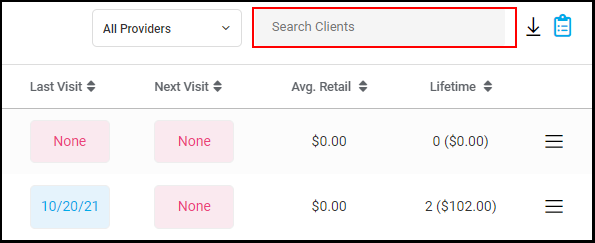
3. Select the client's name

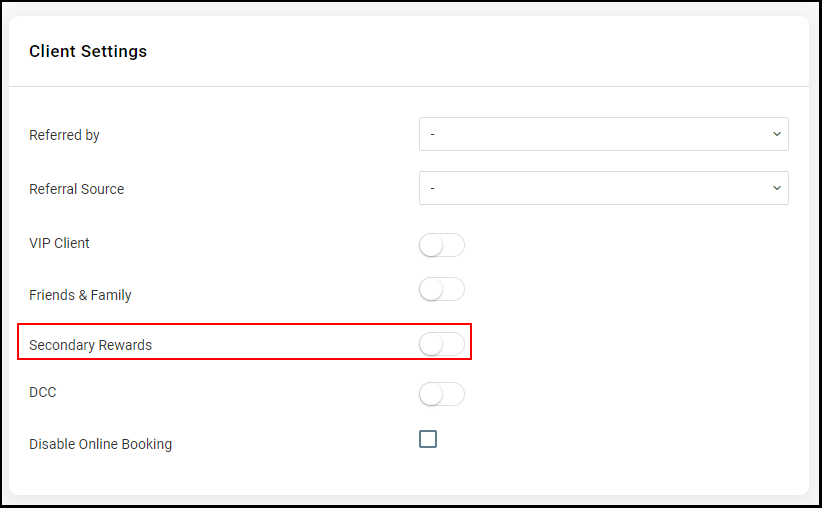
4. Scroll to Client Settings in the client's profile and select the "Secondary Rewards" toggle.
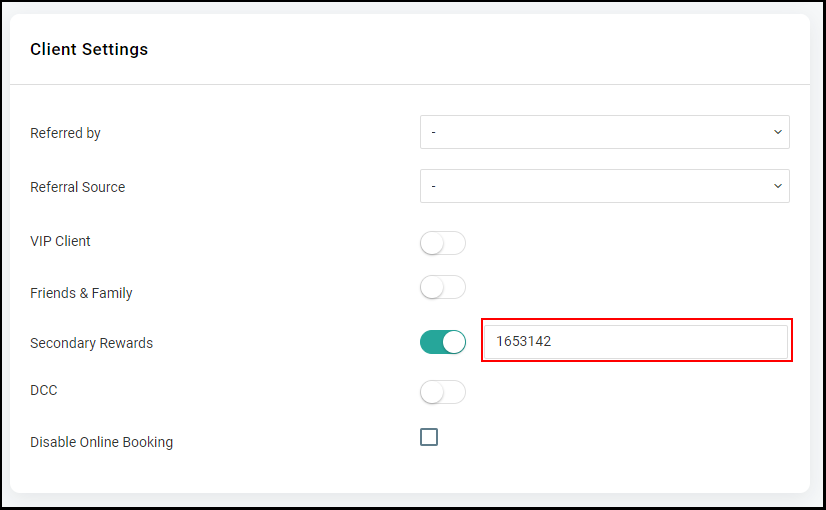
5. Type in the Secondary Rewards ID Number that will be assigned to the client.
6. Select "Save". 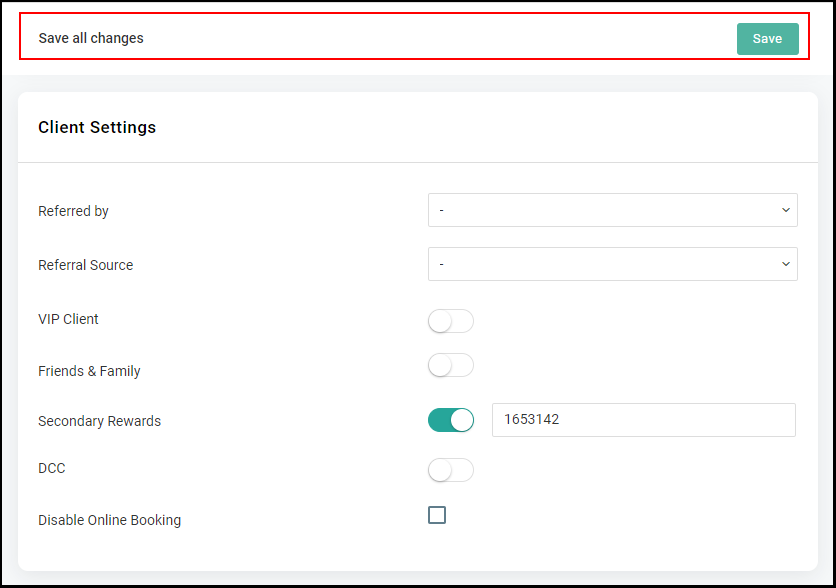
7. The Secondary Rewards indicator will appear on the client's appointment and on open tickets