Owners, Managers, Receptionists and Providers can add a card to a client's profile for easy checkout and purchases.
1. Select "Clients".
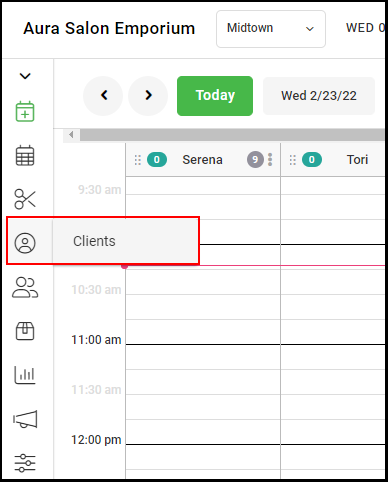
2. Scroll or Type in the Client's name.
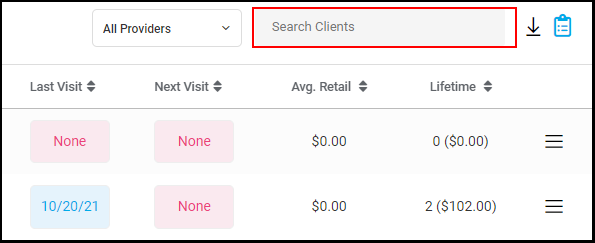
3. Select credit card icon to the right of client's name.
NOTE: Green Credit Cards signifies an existing card is on file, while grey signifies no credit card is on file.

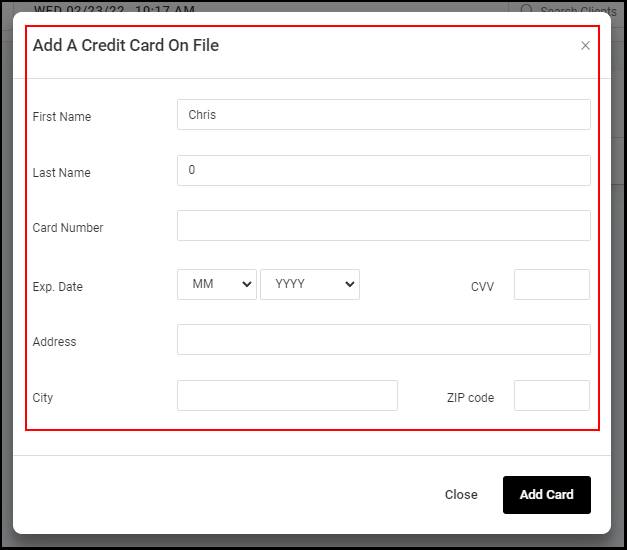
4. Enter the Client's card information
5. Select Add Card
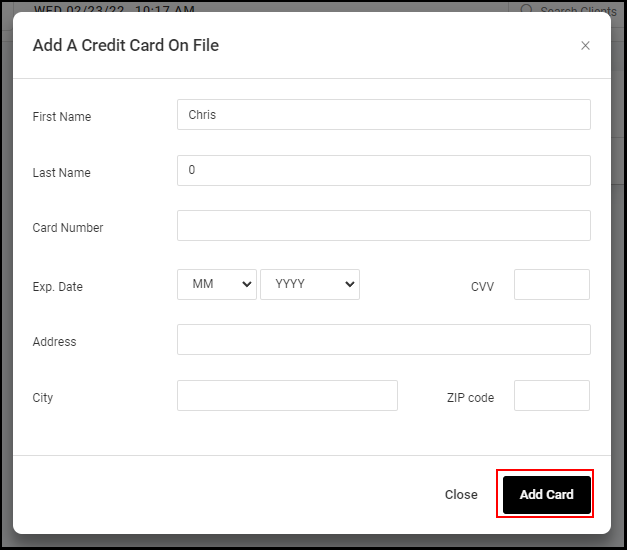
6. The card will now be in the Credit Cards on File section of the client's profile.