Password Reset From Client Profile
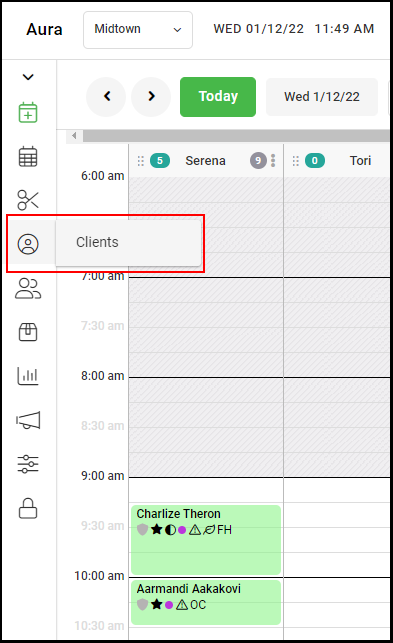
1. Select the “Clients” icon from the left side menu.
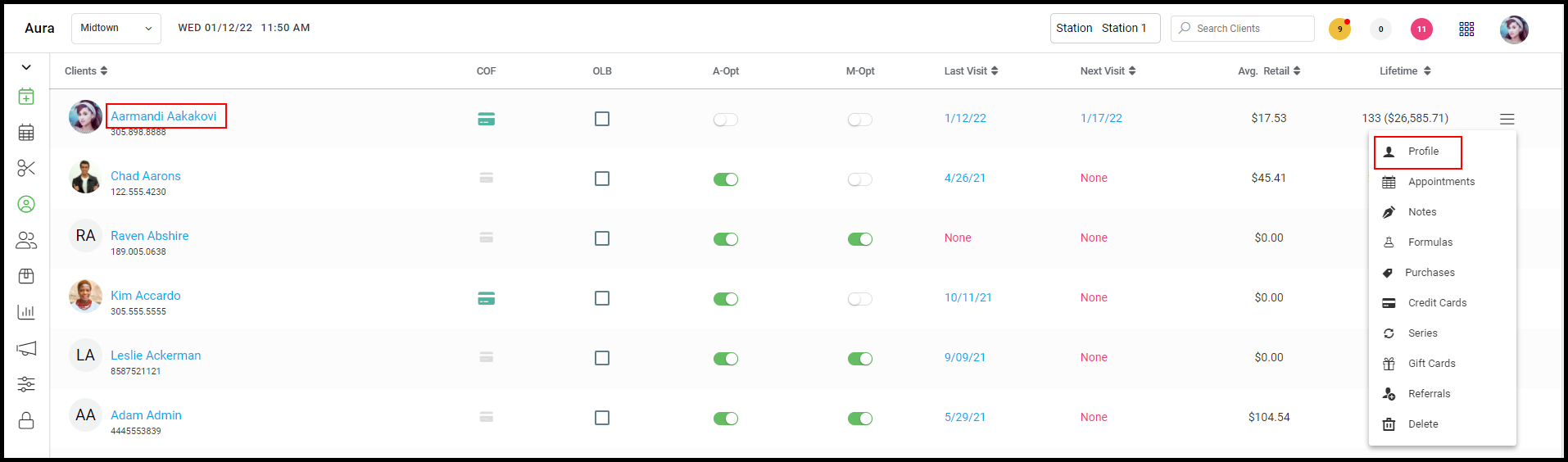
2. Either click on the desired client's name or go to the drop-down menu and select "Profile" under the desired client.
3. On the client's profile, select "Magic Password" at the bottom of the guest profile page, and reset instructions will be sent. 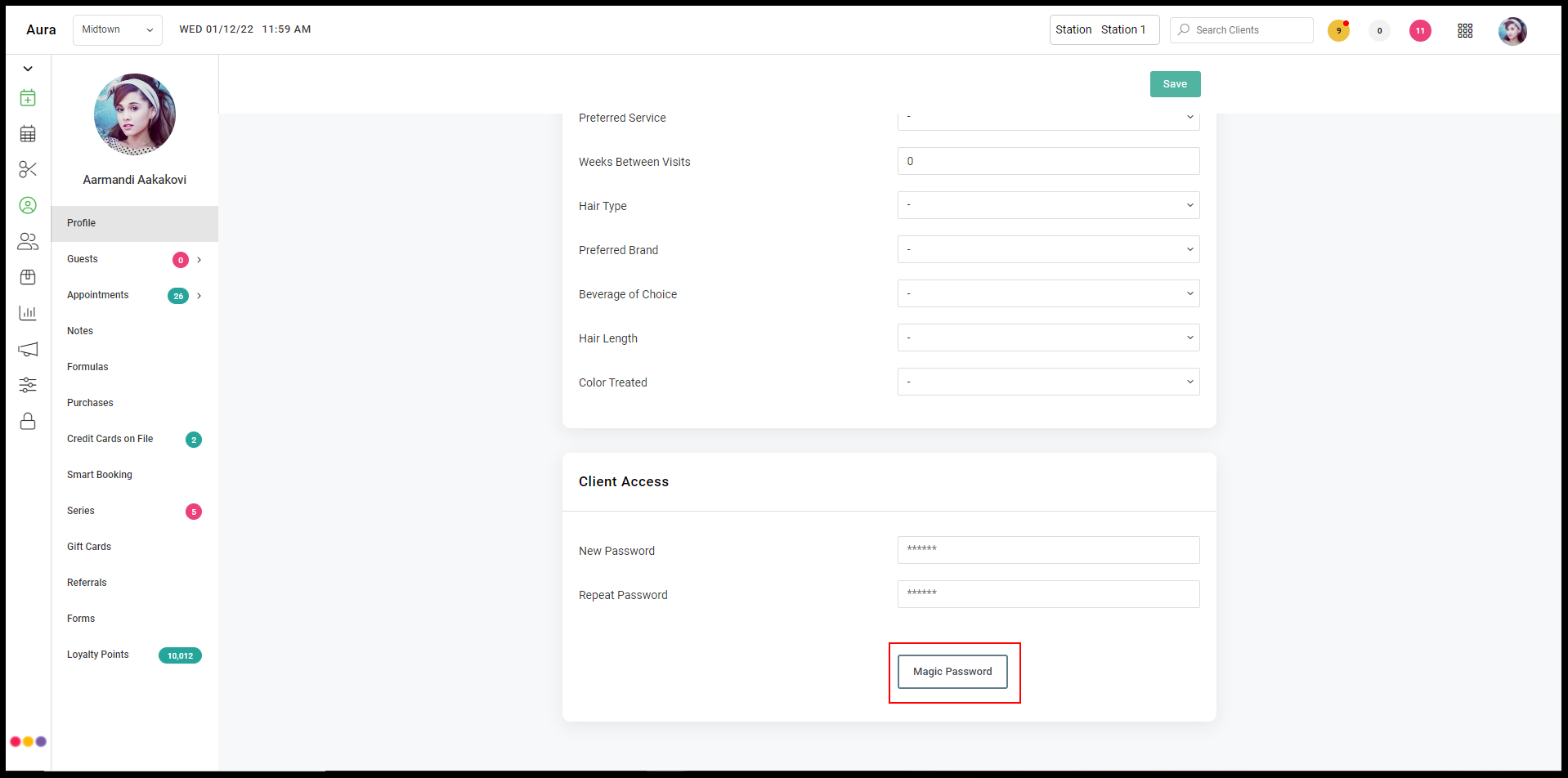
Password Reset From Appointment Details Screen
1. Select the desired client's appointment to activate the appointment details.
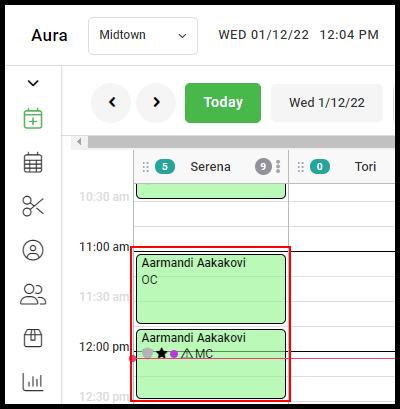
2. Within the appointment details, select the "Send Password Link" icon to prompt the password reset email. 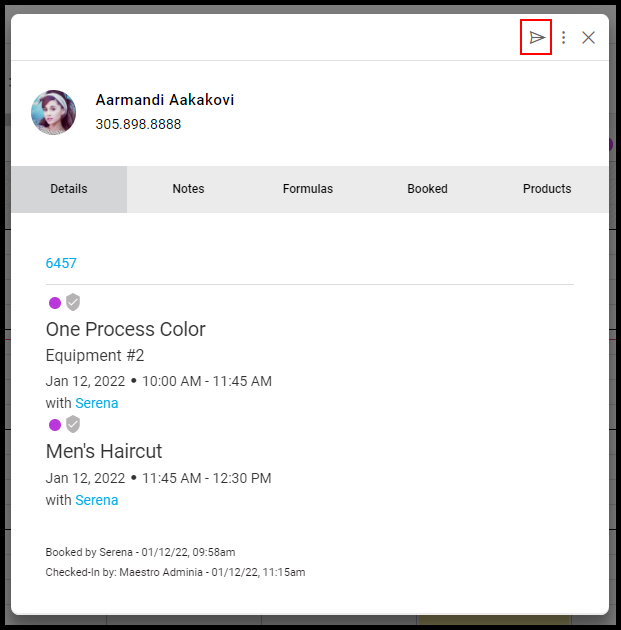
Password Reset within an Open Ticket
1. From the appointment calendar, select the desired client.
NOTE: In this scenario, select an appointment that is not yet checked out - any appointment that is not green.
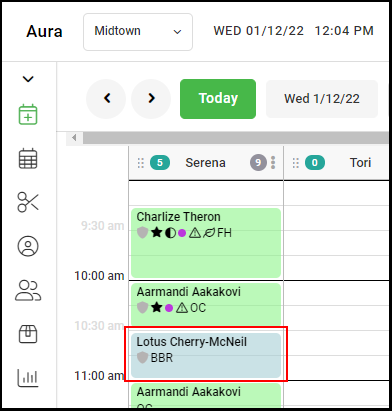
2. Select "Ticket" to access the appointment ticket.
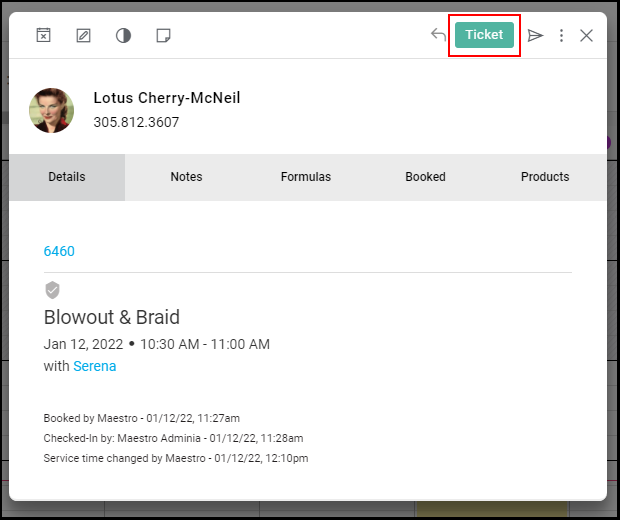
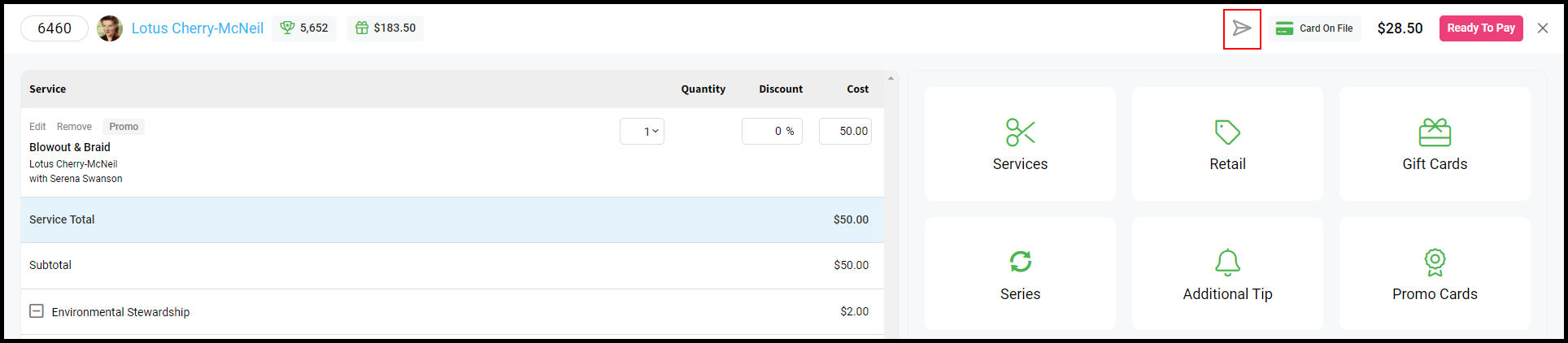
3. Within the ticket, select the "Send Password Link" icon to prompt the password reset email.