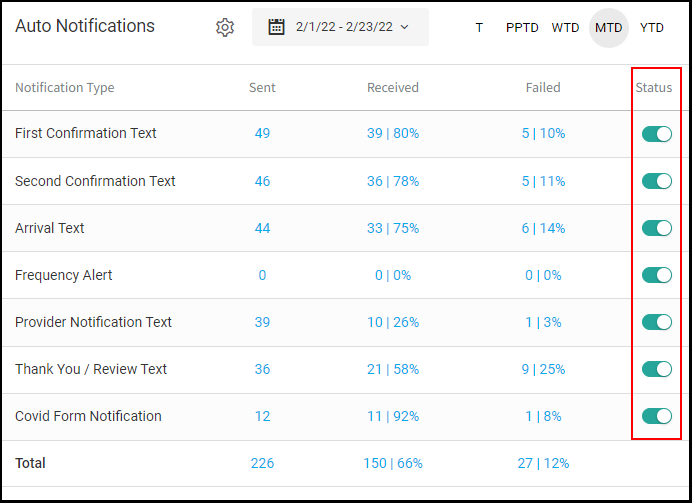
Owners and Managers can turn on Auto Notifications that will allow for easy Client and Salon/Provider communications
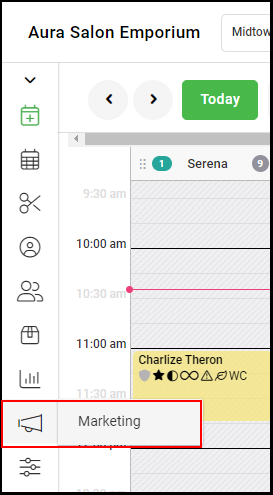
1. Select "Marketing".
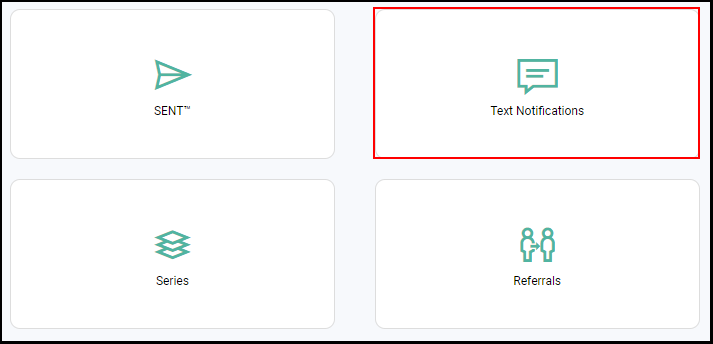
2. Select "Text Notifications".
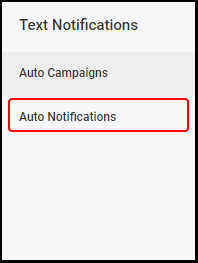
3. Select "Auto Notifications".
4. Enable or disable a specific notification by changing the "Status" toggle.
NOTE: Green indicates the notification is enabled. Gray indicates the notification is disabled.