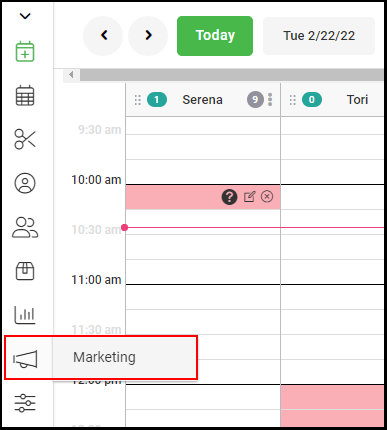
1. Navigate to "Marketing".
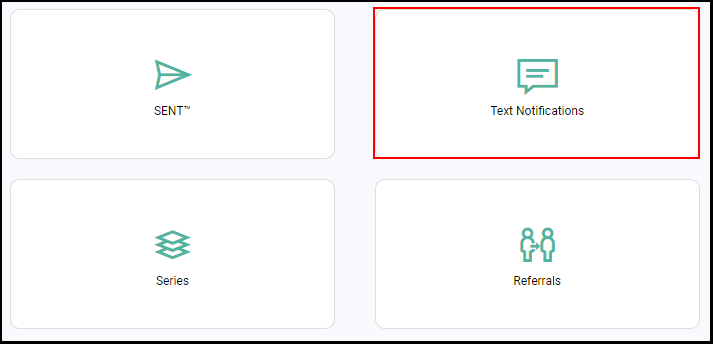
2. Select "Text Notifications".
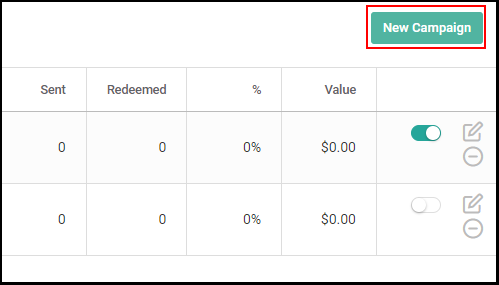
3. Select the "New Campaign" button on the top right to create a new Auto Campaign.
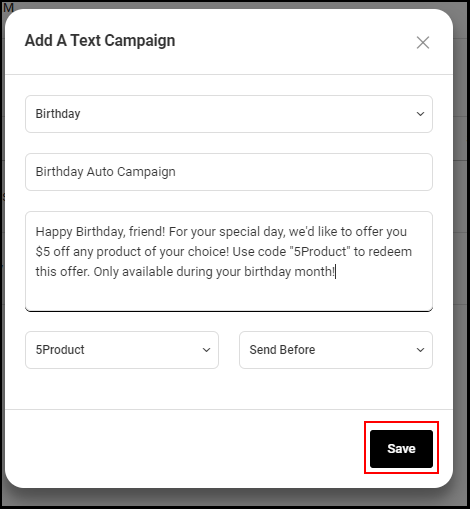
4. Select "Birthday" from the campaign type drop down menu.
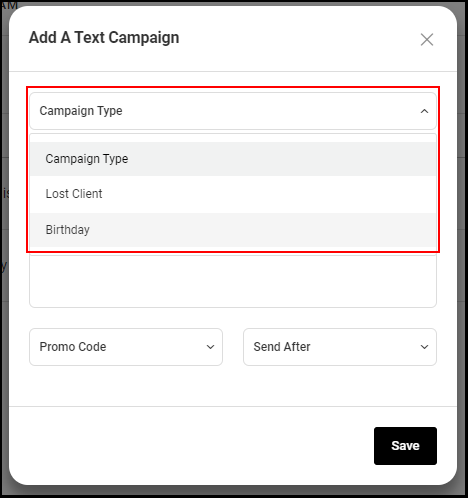
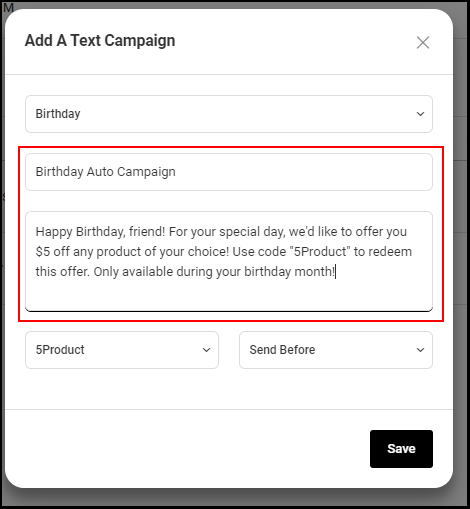
4. Enter the name and body of the text campaign.
NOTE: Remember to include the promo code in the message field.
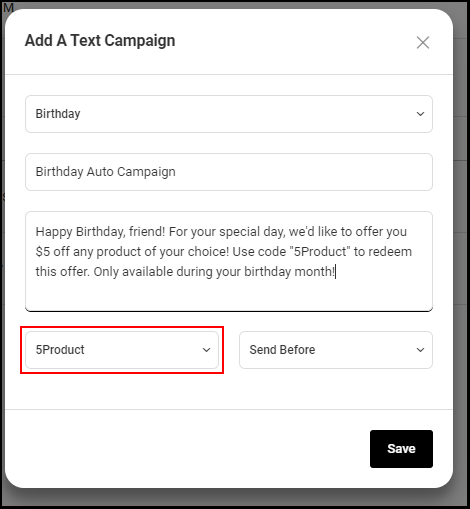
6. Link the text campaign to a specific promotion by selecting the corresponding code from the "Promo Code" drop down menu.
NOTE: The code selected from the drop down should match the code entered in the Message Field.
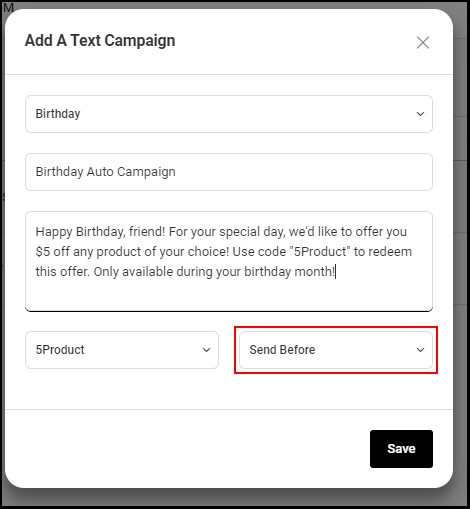
7. Select how long before the client's birthday you want the text message to be sent.
8. Select "Save".