Note: Multi-location salons must do this in each location and the setting Display Promo Card Button in Provider Tickets operates independently of this feature.
1. Via an Owner level account, navigate to "Settings". 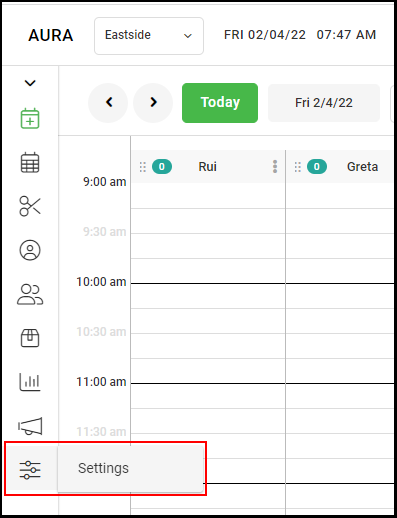
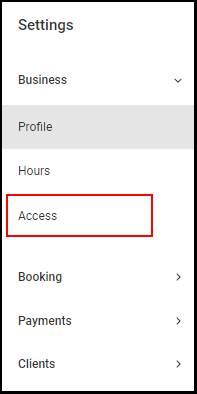
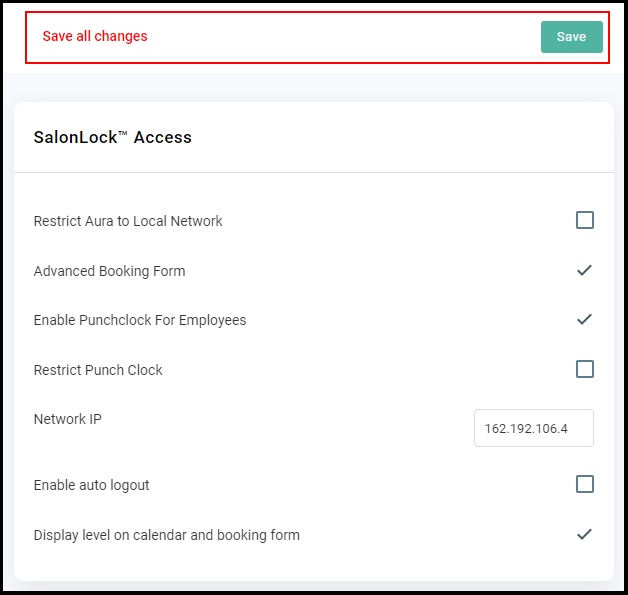
2. Select "Access" from the left-side menu.
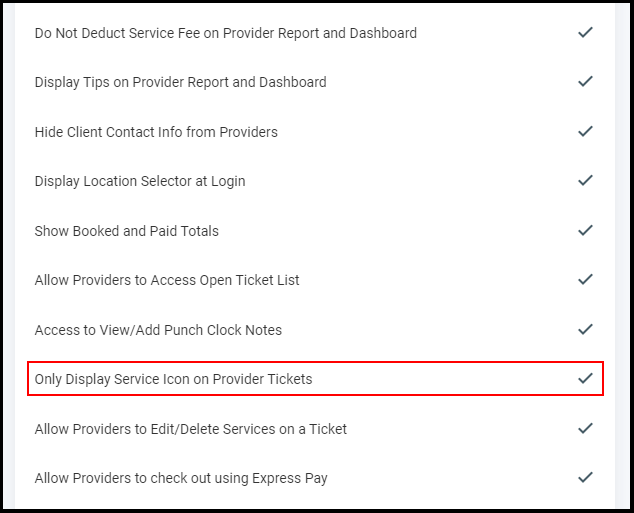
3. Check the box adjacent to "Only Display Services Icon in Provider Tickets".
3. Select "Save" on the top of the screen.
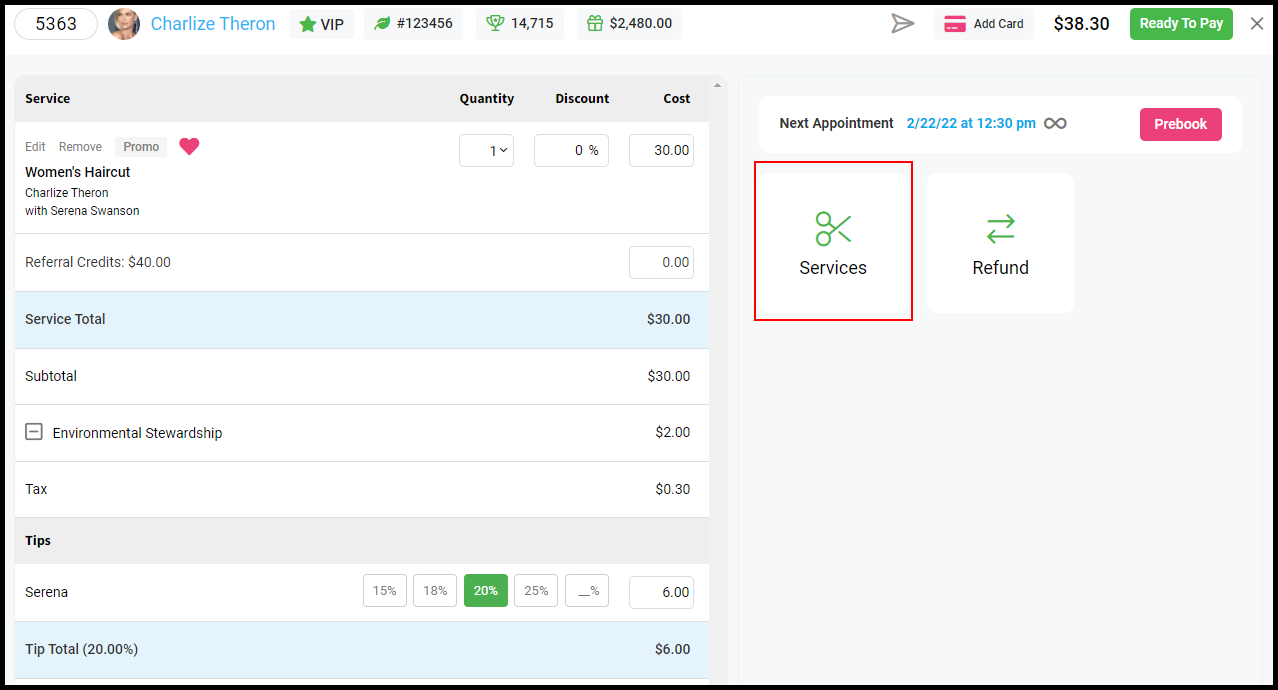
4. Provider tickets will now look like this on Desktop AURA.