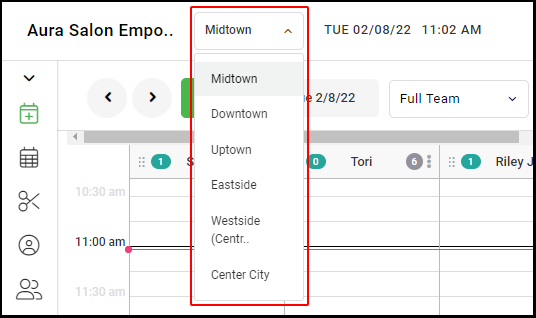
1. If your Salon has multiple locations, select the location on the top of the screen.
NOTE: If your salon only has one location, skip this step and proceed to Step #2.
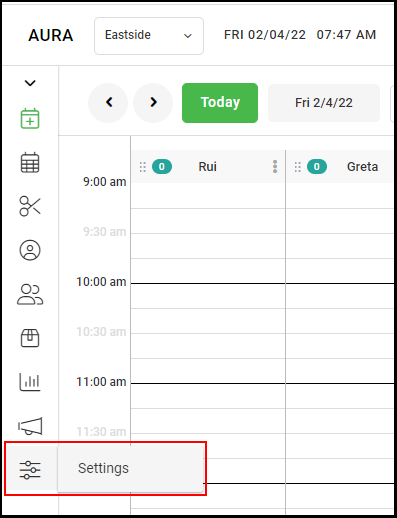
2. Go to "Settings" on the left side menu.
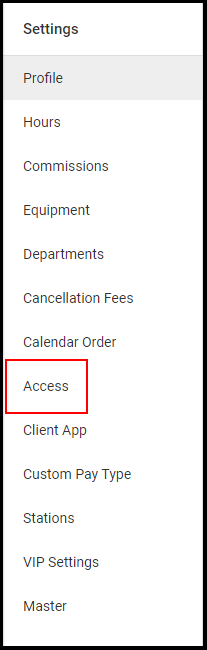
3. Select "Access".
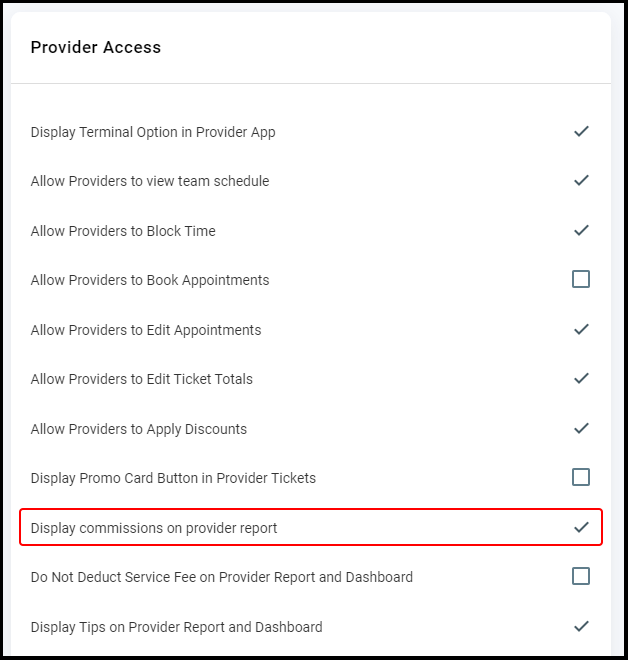
4. Select the checkbox for "Display Commission on Provider Report".
NOTE: When checked, Providers will see the commission earned on the Provider Report. Providers can find the Provider Report by selecting the “Details” button on Dashboard (on computer) or from the “Reports” option (on mobile).
5. Click "Save".
6. If you have multiple salon locations, repeat steps 1-5 for each location.